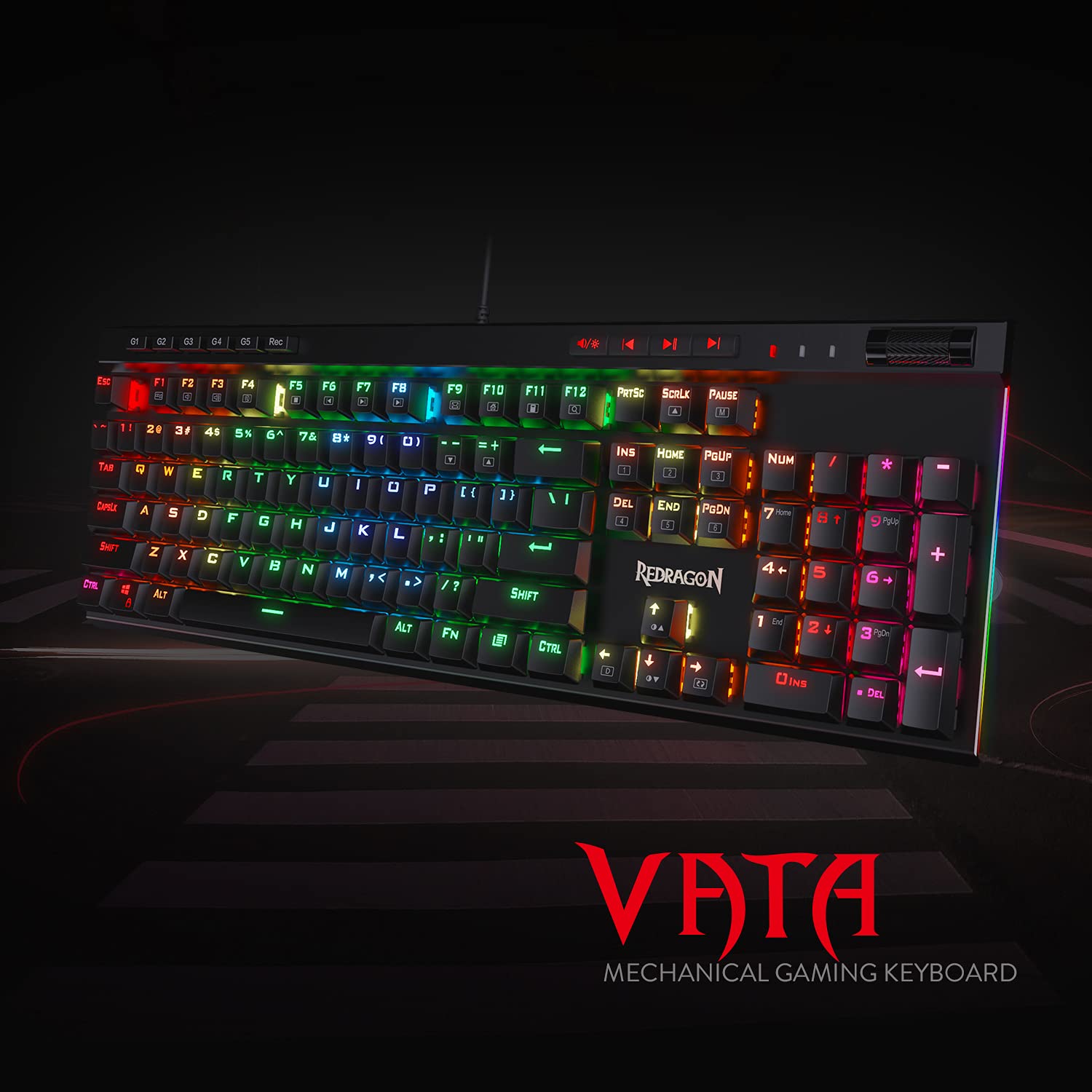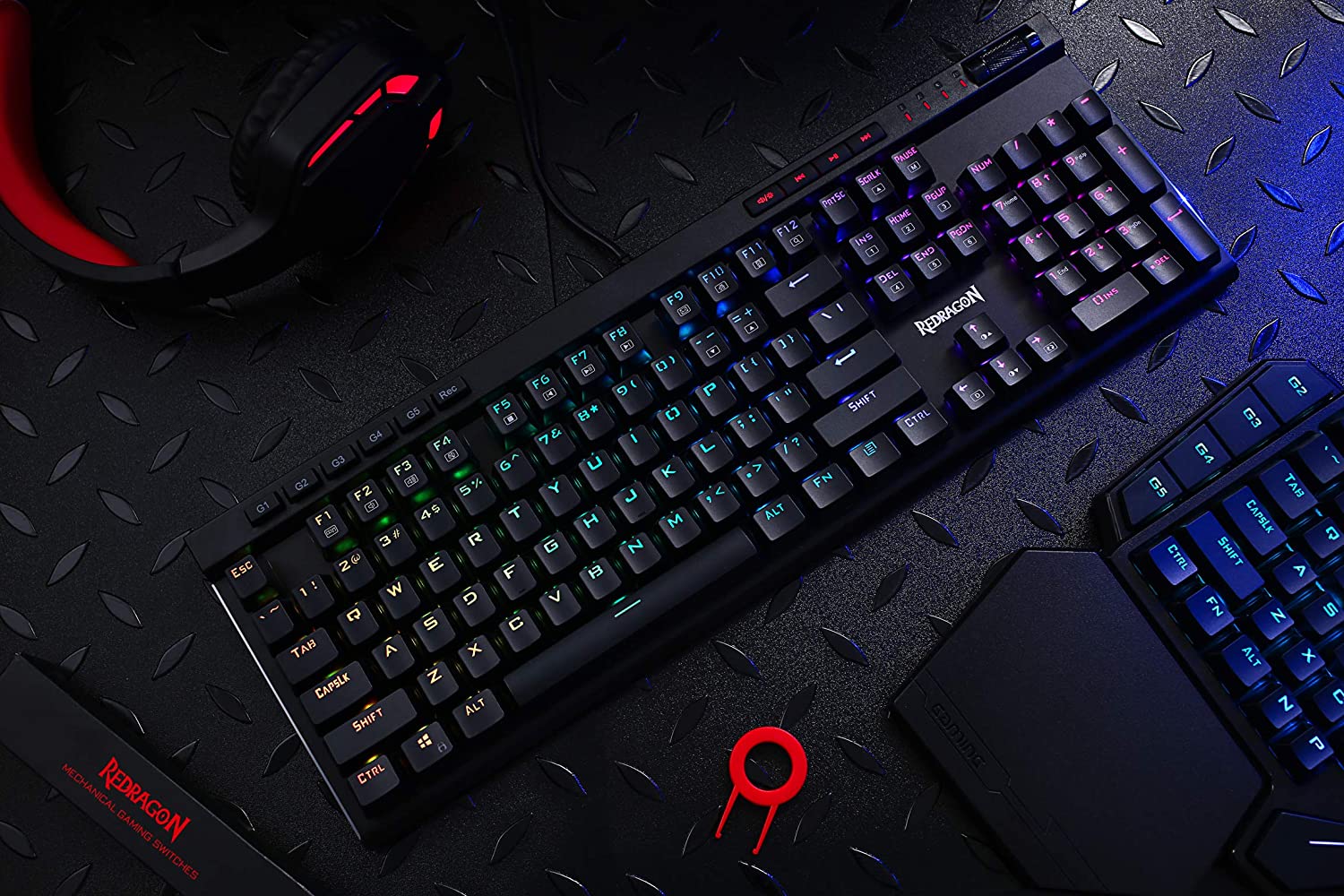

Redragon Vata K580 - 104 Anti Ghosting Keys Wired Mechanical Keyboard (Blue Switch)
- Regular price
-
Rs. 4,080.00 - Regular price
-
Rs. 5,990.00 - Sale price
-
Rs. 4,080.00
Inclusive of all taxes
Sign up for restock notifications
DELIVERY INFORMATION
Delivery Time : 3 - 7 Days (Depending on the location)
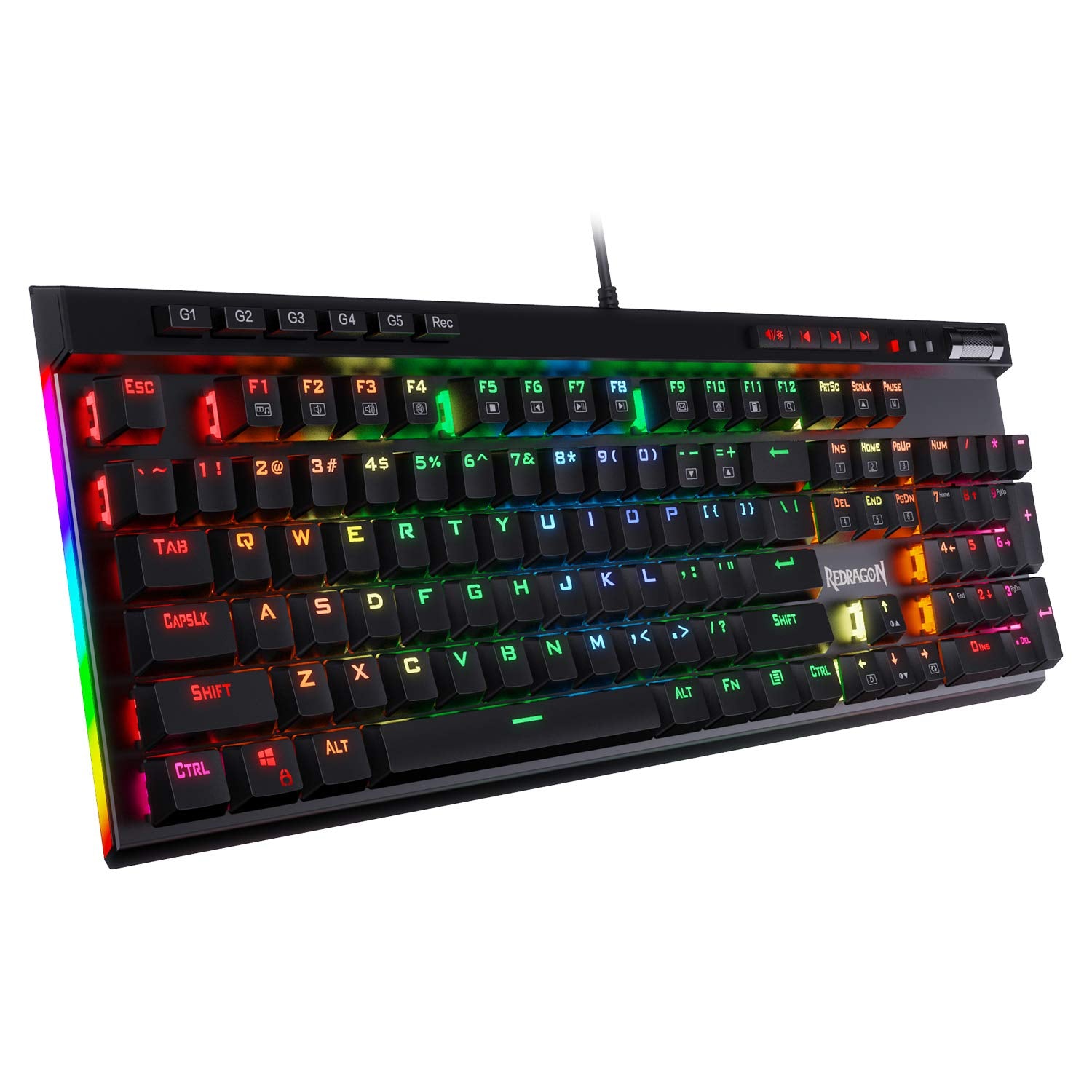


Description
- Durability: 50 million times keystroke test, small actuation force, and short travel make it. Special Double-shot injection molded keycaps never fade Key color. Waterproof and dust resistant.
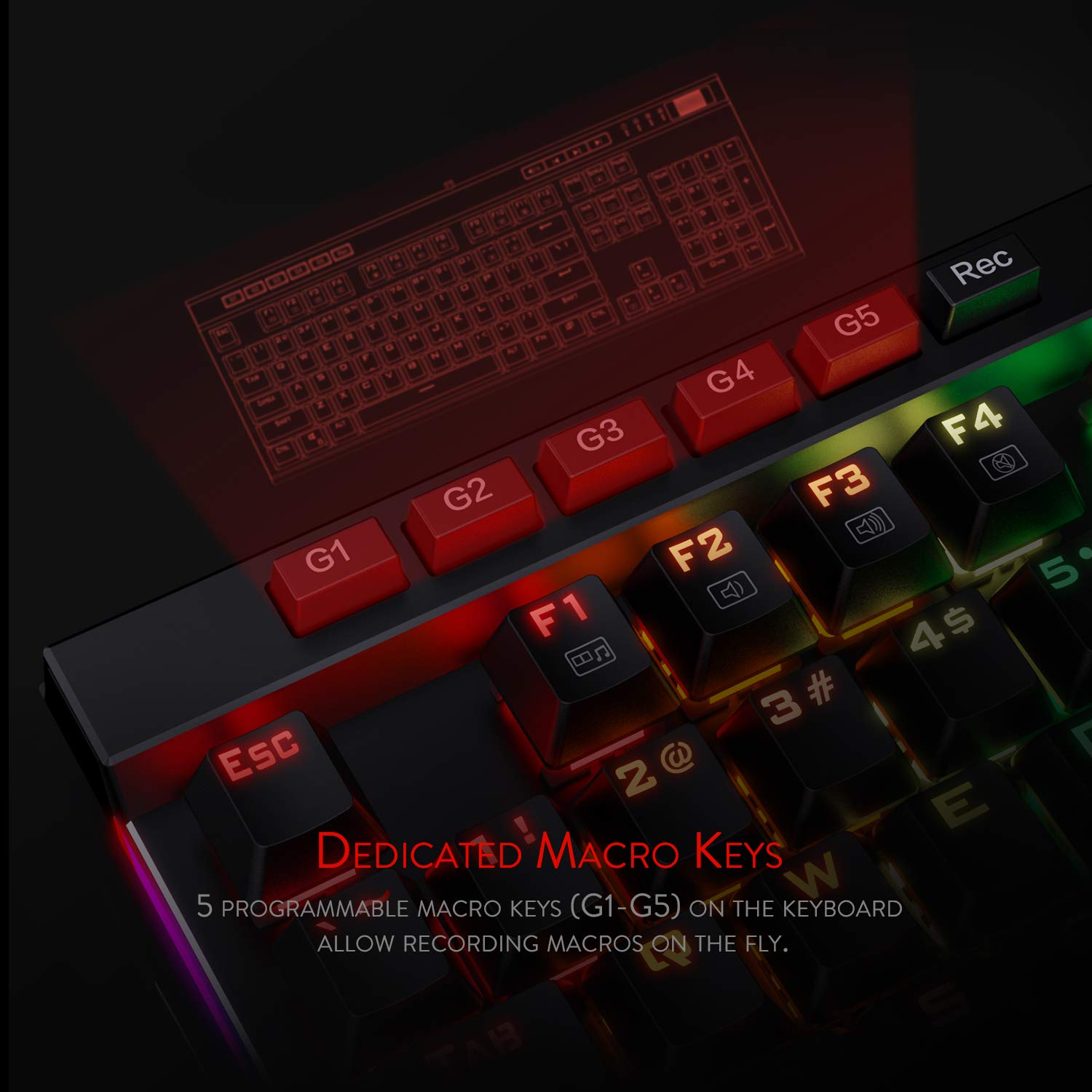
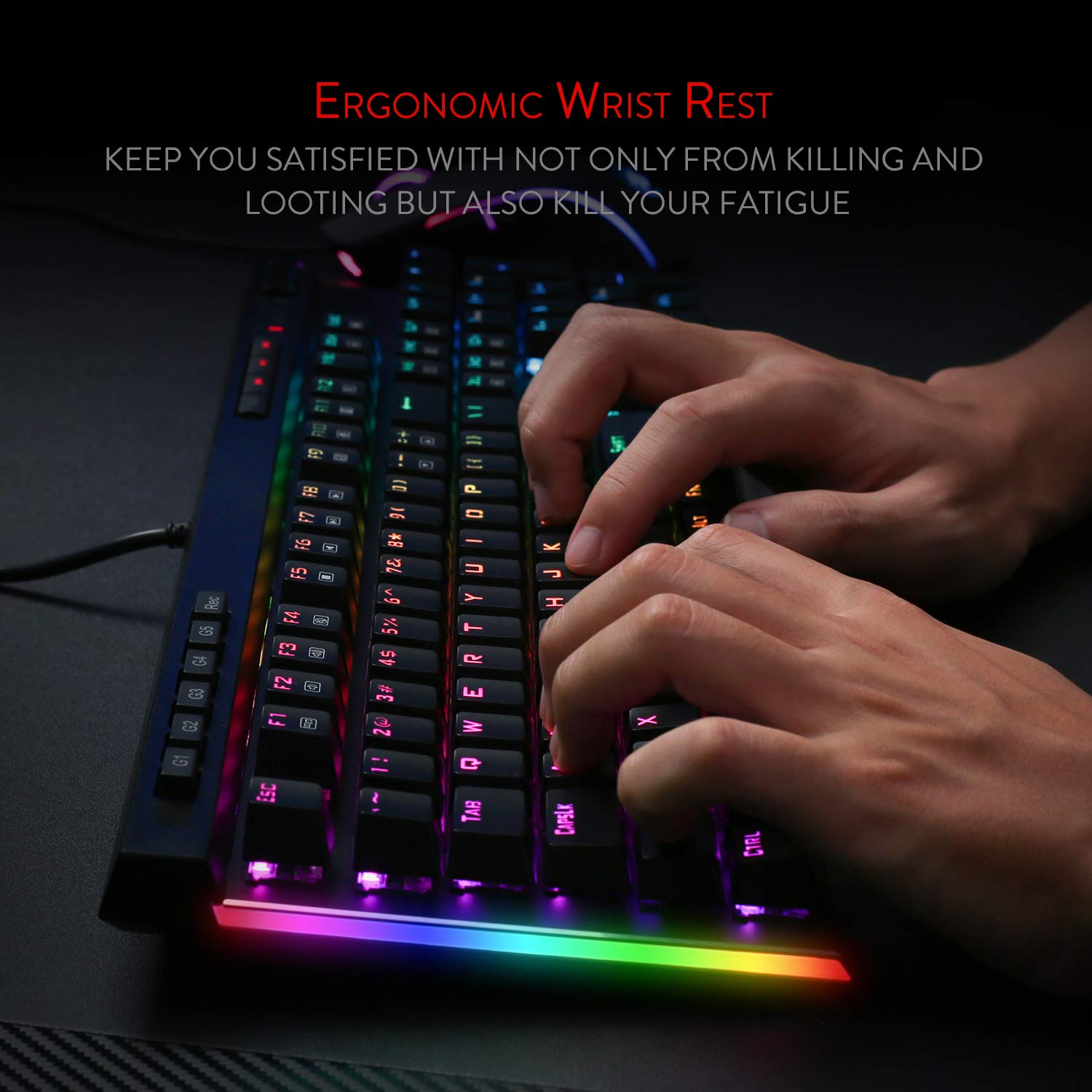
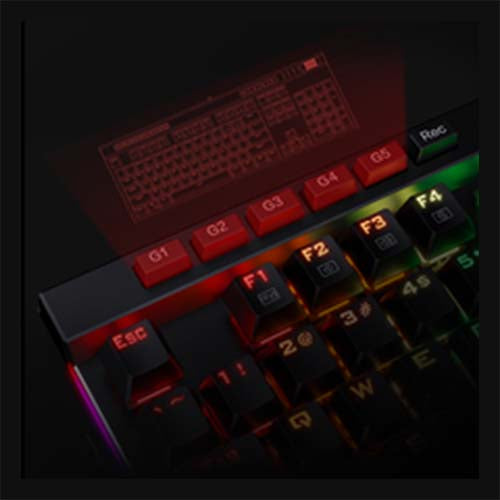
- 5 Macro Keys: There are 5 programmable macro keys(G1~G5) on the keyboard which can be recorded macros on the fly without any additional software required to be installed. Easy to edit and DIY your stylish keyboard. ?No CD software included, please download software from http://bit.ly/K580keyboard?
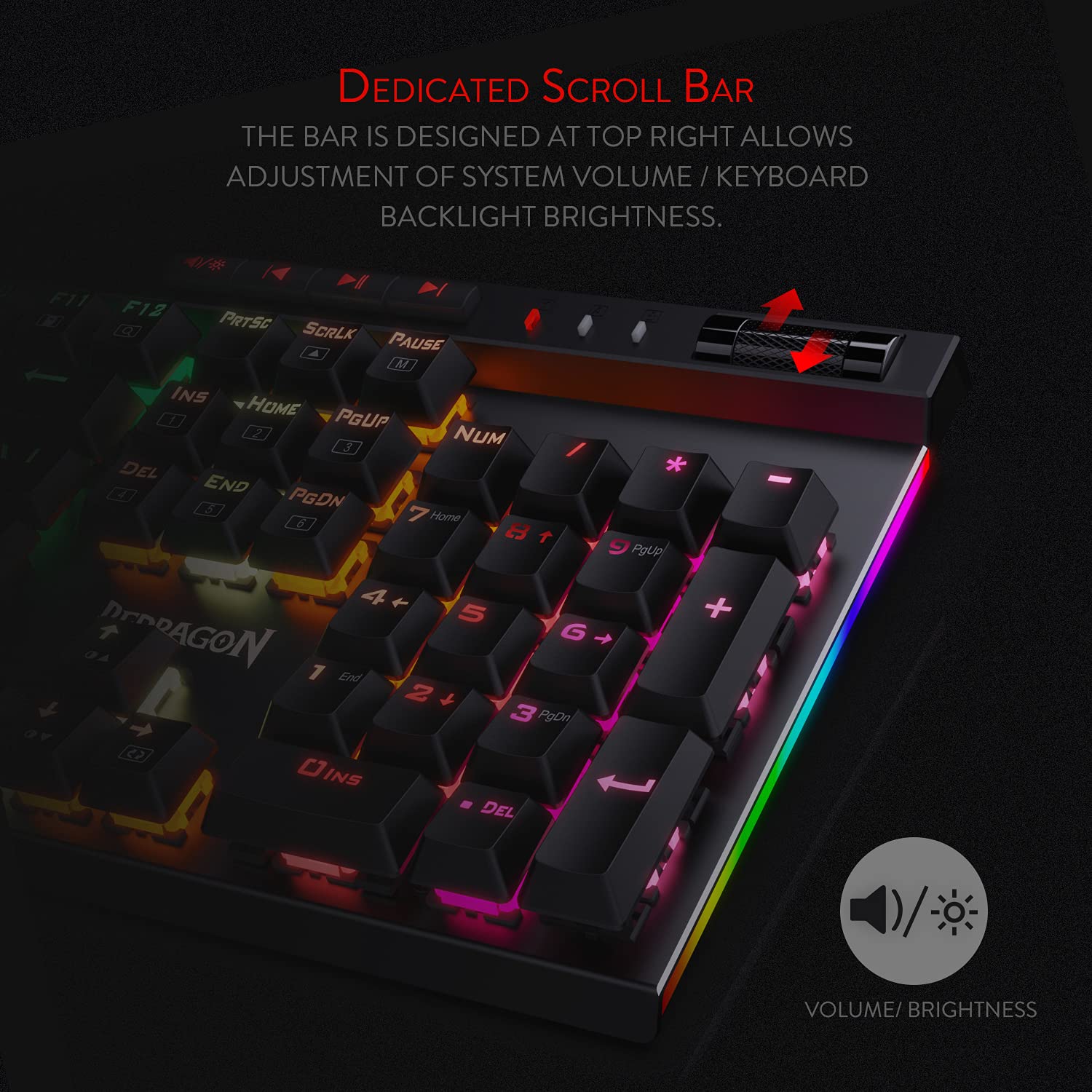
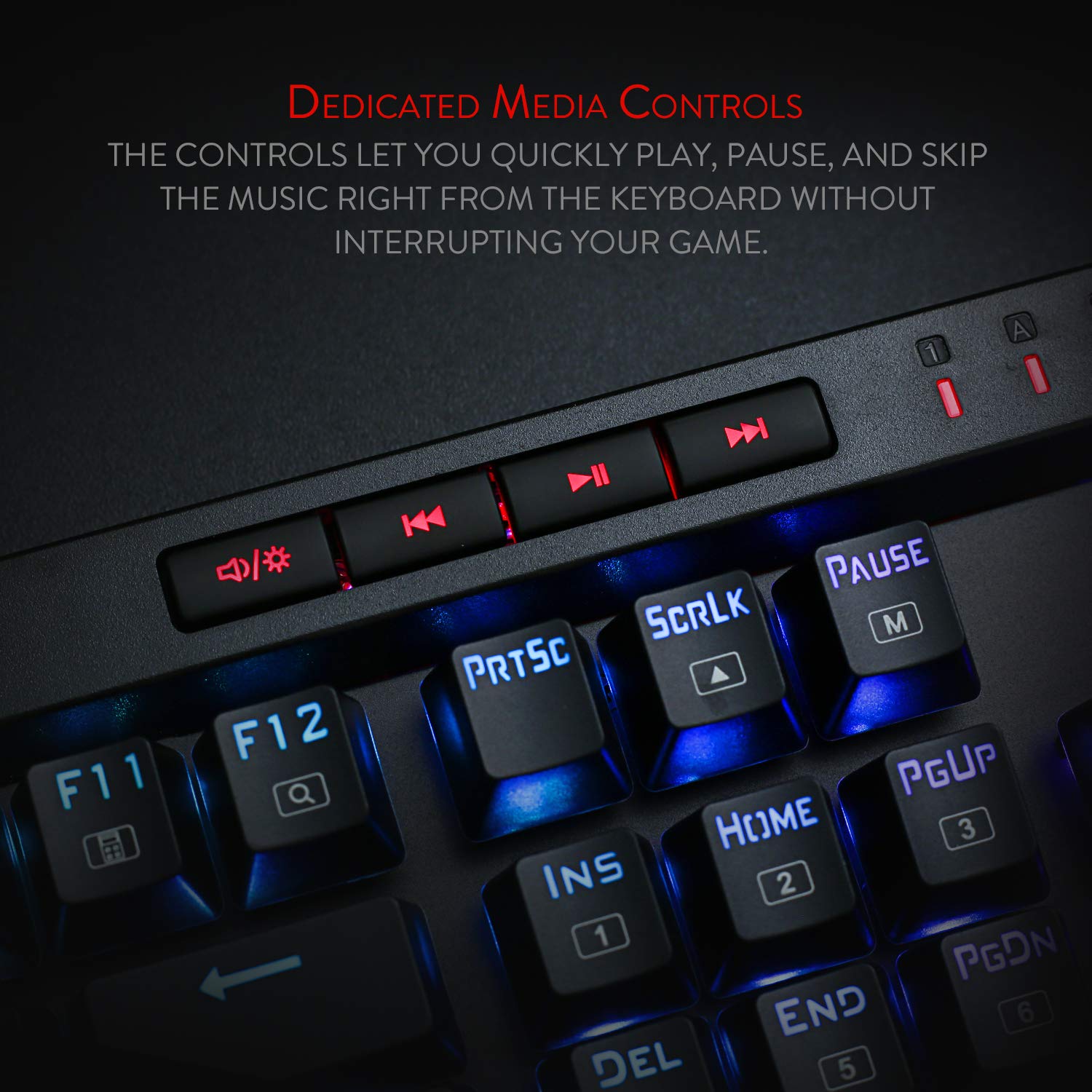
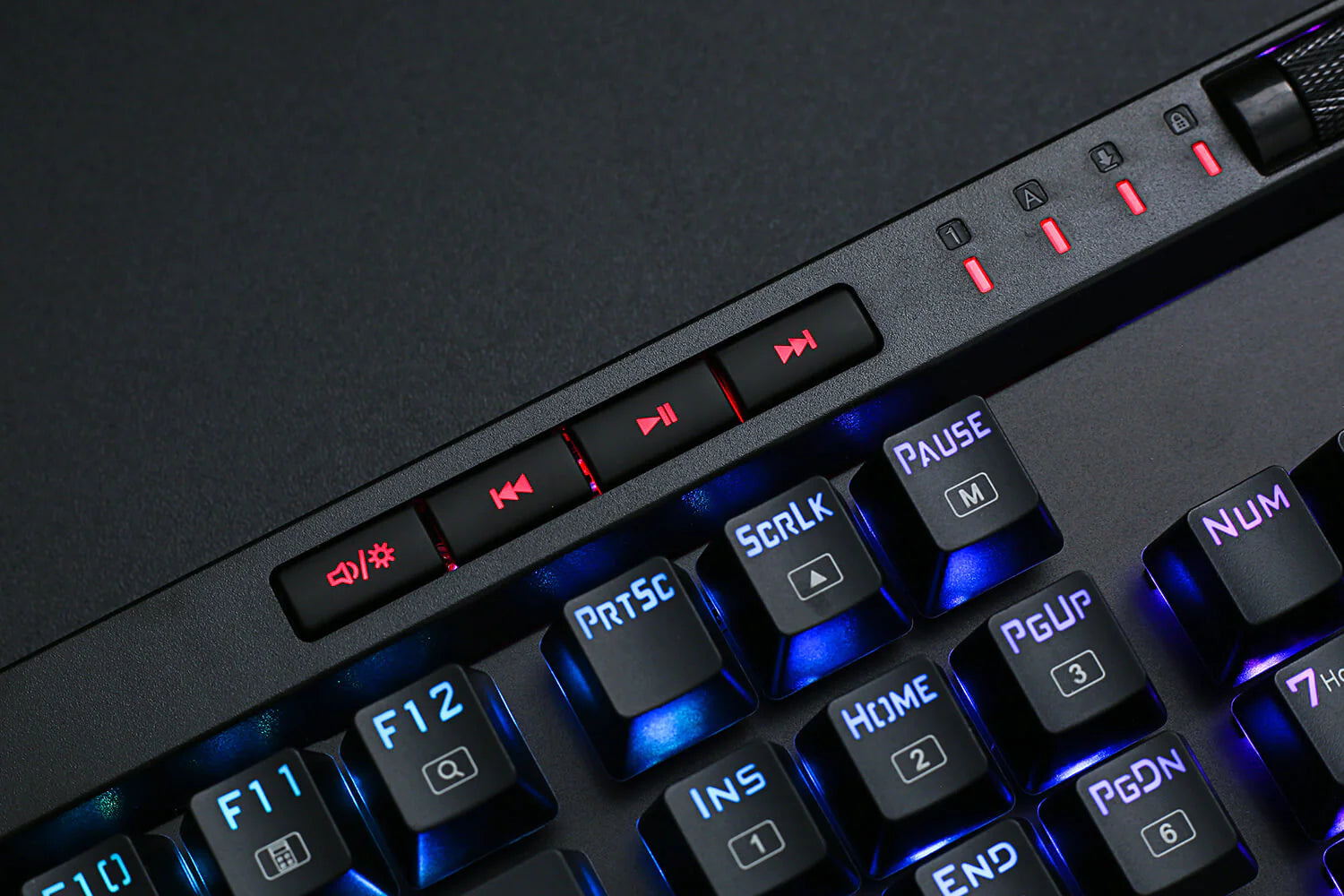
- Dedicated Multimedia Controls: The multimedia controls let you quickly play, pause, skip the music right from the keyboard without interrupting your game. Also, designed with a volume/backlight adjust wheel, it's easy to adjust volume or backlight brightness directly with the wheel in the upper right side of the keyboard. Very convenient and cool looking.
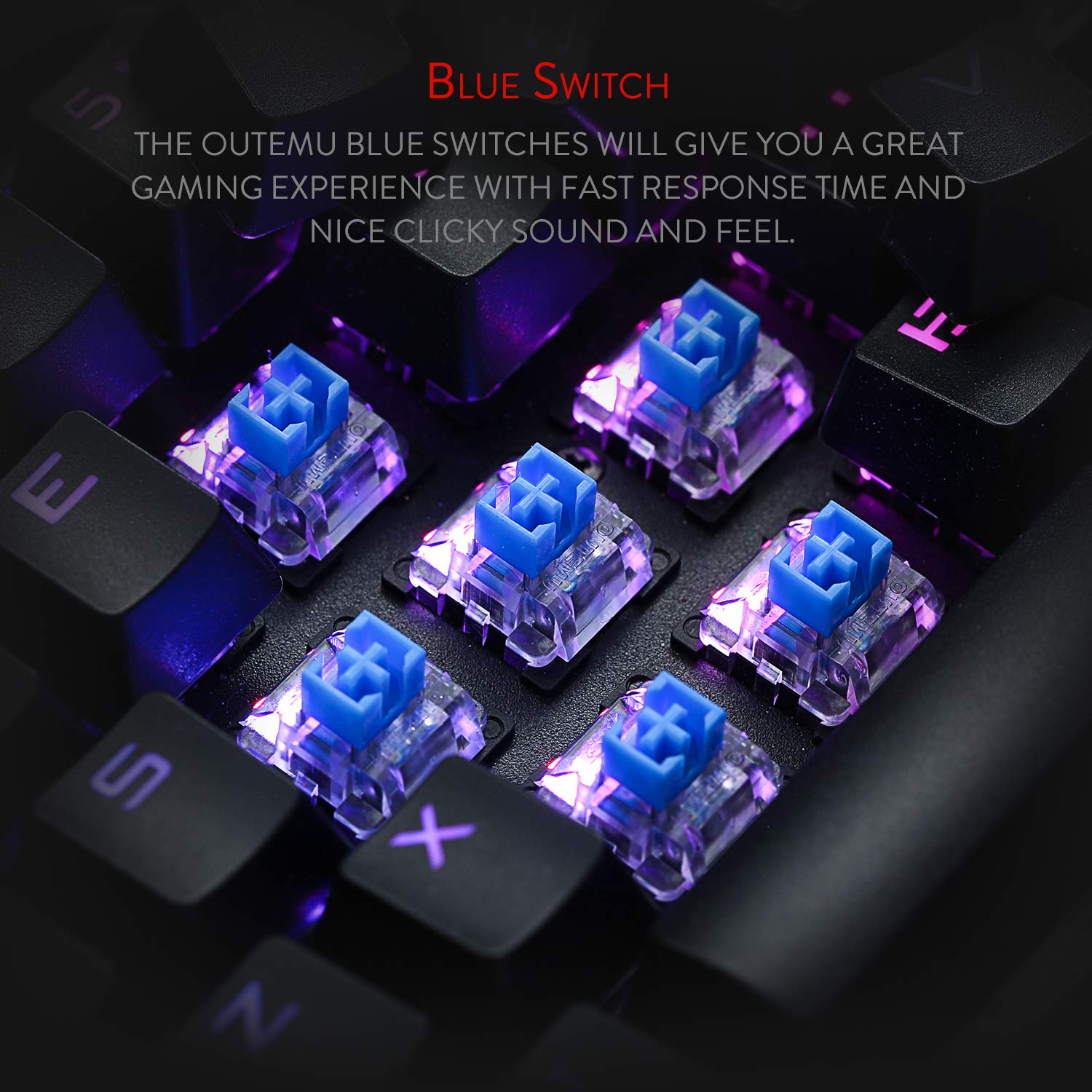
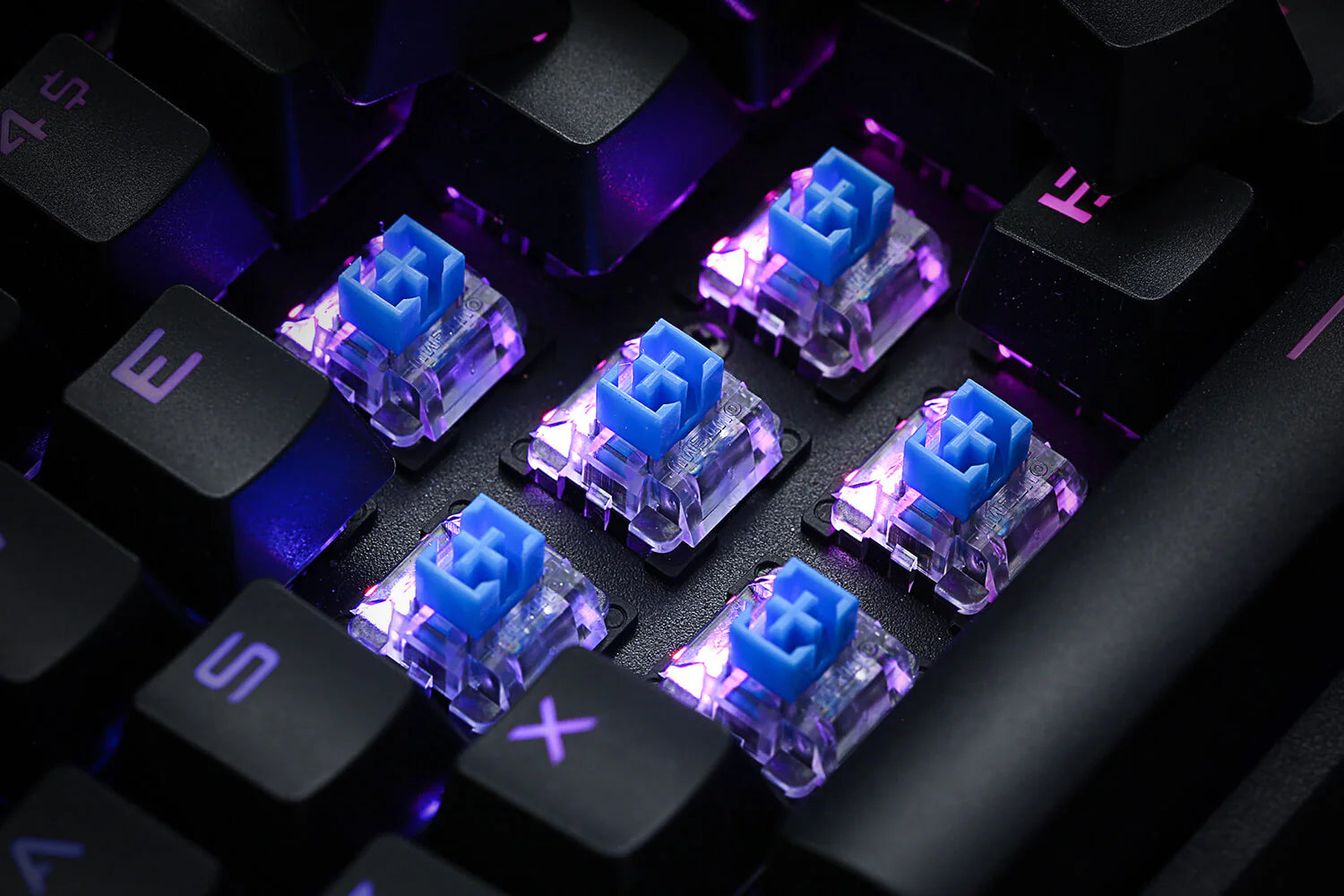
- N-key Rollover: 104 keys anti-ghosting allows you to simultaneously click multiple keys. The floating keys and OUTEMU blue switches will give you a great gaming experience with fast response and nice clicky sound.
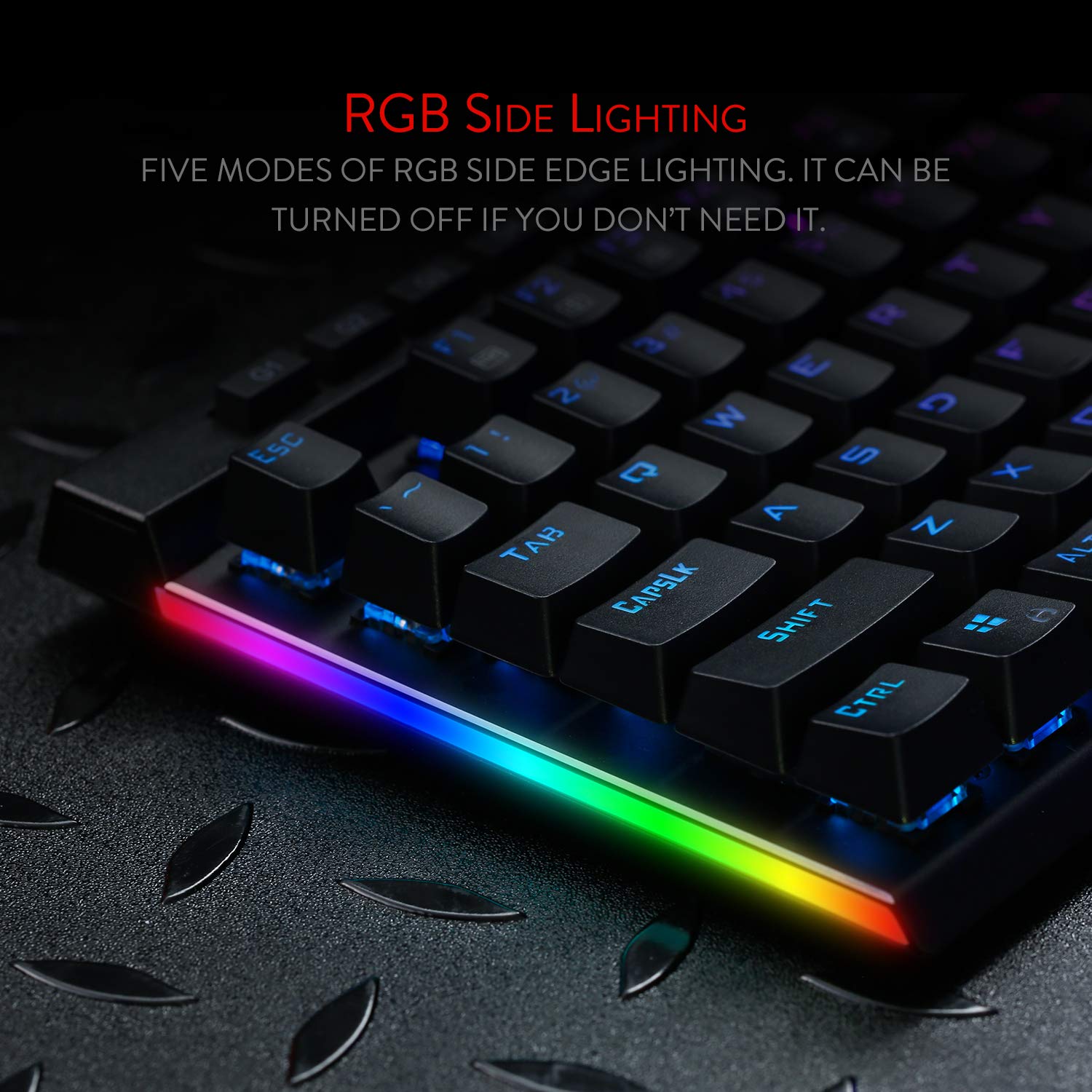
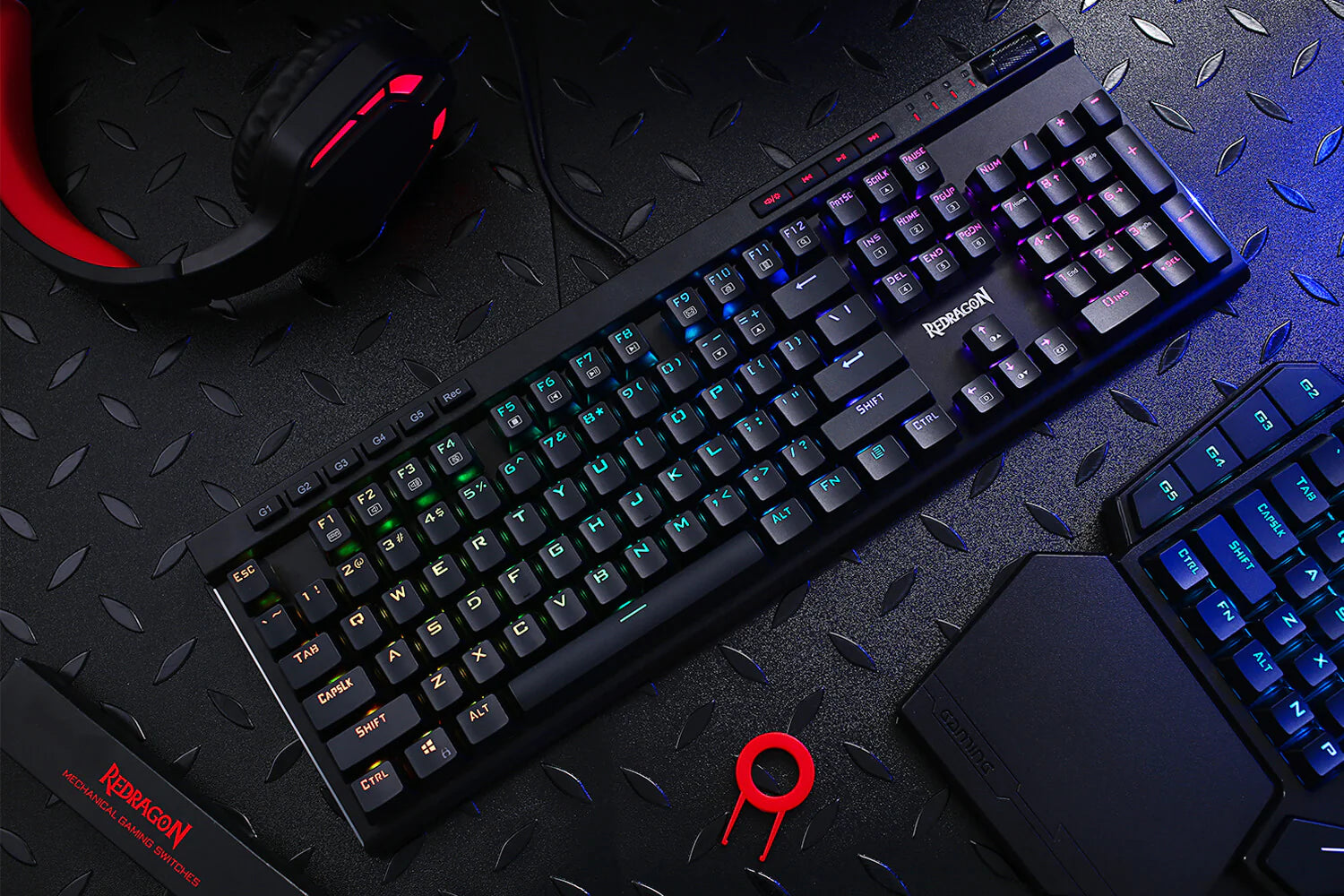
- RGB Backlight: 18 backlight models allow you to type in the dark. You can adjust its brightness with a control wheel or FN + Up/Down. 5 modes of RGB side edge lighting. The color of each key lighting on the keyboard can be customized easily without installing software, a great choice to DIY your stylish keyboard.
Specifications
| Size | 43 x 15 x 4.5 cm |
| Weight | 0.98 kg |
| Switches | Outemu Blue Switch |
| Backlighting | RGB |
| Anti - Ghosting | 104 |
What's In the Box?
Imported & Marketed By
Origin Marketing Private Limited.
223/224, Raj Ratna Industrial Estate, Liberty Garden, Malad (West), Mumbai 400064, Maharashtra, India.

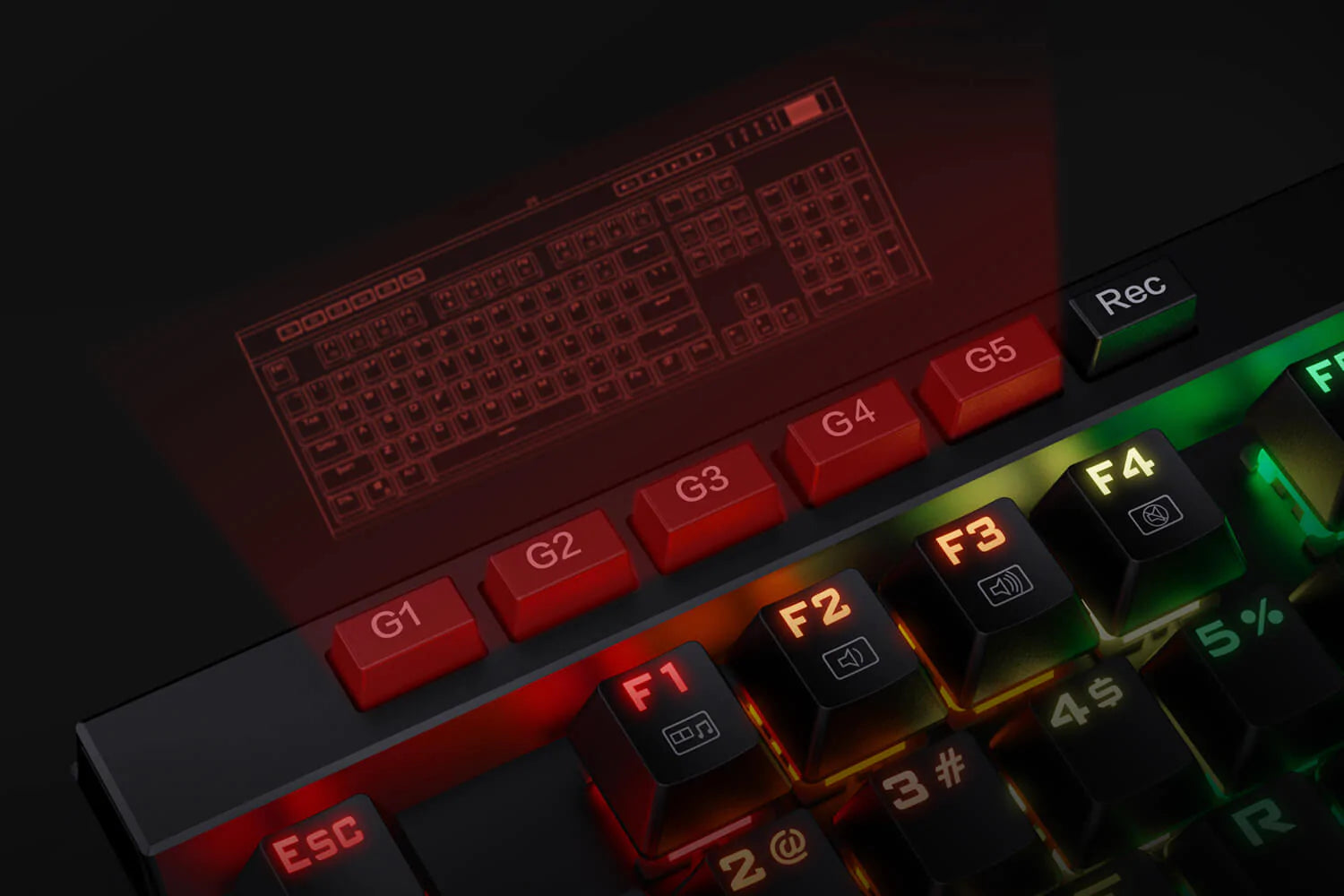
ONBOARD MACRO KEYS
There are 5 programmable macro keys(G1~G5) on the keyboard which can be recorded macros on the fly without any additional software required to be installed. Easy to edit and DIY your stylish keyboard.


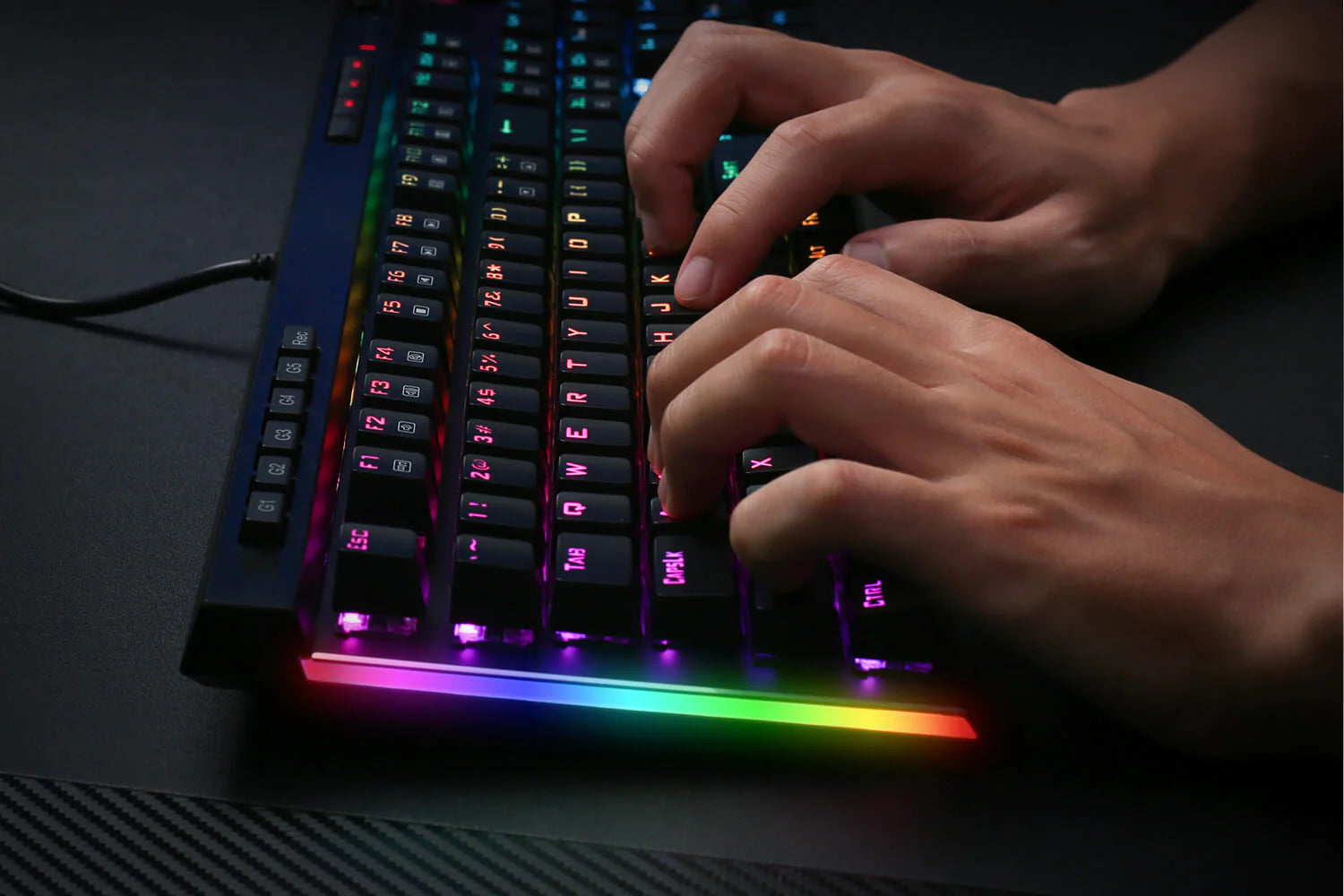
RGB SIDE LIGHTS
18 backlight models allow you to type in the dark. You can adjust its brightness with a control wheel or FN + Up/Down. 5 modes of RGB side edge lighting. The color of each key lighting on the keyboard can be customized easily without installing software, a great choice to DIY your stylish keyboard. Angled down and to the side, they will dazzle up your desktop!


RGB Backlight DIY
The color of each key lighting on the keyboard can be customized easily without installing software, a great choice to DIY your stylish keyboard.


DEDICATED MEDIA CONTROLS
The multimedia controls let you quickly play, pause, skip the music right from the keyboard without interrupting your game. Also, designed with a volume/backlight adjust the wheel, it's easy to adjust volume or backlight brightness directly with the wheel in the upper right side of the keyboard. Very convenient and cool looking.


TACTILE BLUE SWITCHES
Geared with original mechanical blue switches, the K580 gaming keyboard will offer you the original feel of the traditional mechanical keyboard. Clear tactile, instant actuation and iconic "clicky" sound will enable you to enjoy the rhythm and pleasure of typing.


N-KEY ROLLOVER
104 keys anti-ghosting allows you to simultaneously click multiple keys. The floating keys and OUTEMU blue switches will give you great gaming experience with fast response and nice clicky sound.
Frequently Asked Questions (FAQs)
How to use 18 preset backlight effects and one for user’ s definition?
x1 Gradient
[FN]+[Insert] x2 Breathing,
x3 Steady
[FN]+[Home] xl Water Drop
x2 step Following.
x3 Diffusion Line
[FN]+[Page Up] x1 Wave
x2 Hurricane
x 3 Digital Rain
[FN]+[Delete] xl 10 Across
x2 1 Marching
x3 12 Whirlpool
[FN]+[End] x1 1B Christmas Tree
x2 4 Color Dream
x3 15 Rolling Rainbow
[FN]+[Page Down] x1 16 Ferry and passion
x2 17 Steady+ and passion
x3 18 Expand & Shrink and passion.
[FN]+[~]* x1 19 User’ _s Definition
x2 Start Definition
x3 Save Definition
How to disable or enable the [WIN] key ?
Press [FN] + [Win] To disable or enable the [WIN] key
How to control the backlight settings?
Press [FN] + [left arrow] to change the direction of some running backlight.
Press [FN] + [right arrow] to change backlight colors (Red, orange, yellow, green, cyan,
blue, purple, pink, muti color).
Press [FN] + [Spacebar] to show palette of backlight color, select any one
directly to set the backlight to the corresponding color, or spacebar to multi color.
Press [FN] + [-]/[=] to slow down or speed up the speed of some running
backlights.
Press [FN]+[PAUSE] to switch 5 lighting modes on two sides.
Press [FN]+[SCRLK] to adjust the lighting speed on two sides.
How Backlight for user’ s definition works?
Press FN+ [~] twice to start backlight definition. Meanwhile the four indicators [Num/Cap/Scroll /Win Lock] flashes together. The backlight of [~] shows the backlight color to be set. Press FN+[] repeatedly to select backlight color. Then press the desired keys for color setting, Finally press FN#[~] once again key to save the setting.
For example, to set [T] key to BLUE color: Press FN+{~] twice and the four LED indicator together—Press FN+[—] repeatedly till the key [~] lights BLUE Press [T] key again. Now it lights blue Press FN+|~Ito save the setting.
How to use Volume/backlight adjust wheel?
Users can adjust the volume or Backlight brightness directly with the wheel on the upper right side of the keyboard. Press the Volume/brightness button to change the adjust mode of the wheel.