
Redragon Kumara K552 - TKL Wired Mechanical Keyboard Rainbow (Red Switch)
- Regular price
-
Rs. 2,180.00 - Regular price
-
Rs. 3,490.00 - Sale price
-
Rs. 2,180.00
Inclusive of all taxes
-
Hurry, only 17 items left in stock!
DELIVERY INFORMATION
Delivery Time : 3 - 7 Days (Depending on the location)


Description
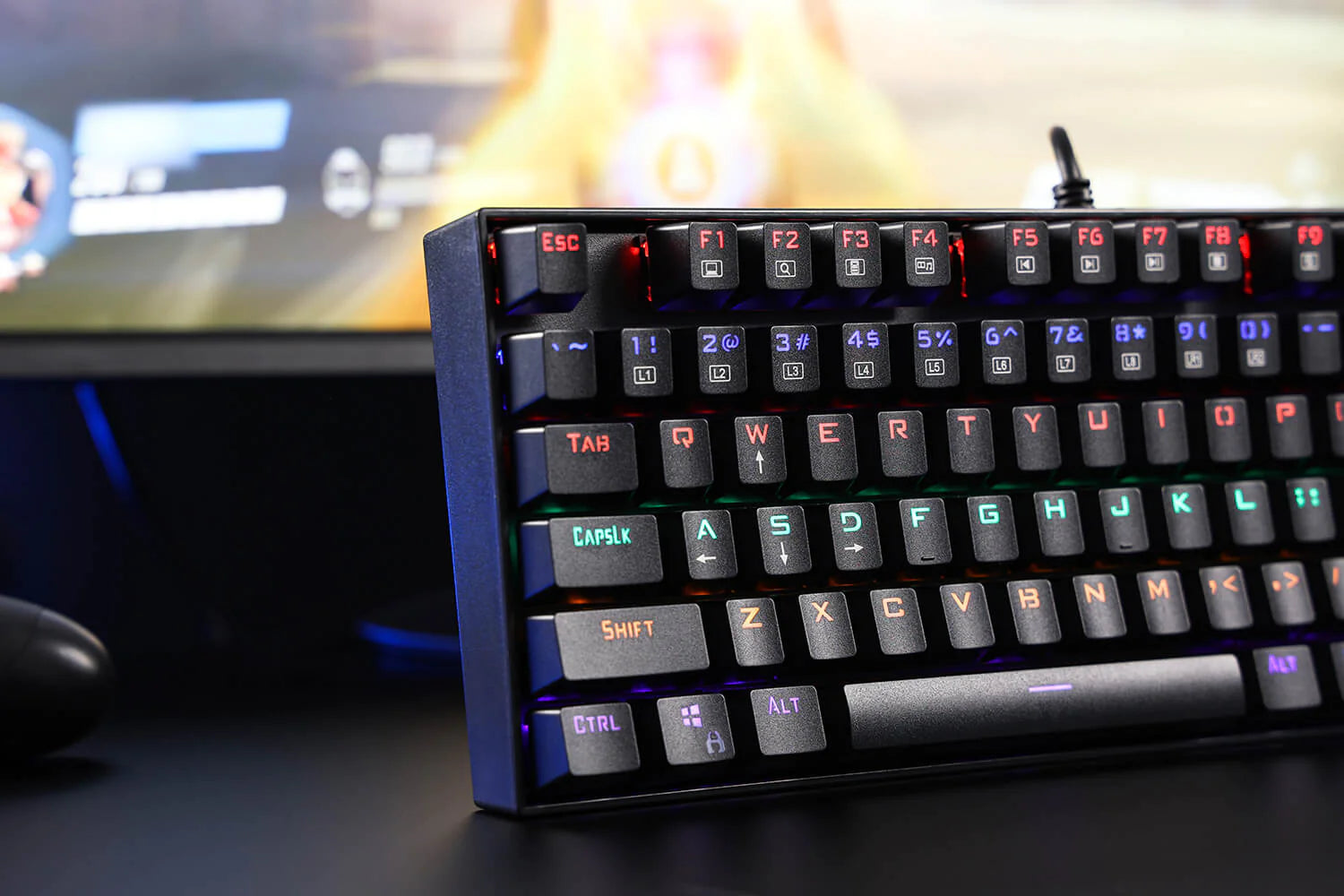
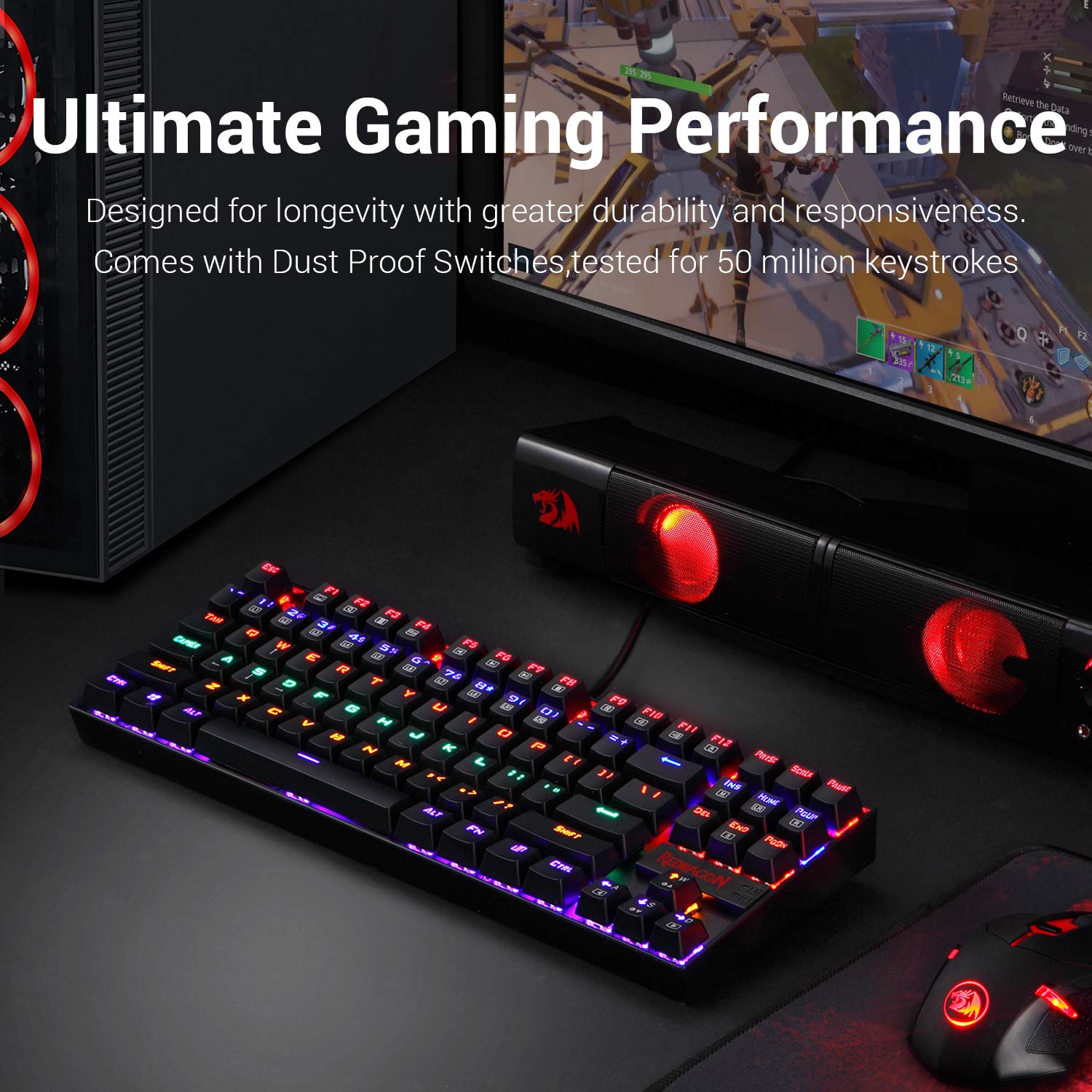
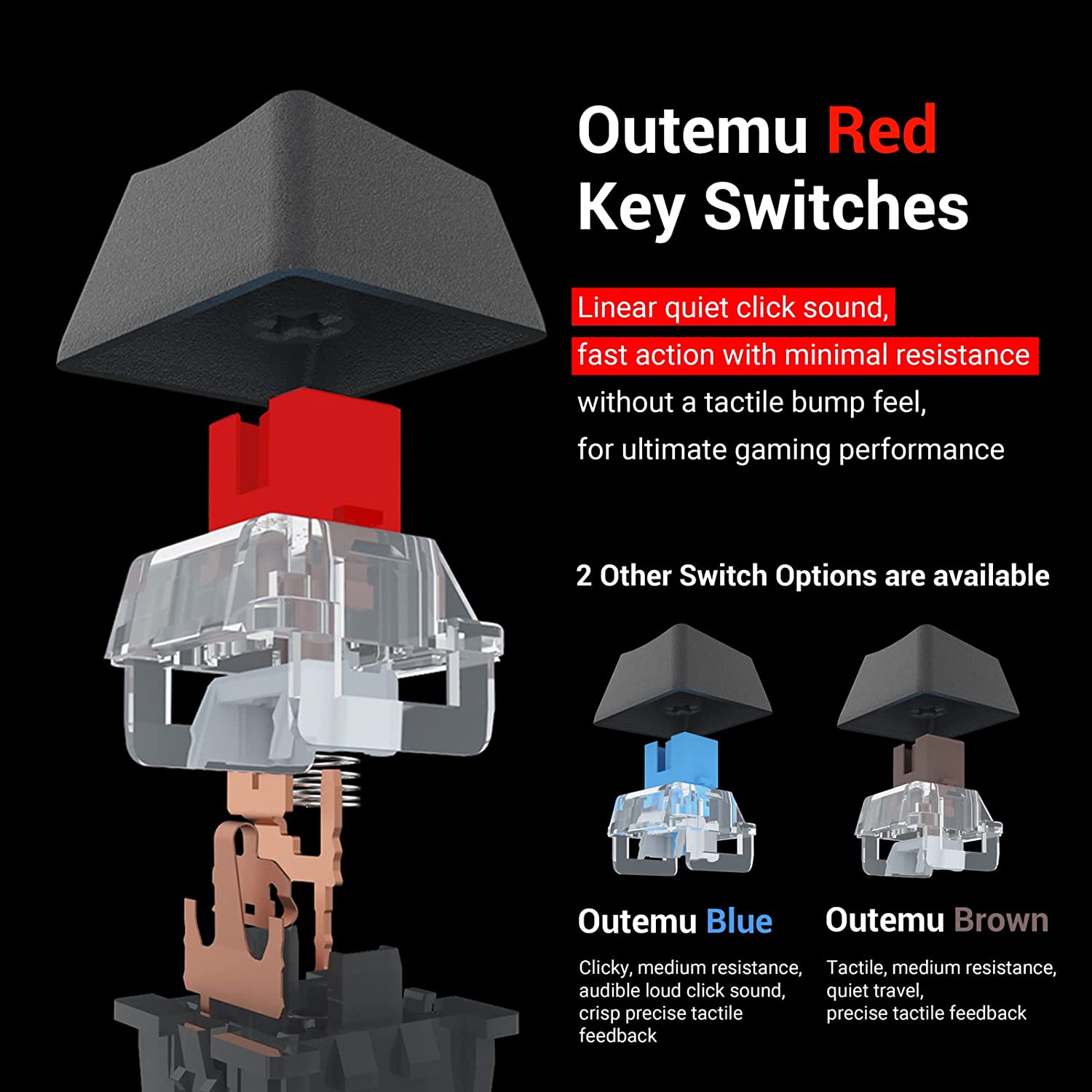
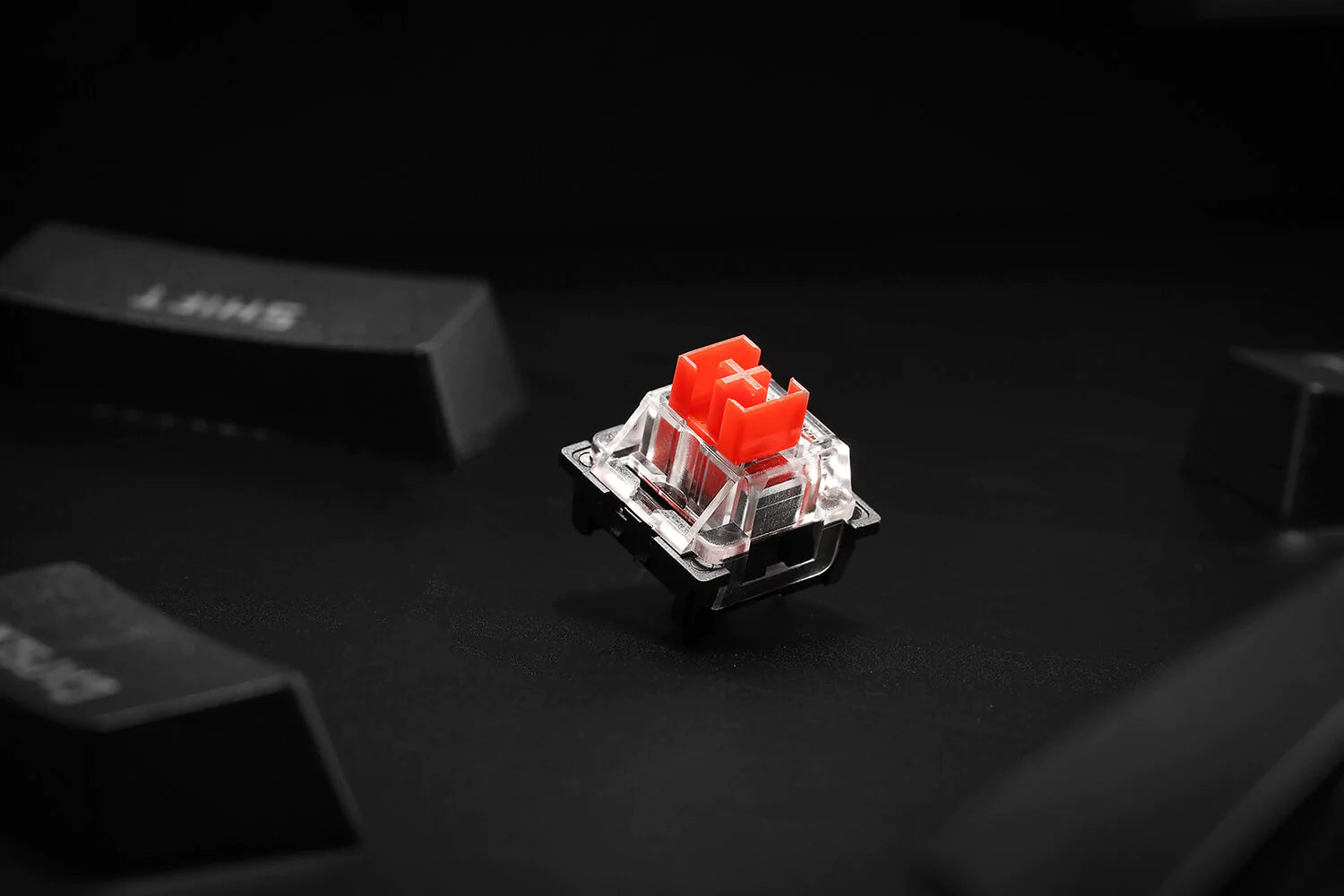
- Tenkeyless compact mechanical gaming keyboard Redragon k552 TKL small compact with dustproof mechanical switches Cherry MX red equivalent Linear switches quiet click sound fast action with minimal resistance without a tactile bump feel
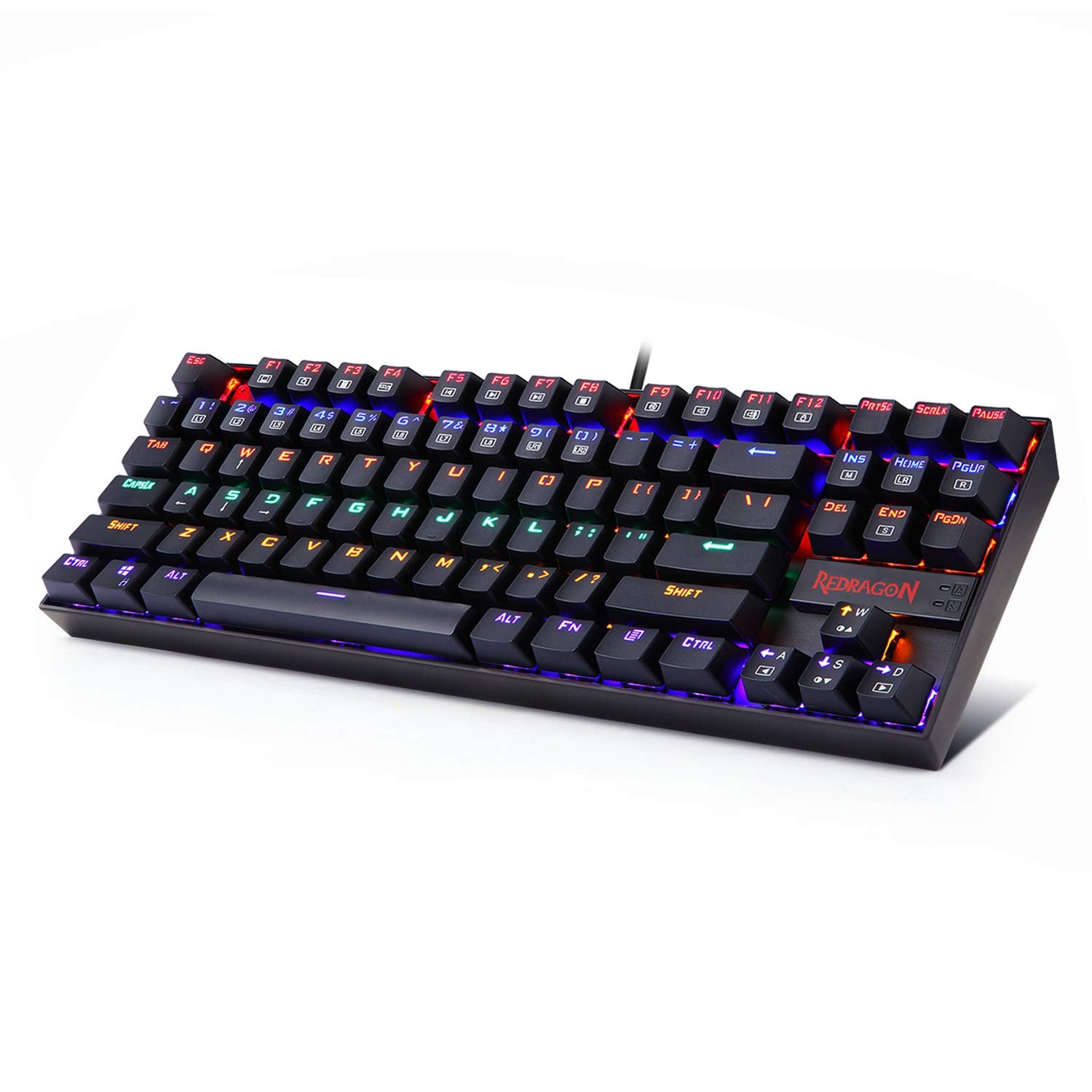
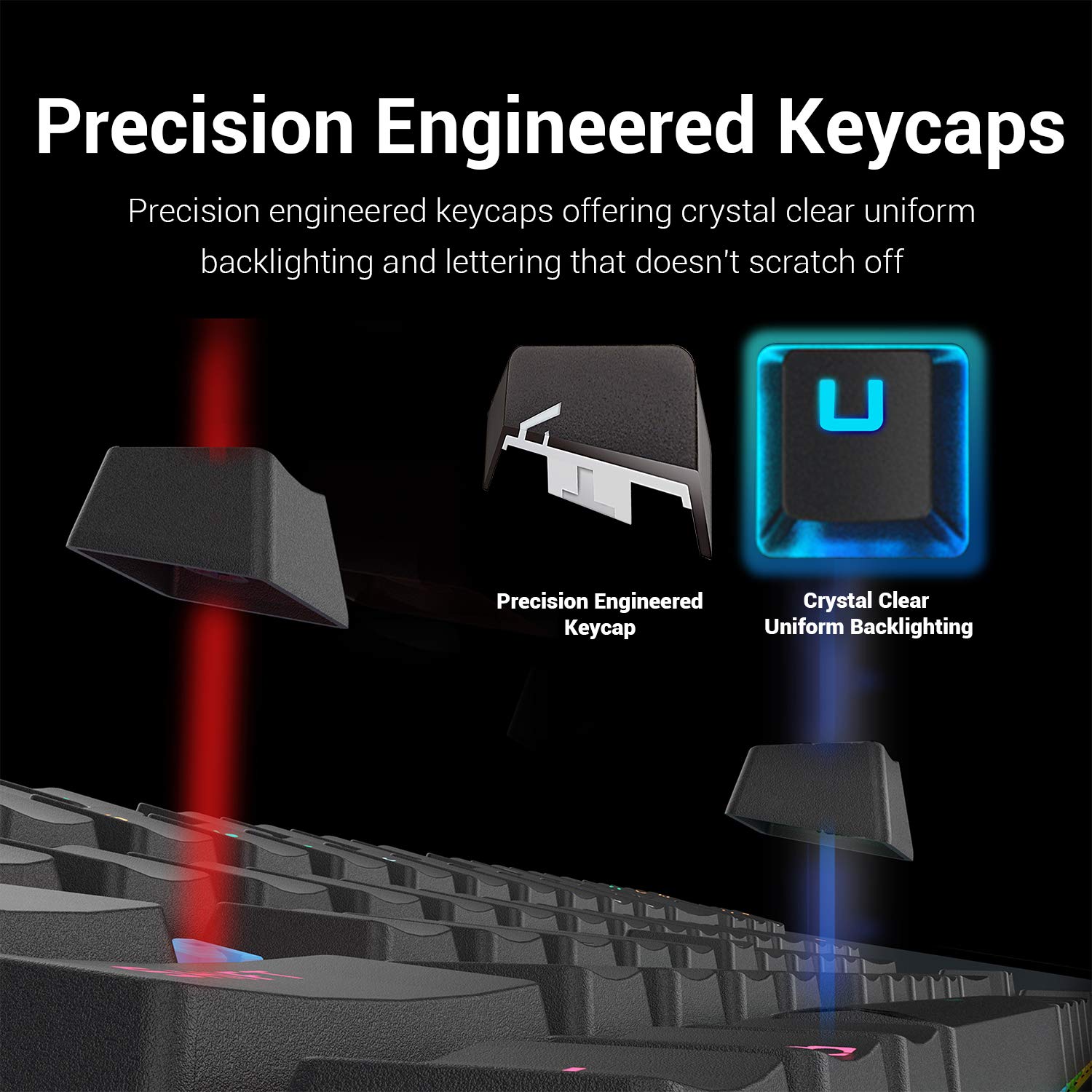
- Rainbow LED RGB backlit mechanical USB gaming keyboard 19 different lighting effects and game modes 2 user-defined modes 6 colors multiple brightness level breathing speed precision-engineered keycaps offering crystal clear uniform backlighting
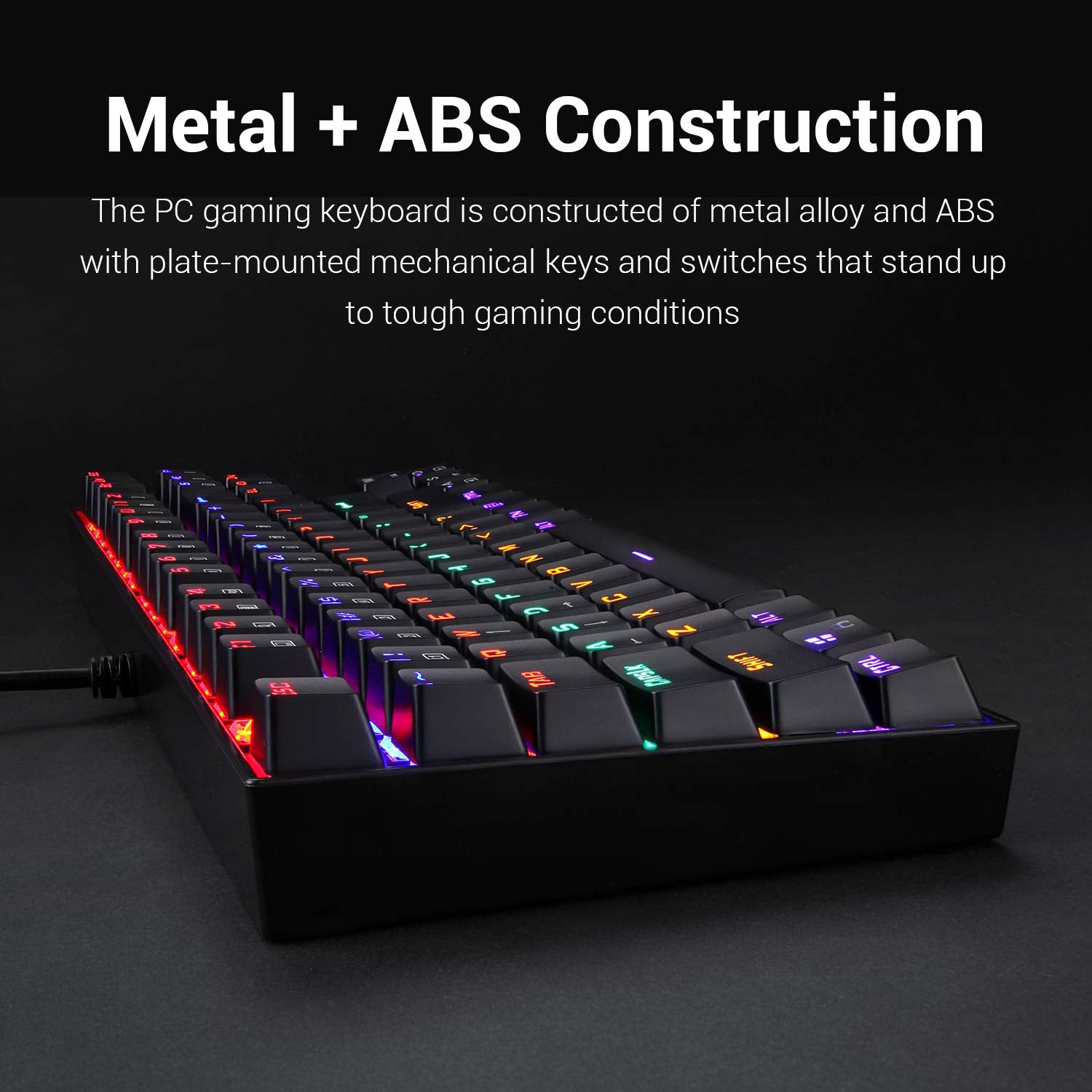
- Ergonomic designed steel series mechanical game keyboards high-quality durable metal-abs construction with plate-mounted mechanical keys and switches that stand up even during the most testing marathon gaming sessions
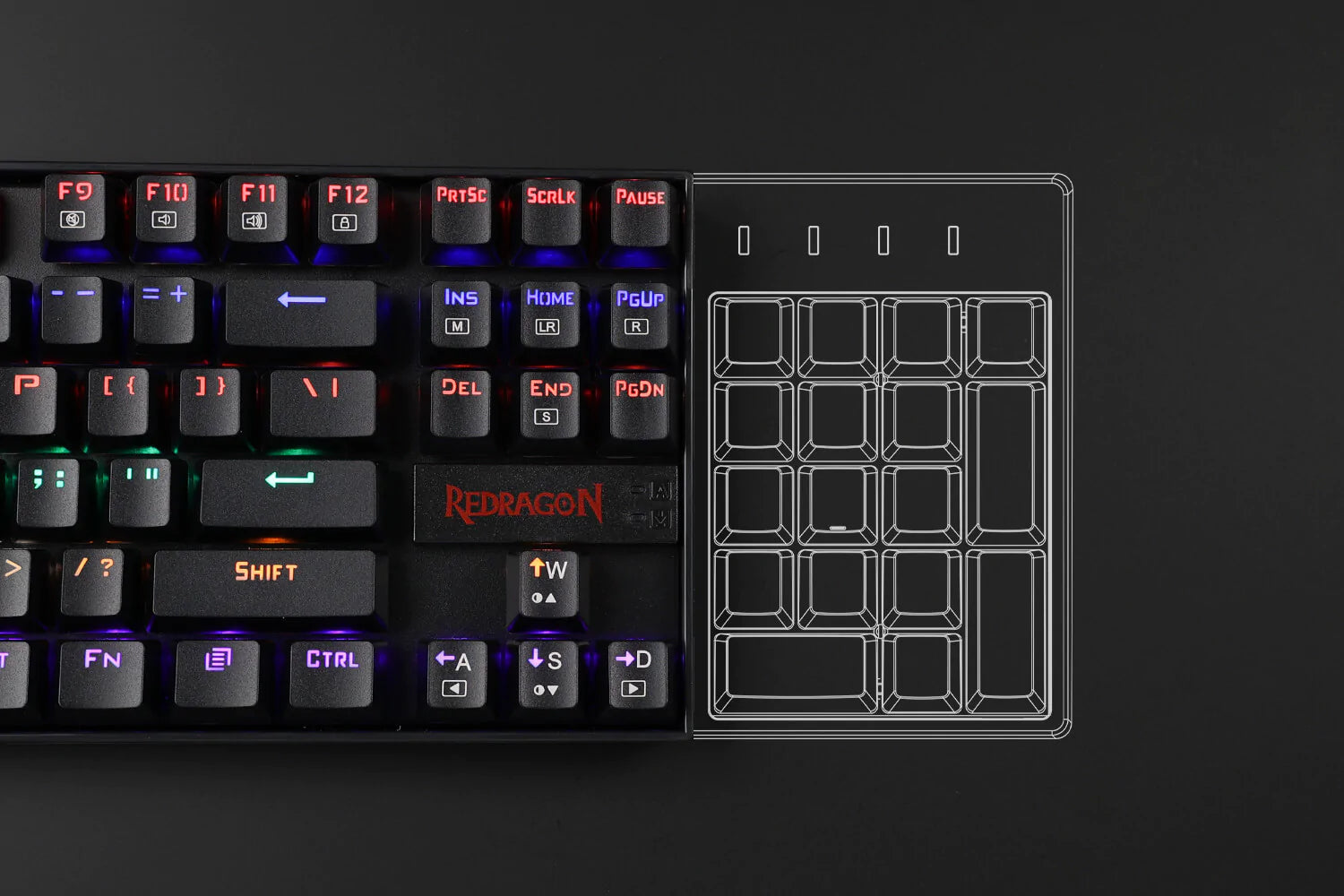
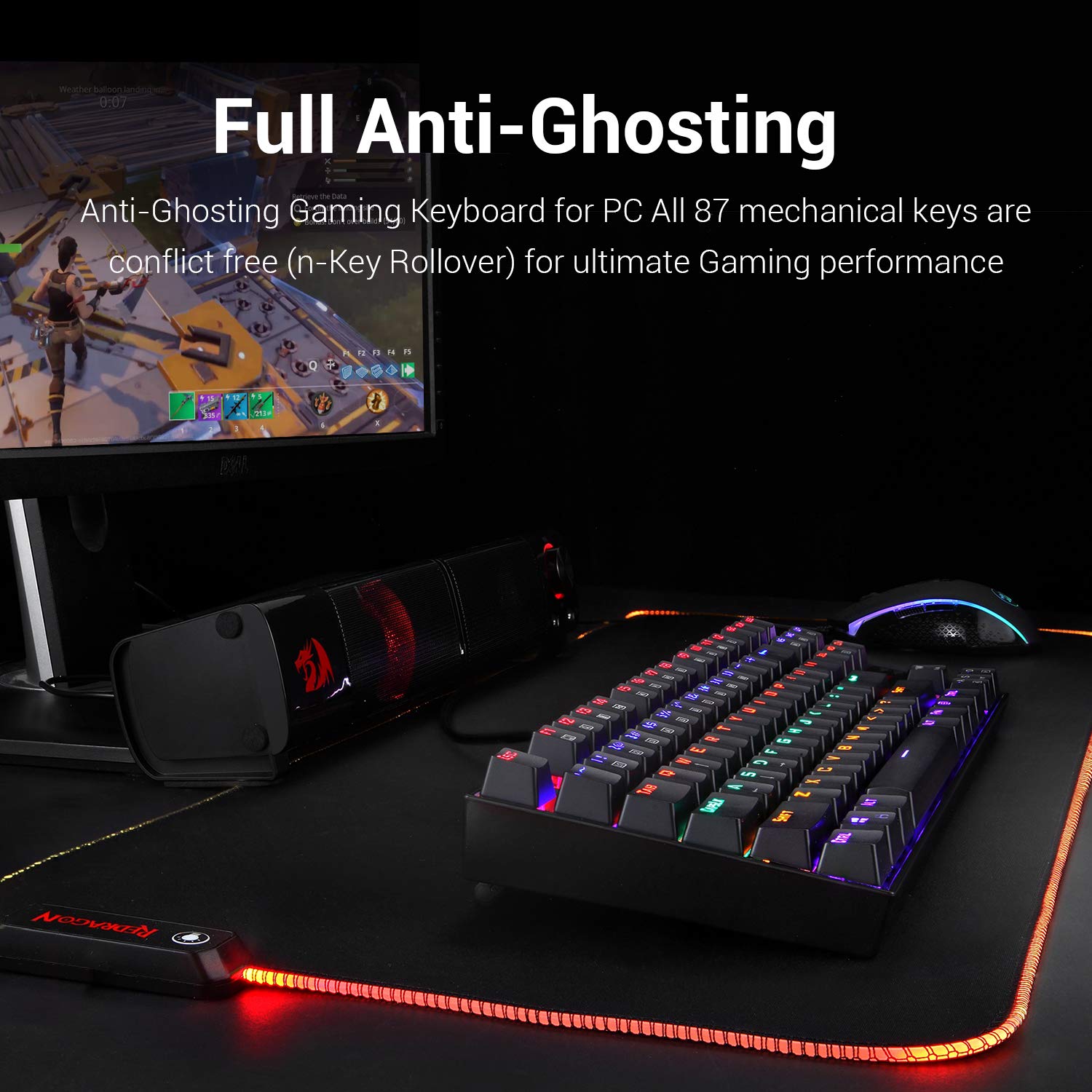
- Anti-ghosting all 87 keys are conflict-free key rollover featuring 12 multimedia keyboard keys and a non-slip ergonomic, splash-proof design comes with a gold-plated high-speed corrosion free USB connector for a reliable connection
- Compatible with Windows 10, Windows 8, Windows 7, windows vista, or windows XP, limited mac os keyboard support works well with all major computer brands and gaming pcs.
Specifications
| Size | 12.3 x 35.4 x 3.7 cm |
| Weight | 0.88kg |
| Backlighting | Rainbow |
| Switches | Outemu Red Switch |
| Matrix | 87 keys (TKL) |
| Keyboard Connectivity | Wired |
| Cable Length | 6 Ft |
| Anti Ghosting Keys | 100% Anti-Ghosting |
What's In the Box?
Imported & Marketed By
Origin Marketing Private Limited.
223/224, Raj Ratna Industrial Estate, Liberty Garden, Malad (West), Mumbai 400064, Maharashtra, India.

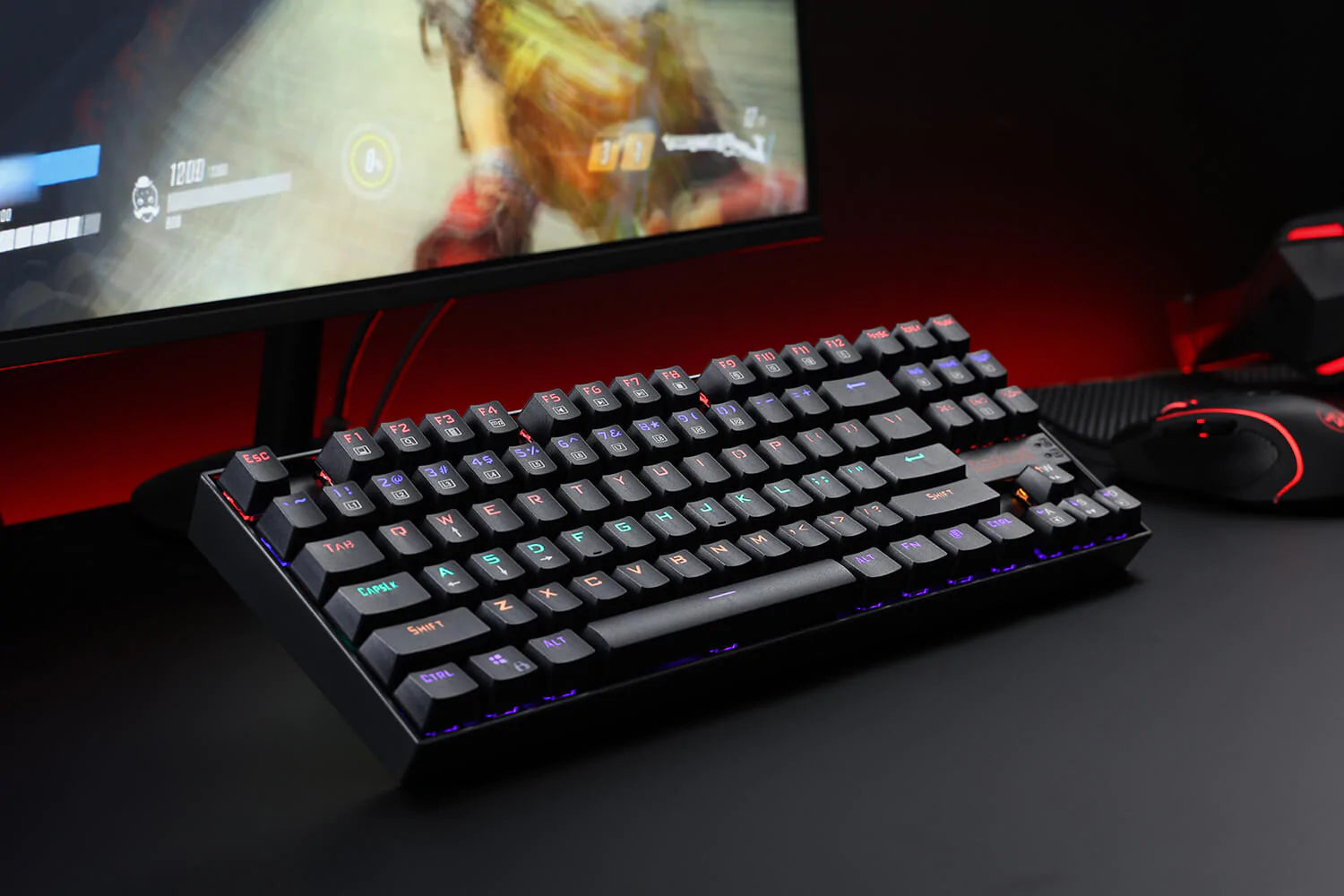
REDRAGON K552 KUMARA MECHANICAL GAMING KEYBOARD WITH OUTEMU RED SWITCH
Tenkeyless compact mechanical gaming keyboard Redragon k552 tkl small compact with dustproof mechanical switches quiet click sound fast action with minimal resistance without a tactile bump feel.


LED RAINBOW BACKLIT WIRED KEYBOARD
Rainbow LED backlit mechanical USB gaming keyboard. 19 different lighting effects and game modes, 2 user-defined modes, 6 colors multiple brightness level, breathing speed. Precision-engineered keycaps offering crystal clear uniform backlighting


DURABLE METAL CONSTRUCTION
The K552 keyboard base is made of metal alloy and ABS with plate-mounted mechanical keys and switches that stand up to tough gaming conditions. Precision-engineered keycaps offering crystal clear uniform backlighting and letting that doesn't scratch off.


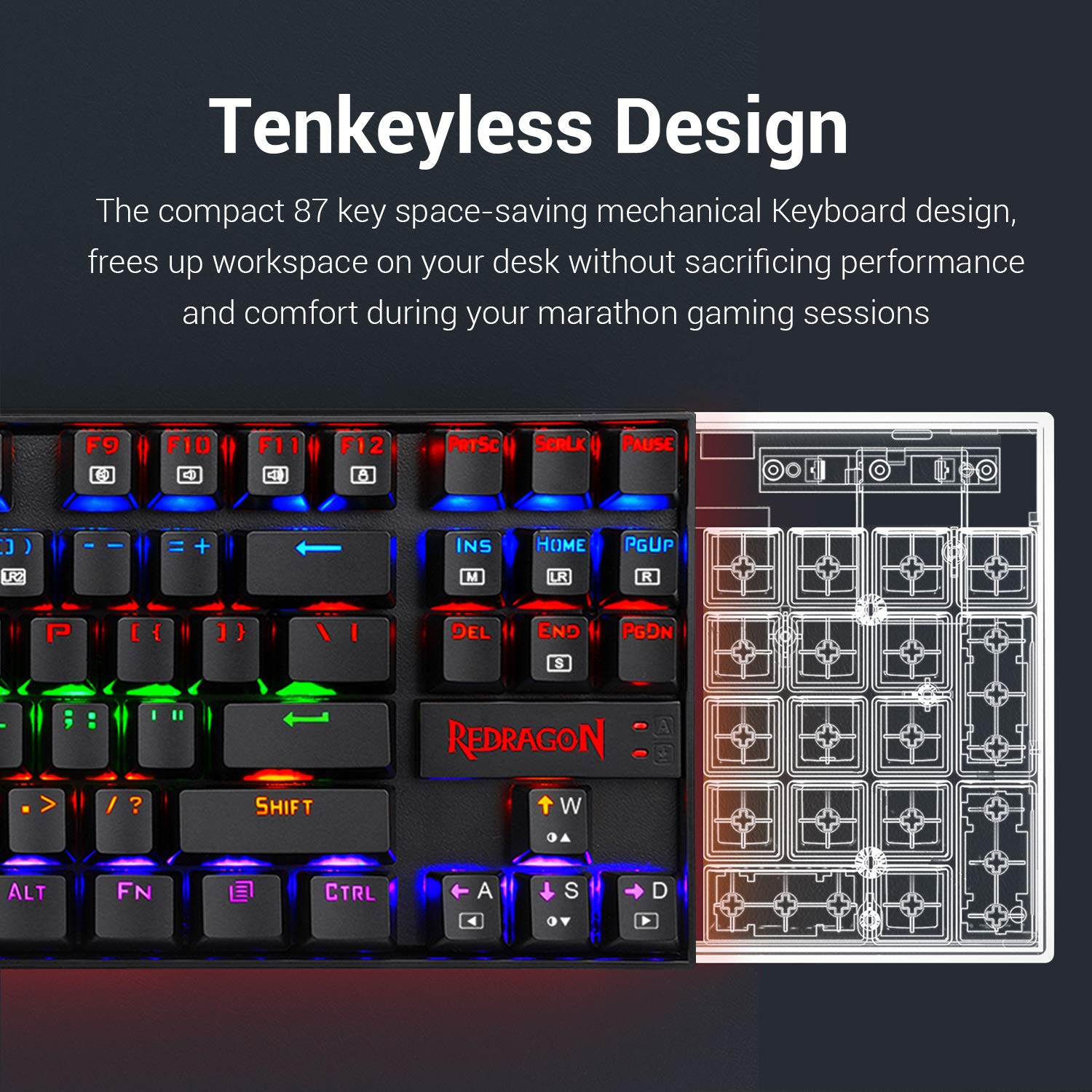
COMPACT TENKEYLESS DESIGN
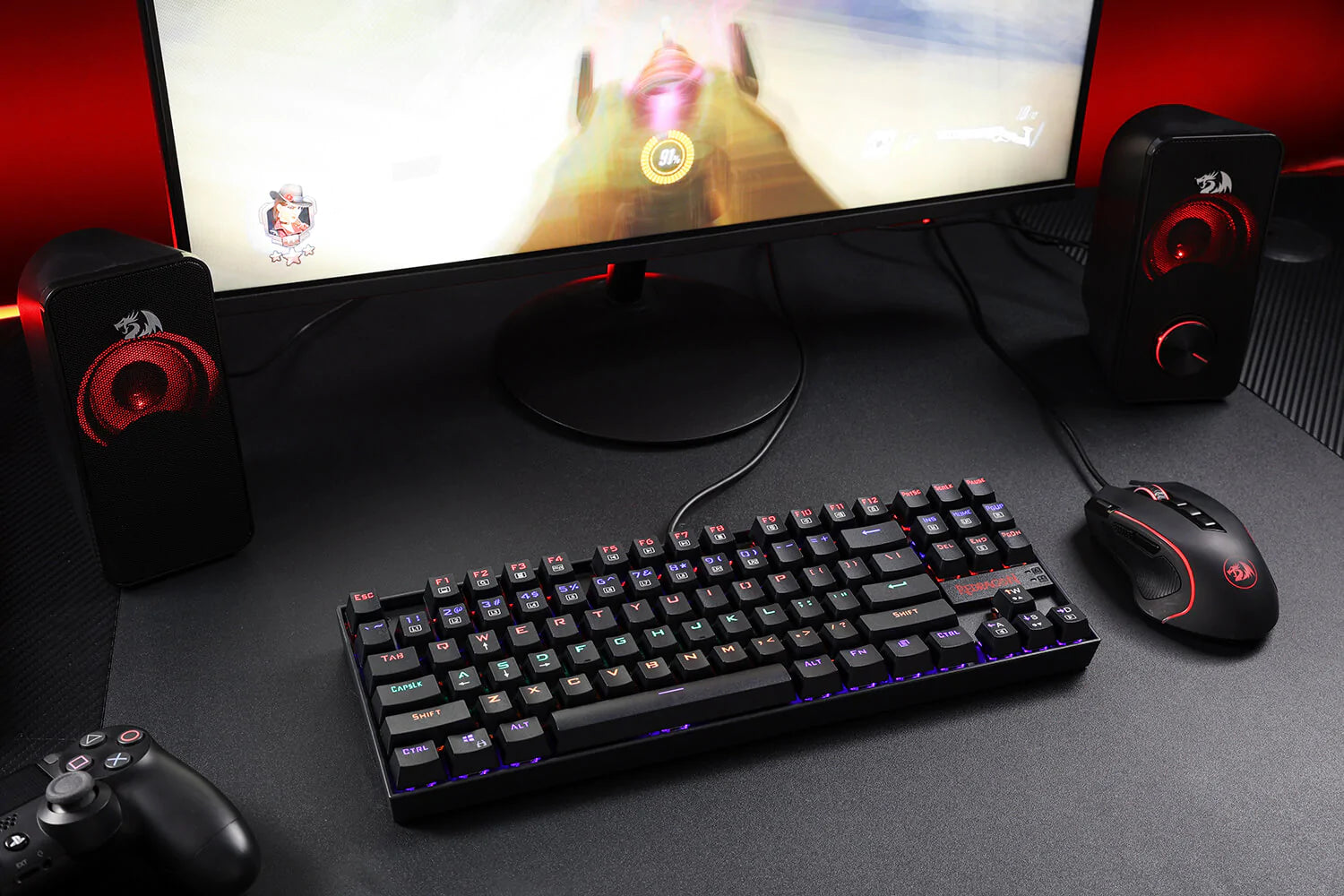
The compact ergonomic 87 key space-saving mechanical keyboard design, frees up the workspace on your desk without sacrificing performance and comfort during your marathon gaming sessions. The perfect mechanical keyboard for office or home use. Anti-ghosting all 87 keys are conflict-free N key rollover featuring 12 multimedia keyboard keys and a non-slip ergonomic, splash-proof design that comes with a gold-plated high-speed corrosion-free USB connector for a reliable connection.


WIDE COMPATIBILITY
Compatible with Windows 10, Windows 8, Windows 7, windows vista, or windows XP, limited mac os keyboard support works well with all major computer brands and gaming pcs.
Frequently Asked Questions (FAQs)
How RGB backlighting works?
Multi-level backlight brightness.
2-1 Press and hold the [FN] key, and then press the UP-arrow key to increase the
backlight brightness of the keyboard
2-2 Press and hold the [FN] key, and then press the DOWN arrow key to decrease.
the backlight brightness of the keyboard
3. Breathing or showing speed
3-1 Press and hold the [FN] key, and then press the Left arrow key to slow down.
3-2 Press and hold the [FN] key, and then press the arrow key Right arrow key to speed up.
How Selectable backlight modes works?
4-1 Press and hold the [FN] key, and then press the [INS] (M) key to switch among
the following 9 modes:
4-1-1 Snake
4-1-2 Left-To-Right
4-1-3 Water Drop
4-1-4 Steady On
4-1-5 Tracking
4-1-6 Breathing
4-1-7 Zone-Defined
4-1-8 Wave
4-1-9 Minimizing
[FN] function key for backlight gaming modes:
5-1 [FN]+[1] (L1): First Person Shooter (FPS) Mode
- ESC,W,A,S,D, Up arrow, Left Arrow, Down Arrow, Right Arrow
5-2 [FN]+[2] (L2): Cross Fire (CF) Mode
- 0Q, W,E, R, A, S, D, G, B, 1, 2, 3, 4,5, Space, L-Ctrl, L-Shift, L-Alt,Tab,F1,F2, F3
Home, End, PgUp, PgDn, PrtSc, Scrlk.
5-3 [FN]+[3] (L3): Call of Duty (COD) Mode
-Q, W,E, R,T, A,S,D, F, G,C,V, 1,2,3,4,5,6,7,L-Ctrl,L-Shift.
5-4 [FN]+[4] (L4): Real Time Strategy (RTS) Mode
"Q, W,E,R,T,Y,U,P,A, S,D, F, G, H, K, L, Z, X,N,M, Space, L-Ctrl, L-Shift, L-AIt1, 2
3,4,5,6,7,8,9,0.
5-5 [FN]+[5] (L5): LOL/DOTA Mode
-Q,W, E, R, D, F, G,V,B,L-Ctrl, L-Alt, Tab, Space,~, 1, 2, 3,4,5,6, Esc.
5-6 [FN]+[6] (L6): Racing Mode
-W,A,S,D,R, 1, !,<,-,L-Ctrl, L-Shift, L-Alt.
5-7 [FN]+[7] (L7):NBA Mode
"W,E, R,A, S,F,Z, X, C,V, Space, Up arrow, Left Arrow, Down Arrow, Right Arrow, 1,2,3,4,L-Shift, L-Ctrl, L-AIt.
5-8 [FN]-+[8] (L8): LOL/DOTA Simple Mode
.Q,W,E, R,D,F,B,1,2,3,4,5,6.
5-9 [FN]+[9] (LR1), [FN]-+[0] (LR2): Custom Game Modes
-With these game modes, you can create your own lighting schemes for your
own needs and preferences.
5-9-1 Press [FN]+[9] (LR1) or [FN]+[0] (LR2) to choose which game mode to
customize.
5-9-2 Press [FN]+[Home] (LR) to start recording your custom scheme.
5-9-3 Press any key to turn on the backlight on the pressed key. Press again to
disable backlight on the. Pressed key.
5-9-4 Press [FN]+[End] (S) to save your scheme.
-lf you want to clear any custom game mode, press [FN]+[Page Up].
Swap functions of [W][A][S][D] and arrow keys?
1 Press and hold the [FN] key, and then press the [W] key to interchange the function of the four-letter keys [W][A][S][D] and the four arrow keys [ Up arrow, Left Arrow, Down Arrow, Right Arrow
2 Repeat the above operation to resume the previous setting.