



FIFINE K669B - USB Microphone Condenser
- Regular price
-
Rs. 2,540.00 - Regular price
-
Rs. 3,990.00 - Sale price
-
Rs. 2,540.00
Inclusive of all taxes
Shipping calculated at checkout.
Couldn't load pickup availability
-
Hurry, only 7 items left in stock!


DELIVERY INFORMATION
Delivery Time : 3 - 7 Days (Depending on the location)
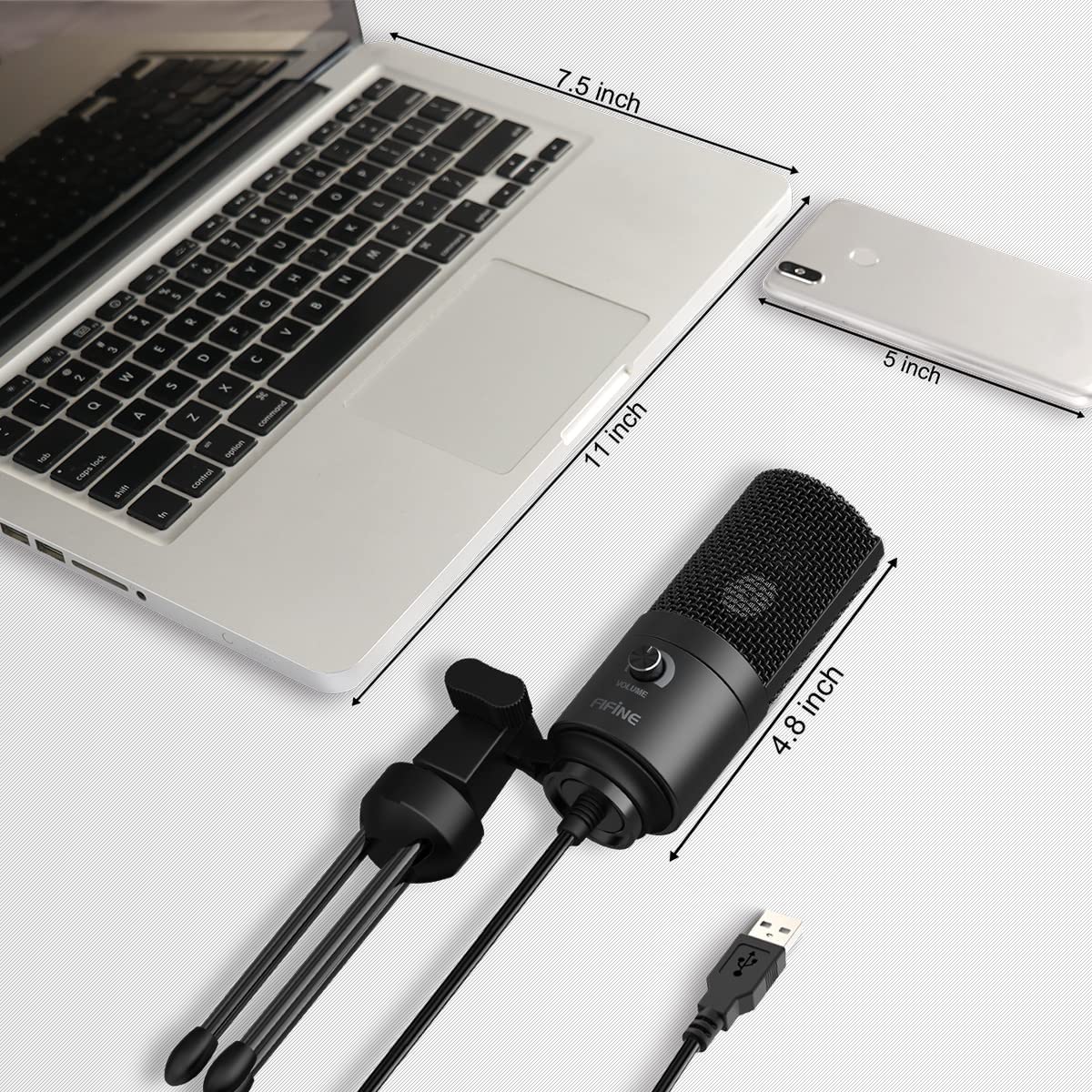
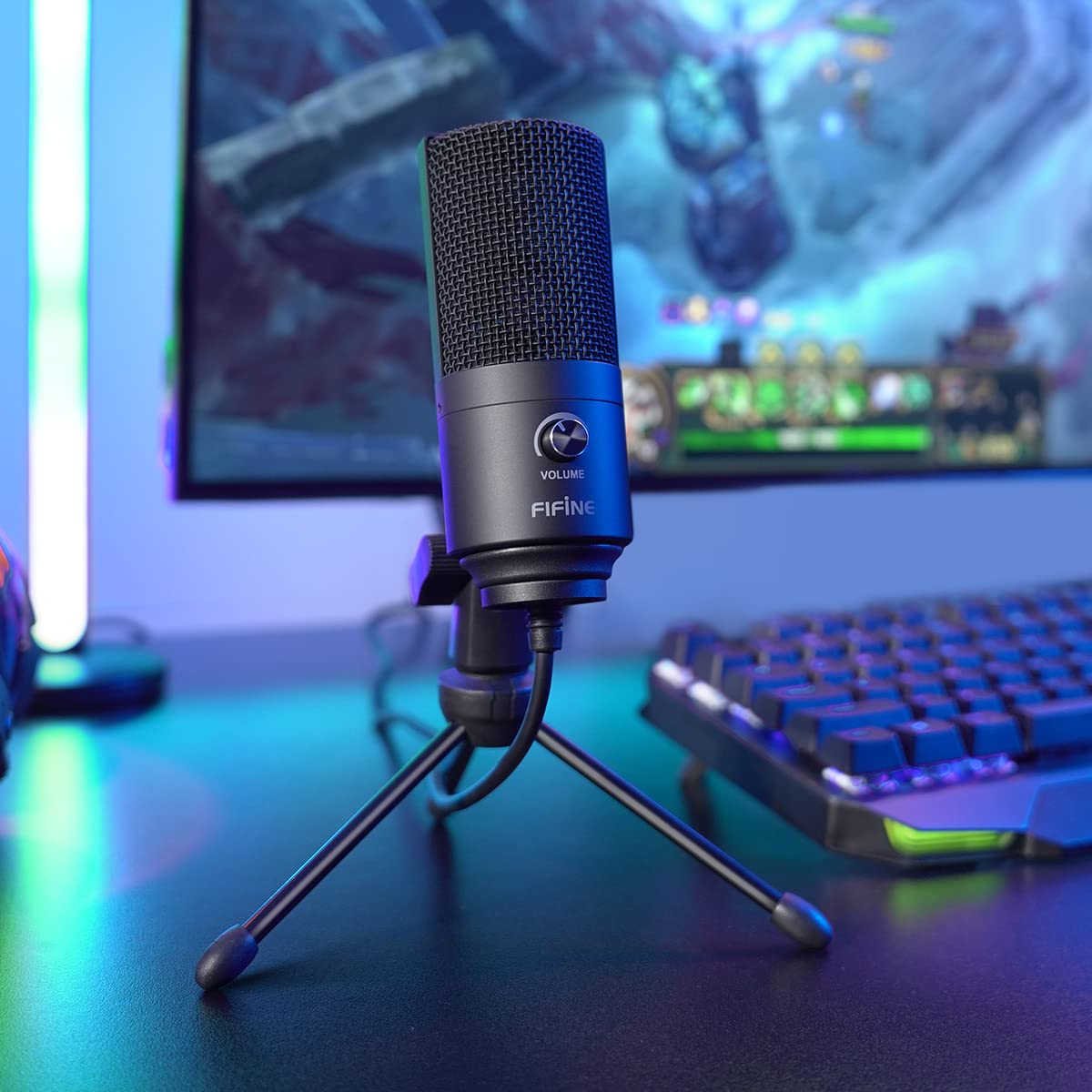
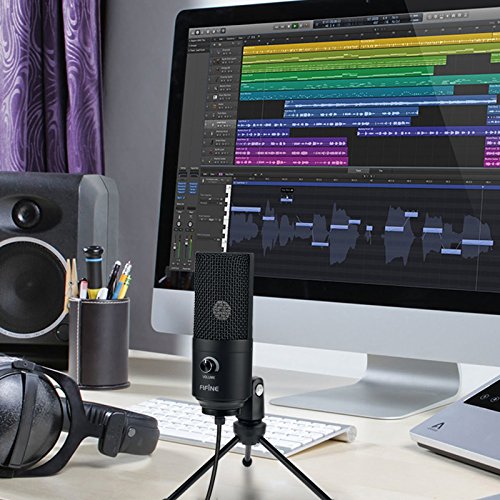
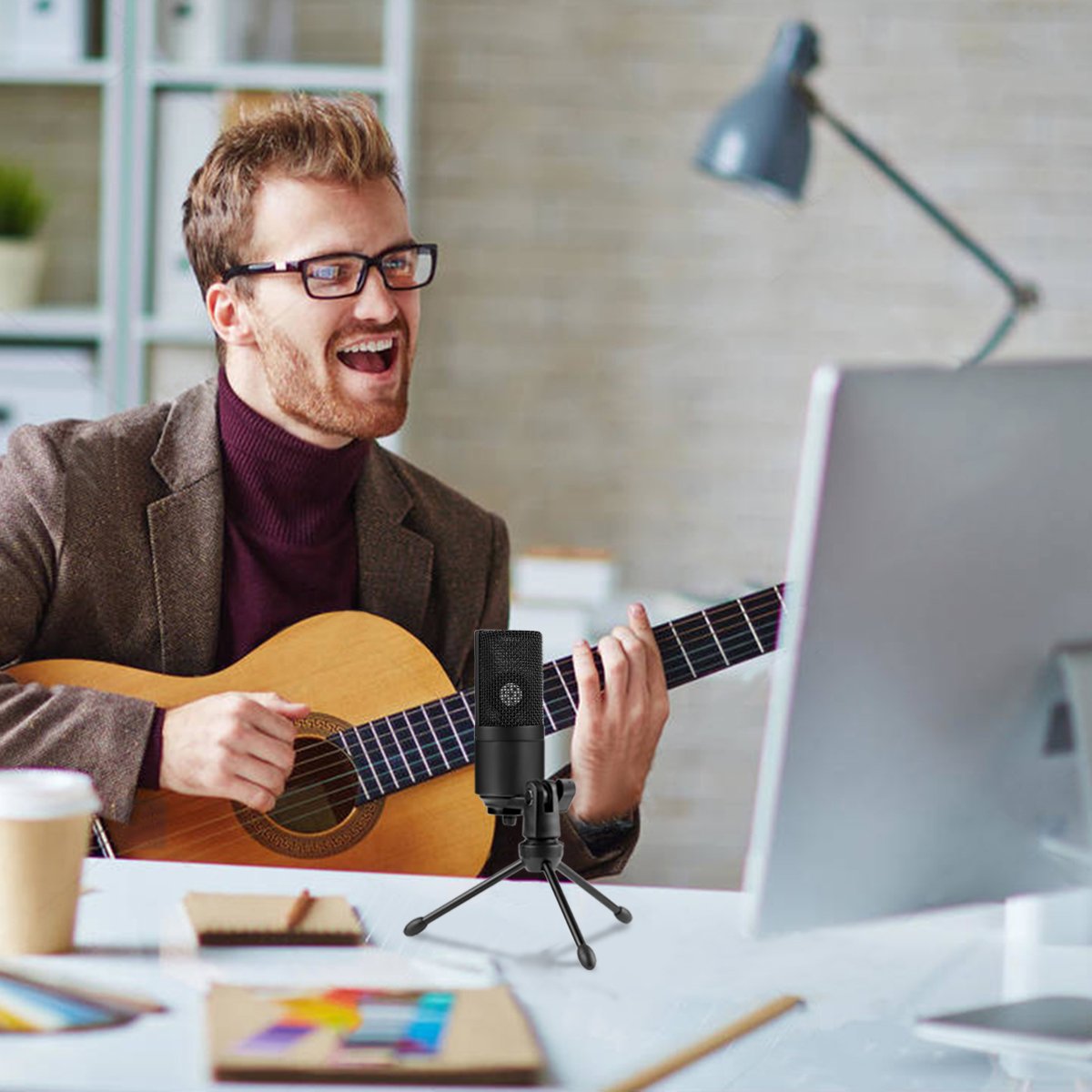
Description
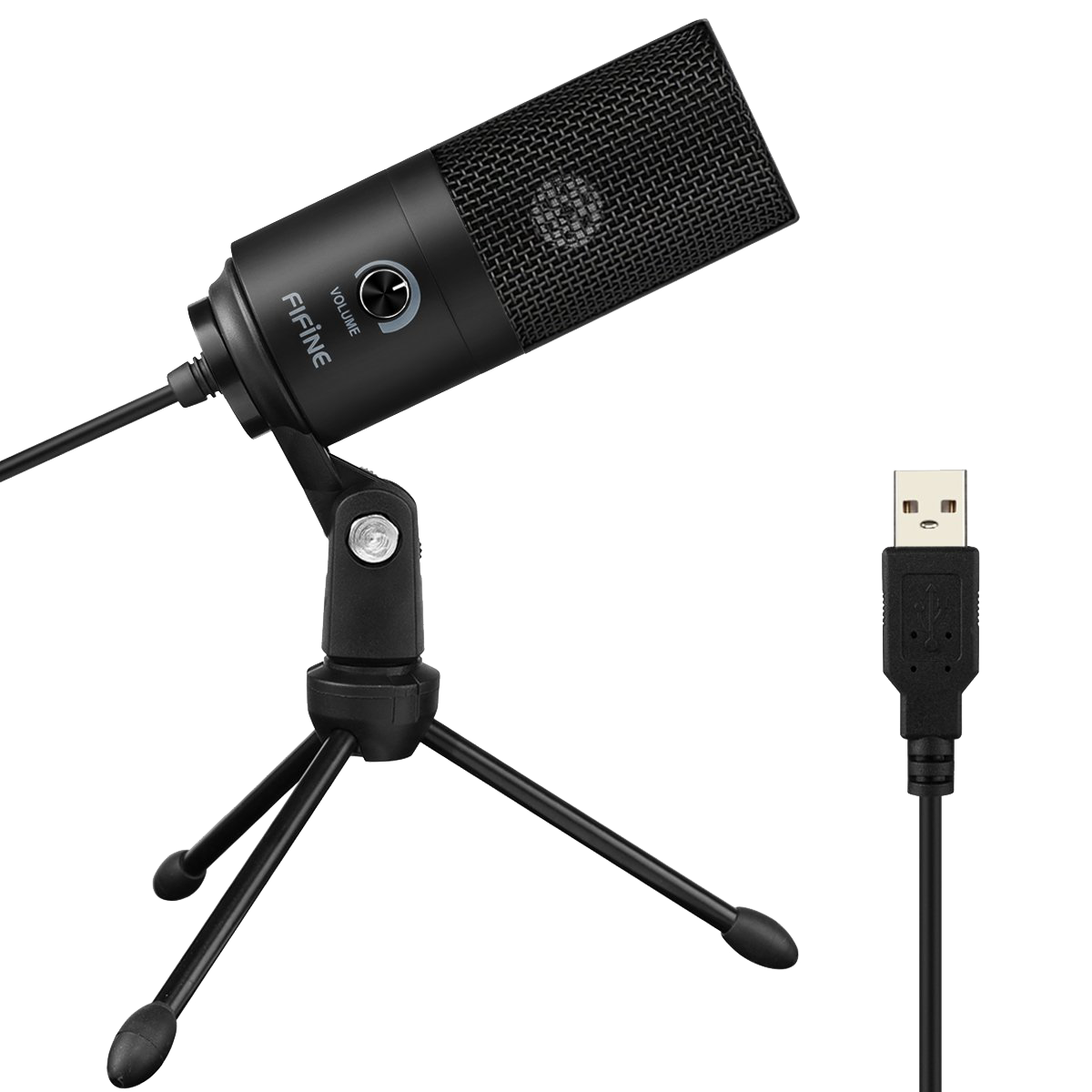
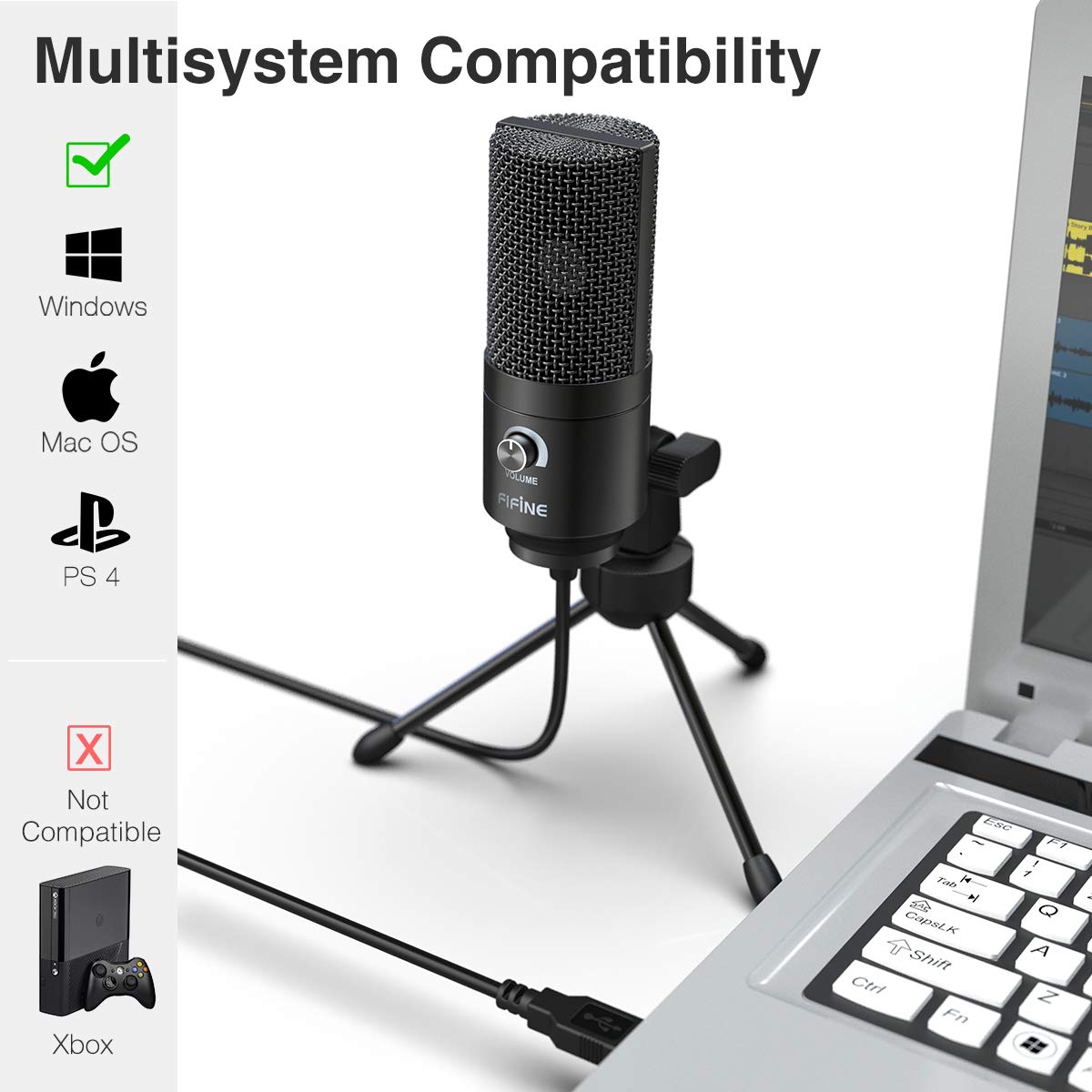
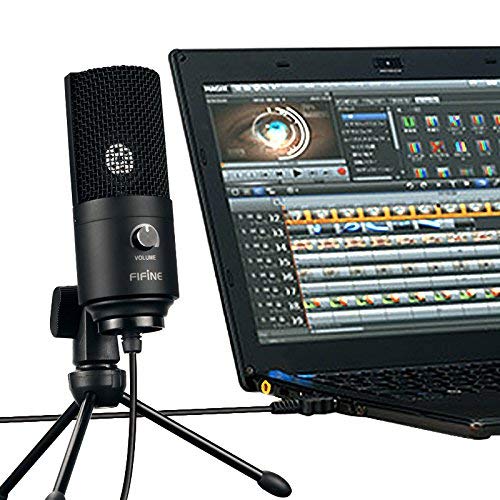
- Plug and play USB recording microphone with 5.9 Foot USB Cable included for Computer PC, Laptop or PlayStation that connects directly to USB port for recording music, singing or podcast (Not compatible with Xbox and Mobile Phones). Frequency Response:20-20kHz. Sensitivity:-34d±30% (at 1kHz)
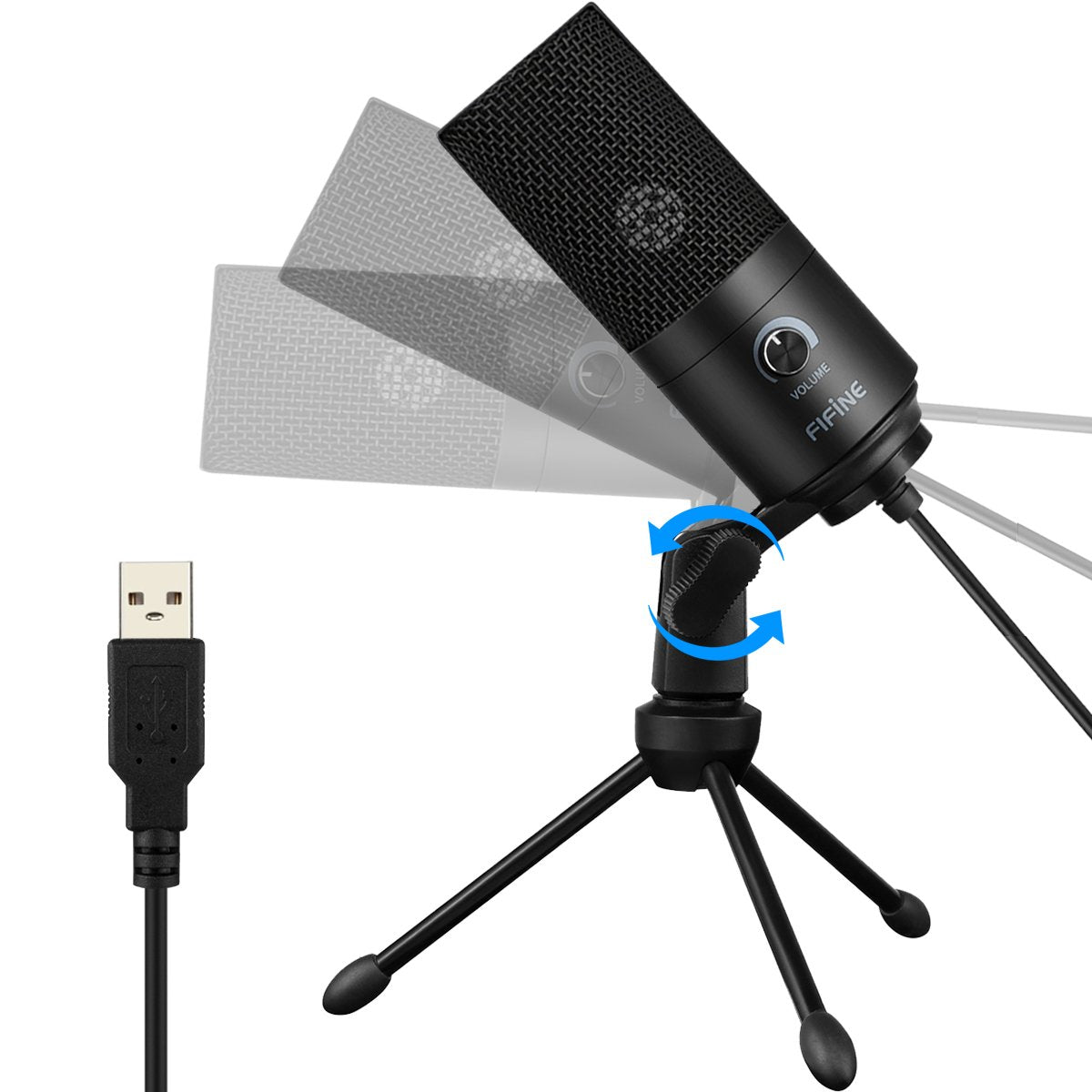
- Solid sturdy metal construction design microphone with stable tripod stand makes it convenient when you are doing voice overs or livestreams on YouTube
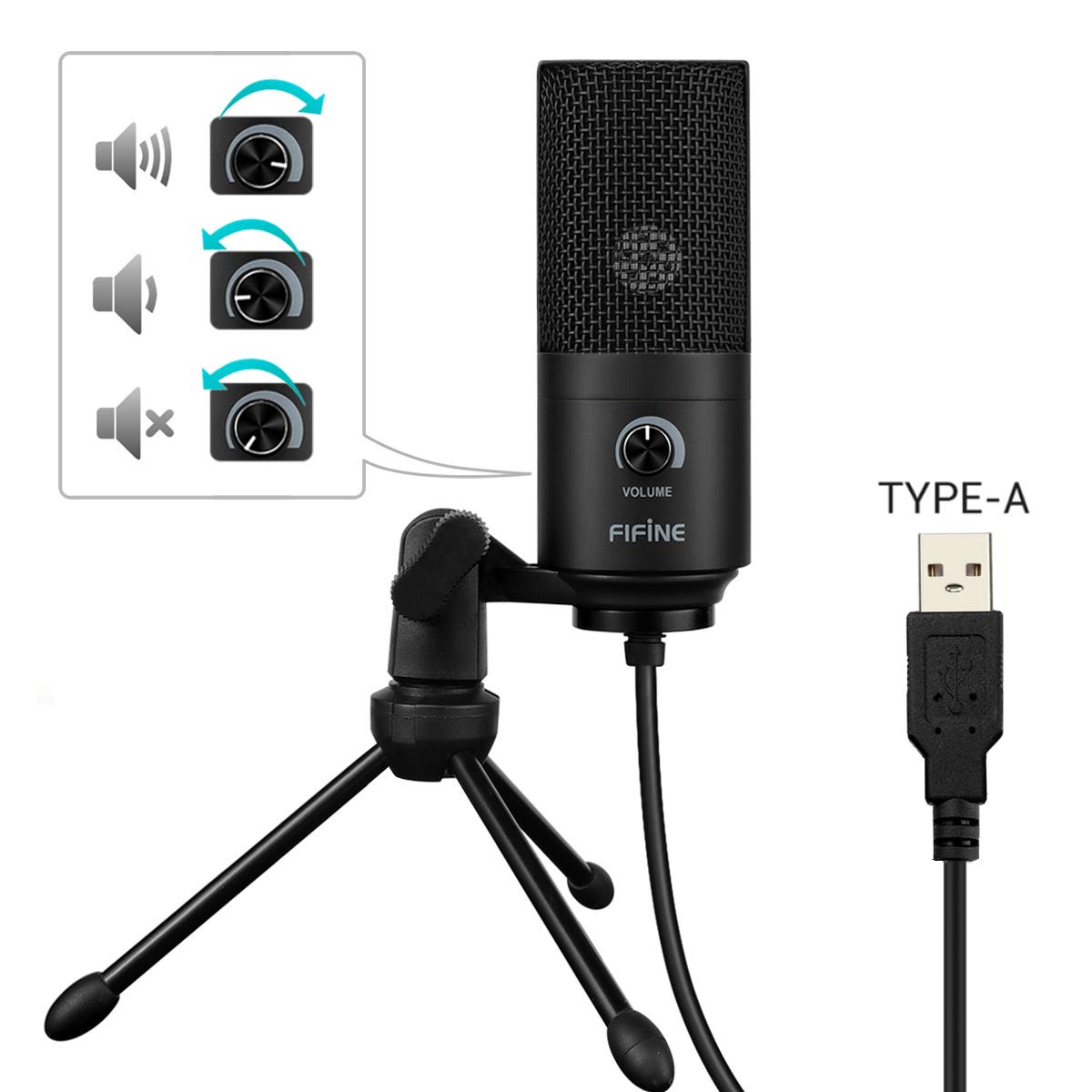
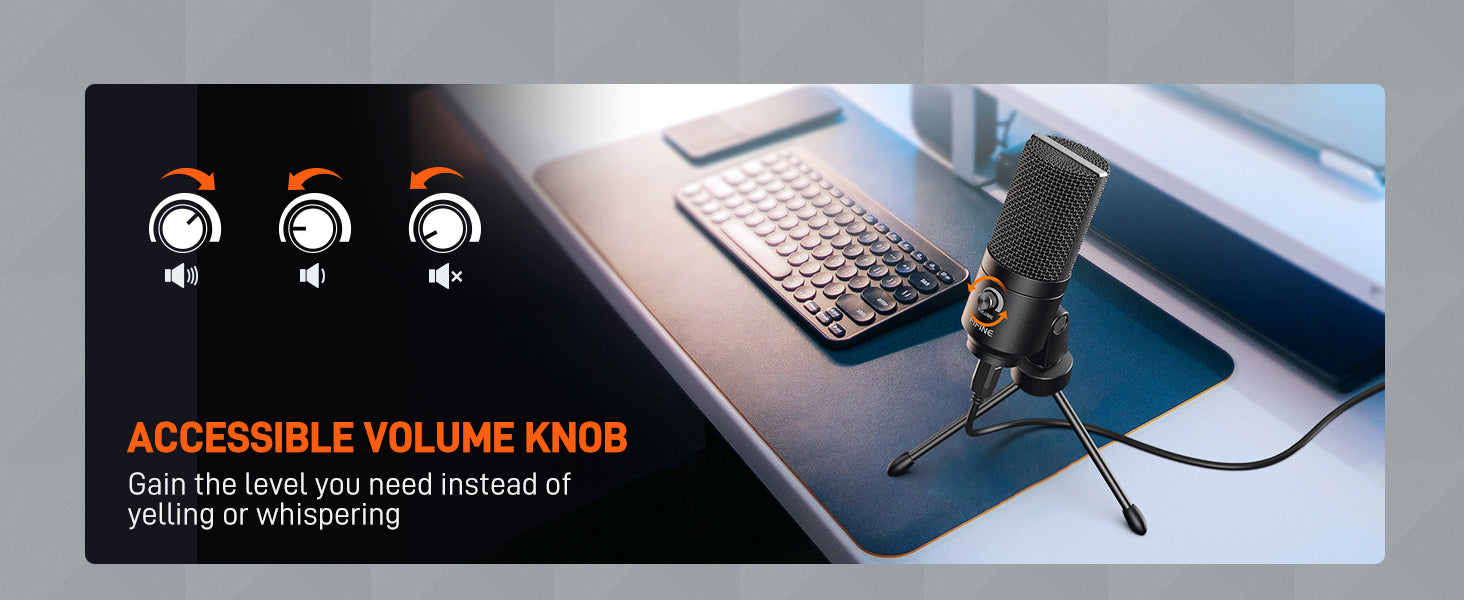
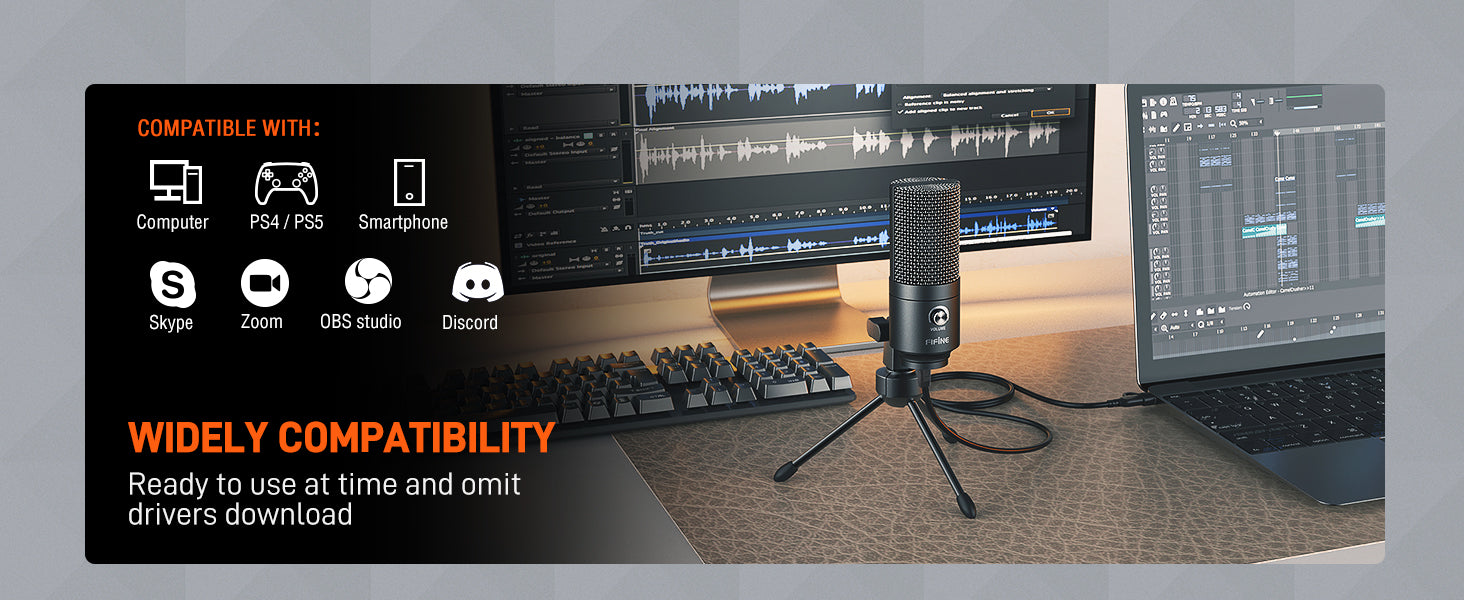
- Recording microphone with adjustable volume knob has a louder output and is more sensitive, works well when Gaming, Skyping, Voice recording and on Twitch, YouTube, Cortana, Discord and Voice chat
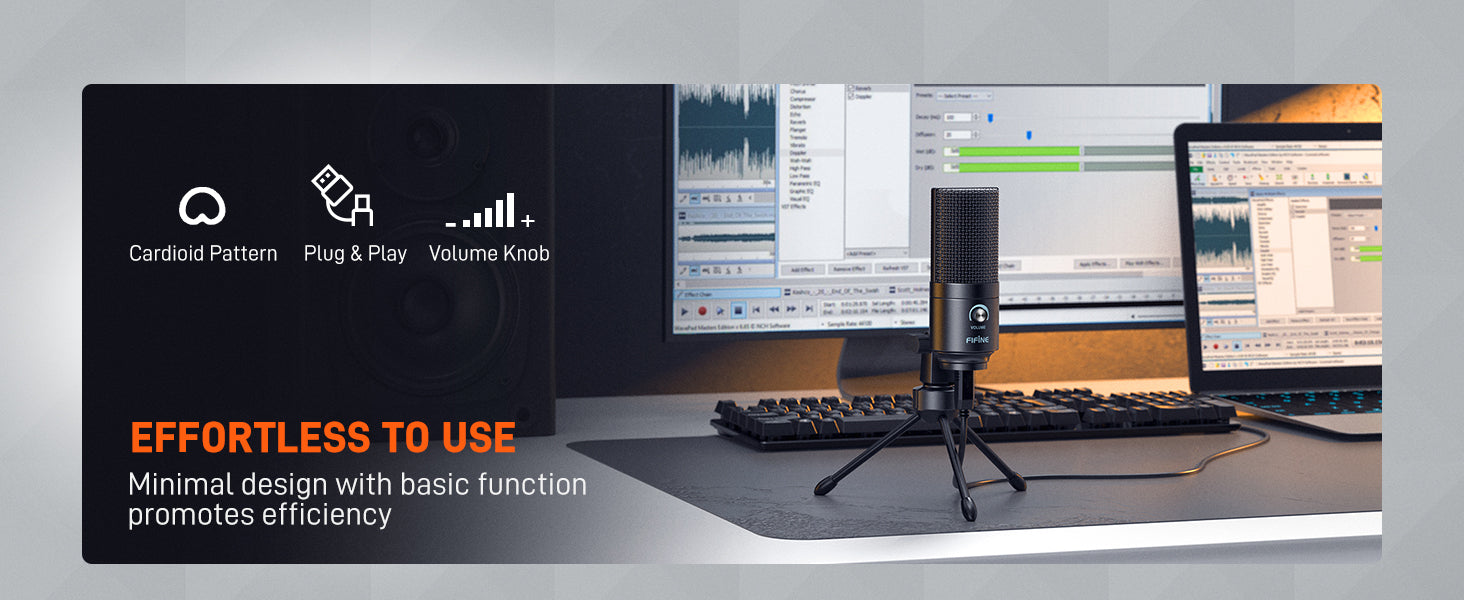
- Cardioid polar pattern condenser microphone for computer captures your voice clearly producing smooth and crisp sound without static noise
- USB-powered design condenser microphone hence no need for any external power supply
- Great for gamers or streamers at isolating the sounds from the main source and separating them from any background noise
Specification
| Power Supply | 5V |
| Polar Pattern | Uni-directional |
| Frequency Response | 20Hz-20KHz |
| Sensitivity | -43dB3dB(at 1kHz) |
| Equivalent Noise Level | 80dBFS |
| Max.SPL | 130dB(at 1kHz1%T.H.D) |
| S/N Ratio | 78dB |
| Electrical Current | 70mA |
What's In the Box?
- Microphone with 5.9 Ft USB Cable
- Desk Stand
- User Manual
Imported & Marketed By
Origin Marketing Private Limited.
223/224, Raj Ratna Industrial Estate, Liberty Garden, Malad (West), Mumbai 400064, Maharashtra, India.


Effortless to use
Accessible volume knob
Wide compatibility
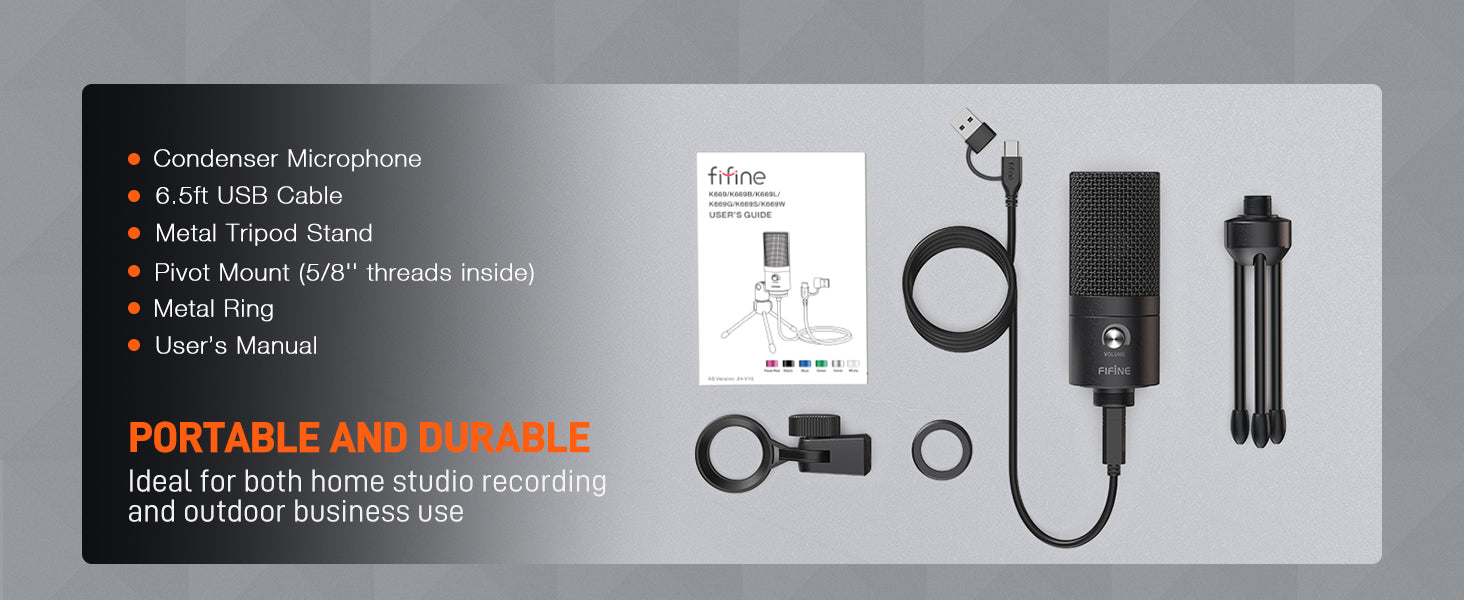
What will you get


Frequently Asked Questions (FAQs)
Self Troubleshoot before proceed any further.
What is the threading of the microphone mount? And can it be attached to a boom arm?
Which shock mount and pop filter fit on this mic?
It's recognized, but I didn't hear any sound coming out of my Windows when I spoke
My Windows is not recognizing the microphone (follow the video below to update and reinstall the driver).