
Redragon Fizz K617 - 60% Wired Mechanical Keyboard White And Grey (Red Switches)
- Regular price
-
Rs. 2,370.00 - Regular price
-
Rs. 3,499.00 - Sale price
-
Rs. 2,370.00
Inclusive of all taxes
-
Hurry, only 10 items left in stock!

DELIVERY INFORMATION
Delivery Time : 3 - 7 Days (Depending on the location)
Description
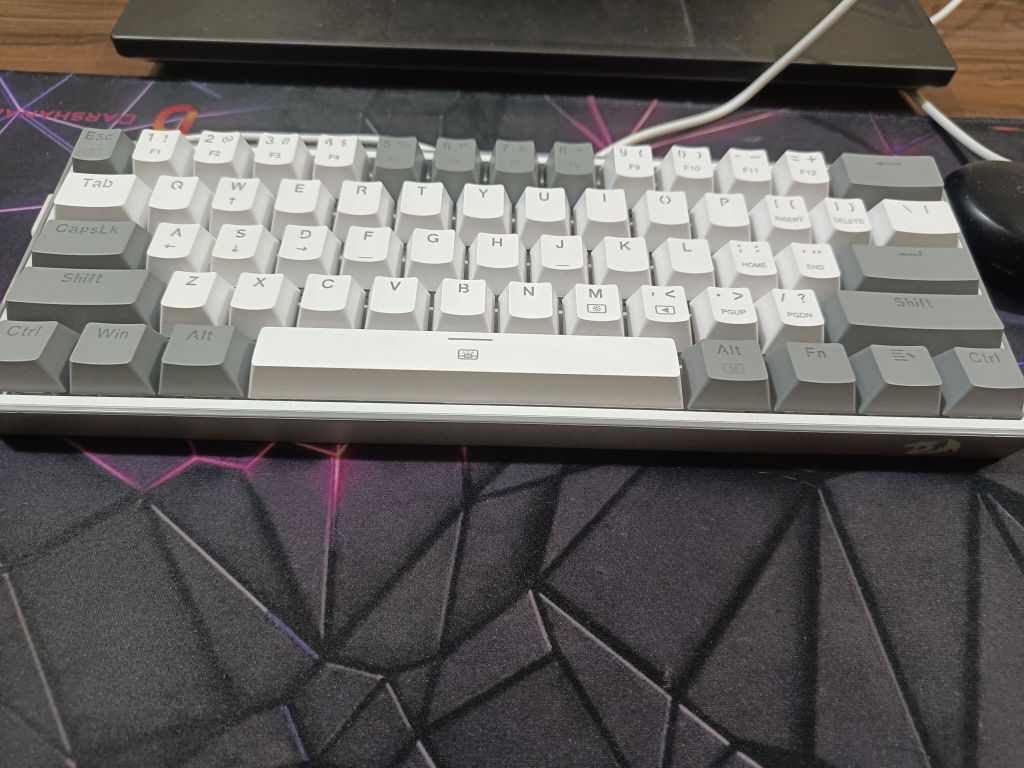
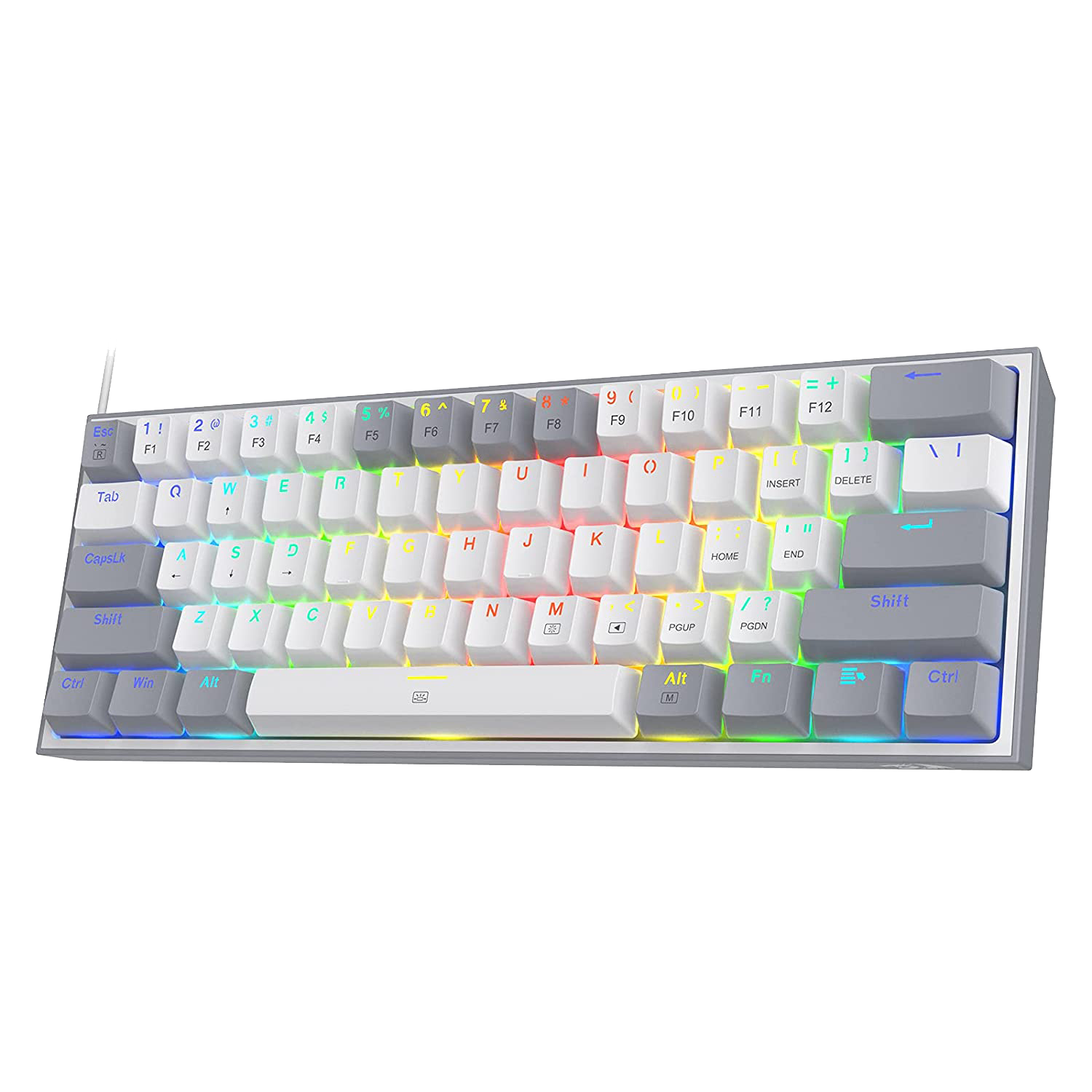
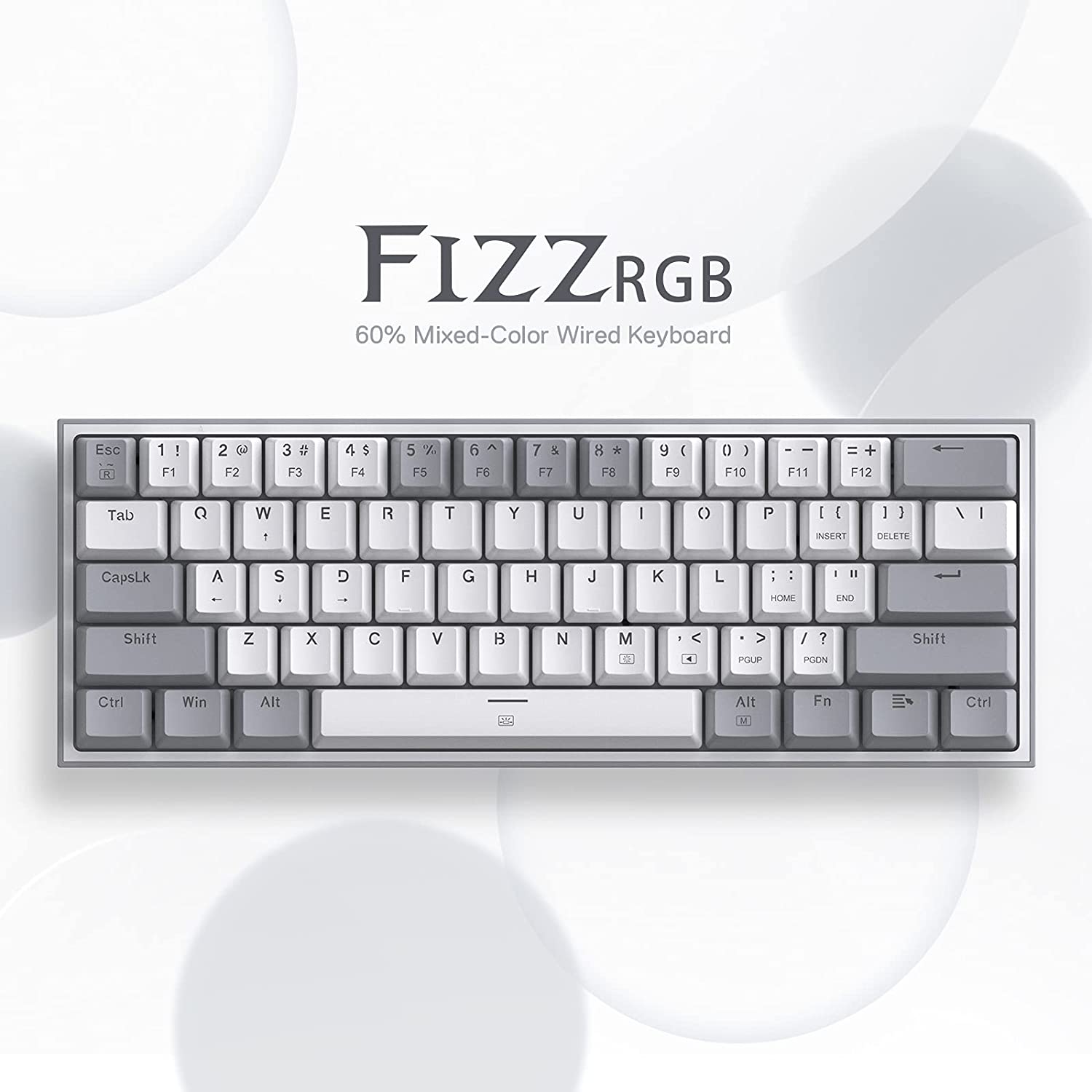
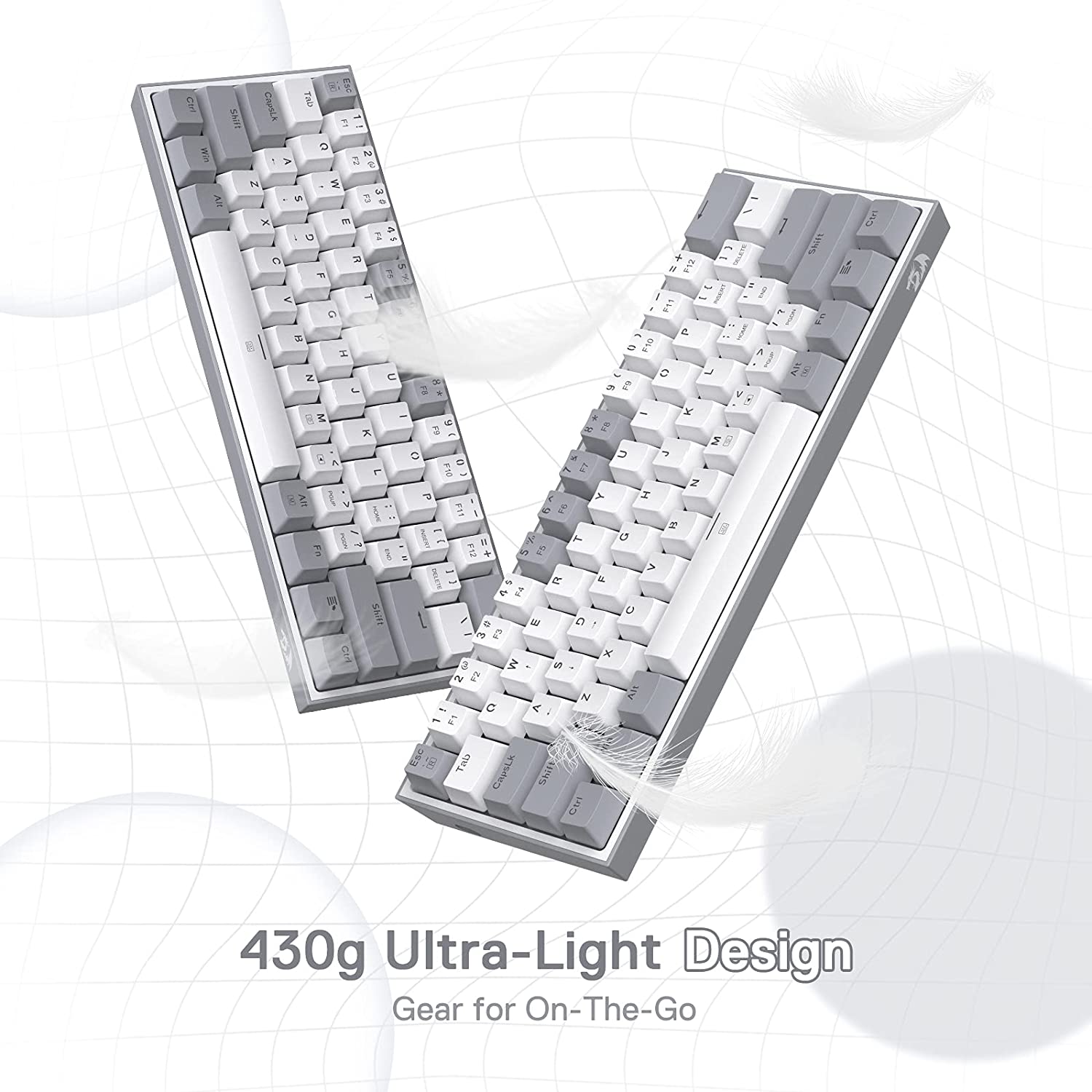
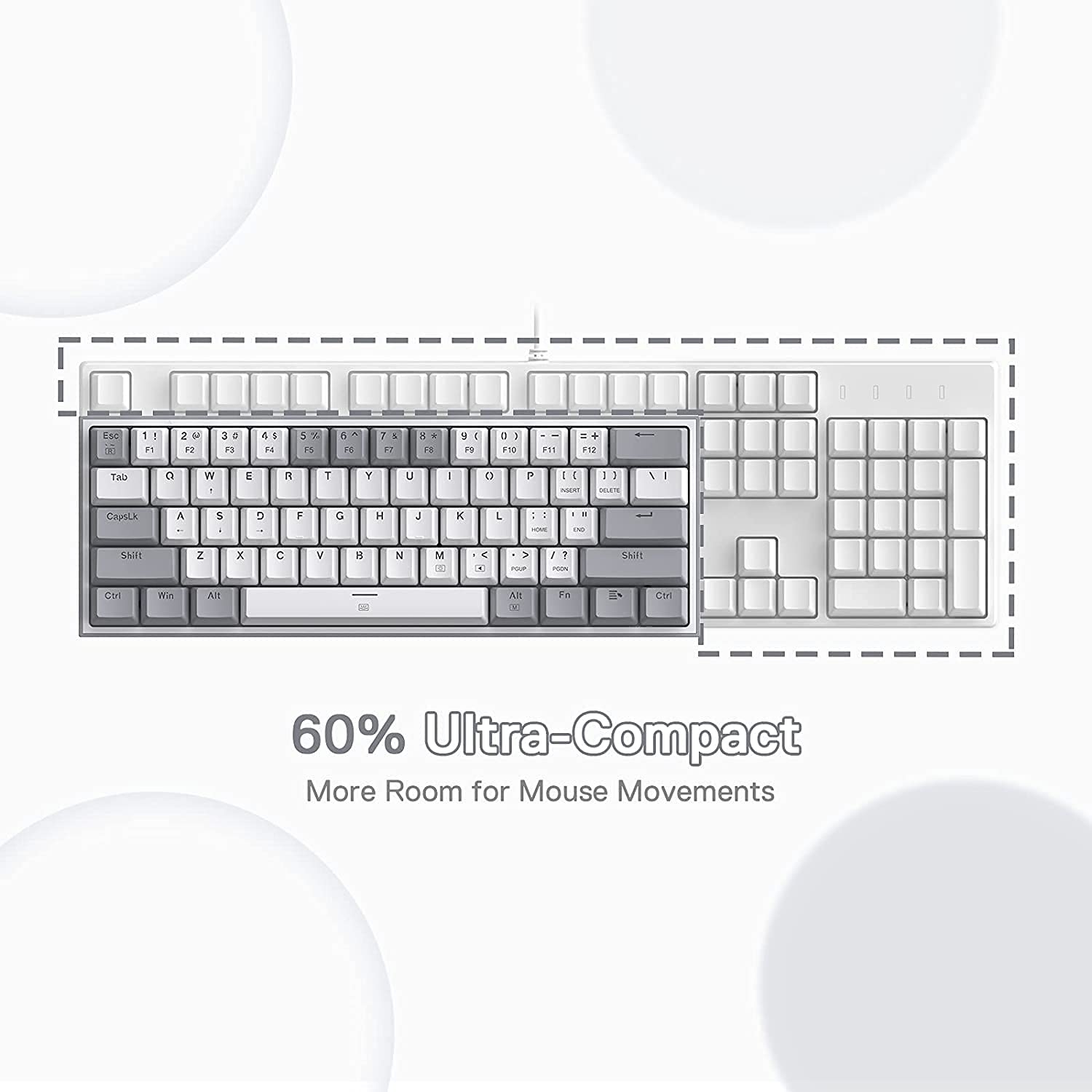
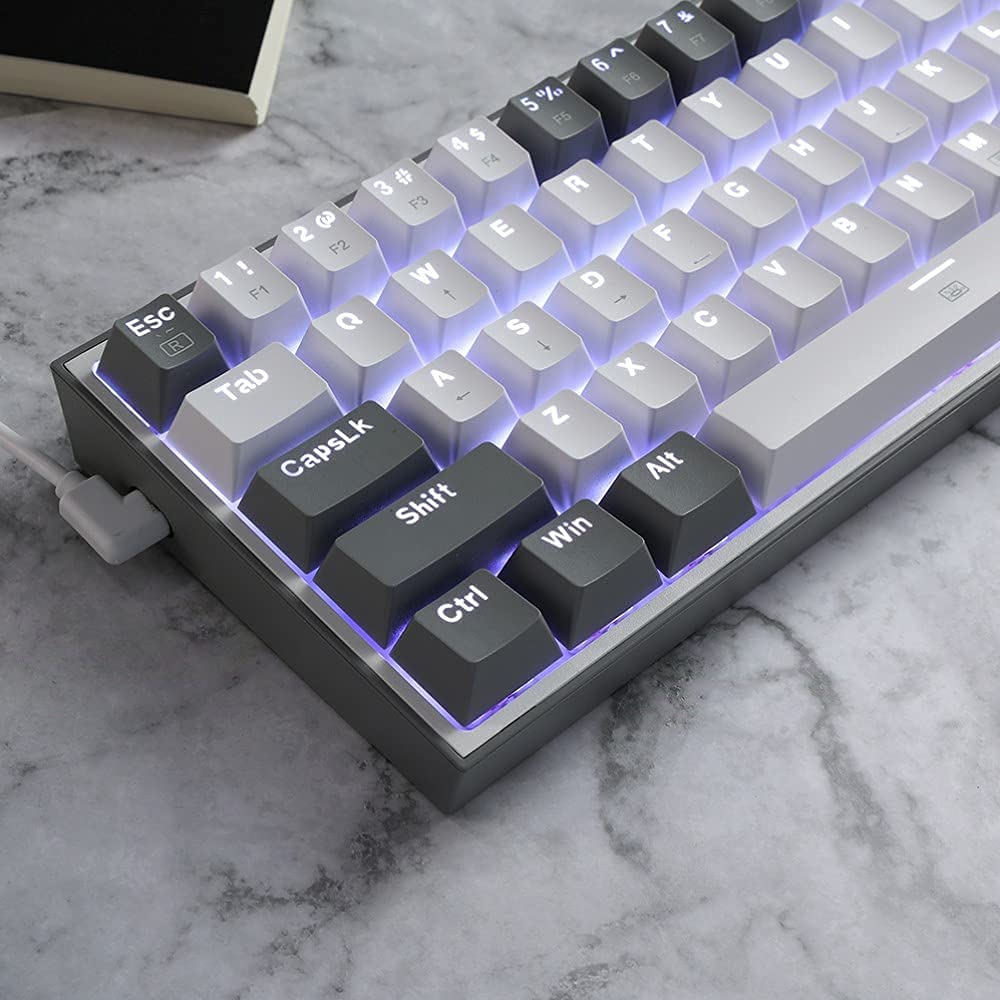
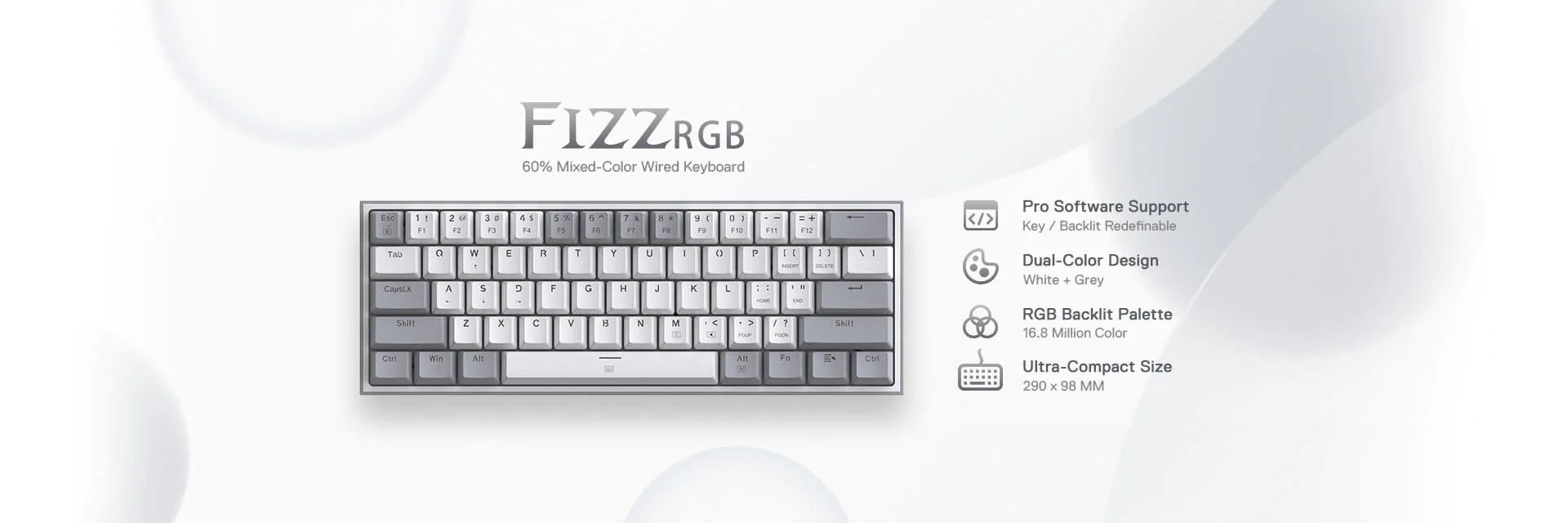
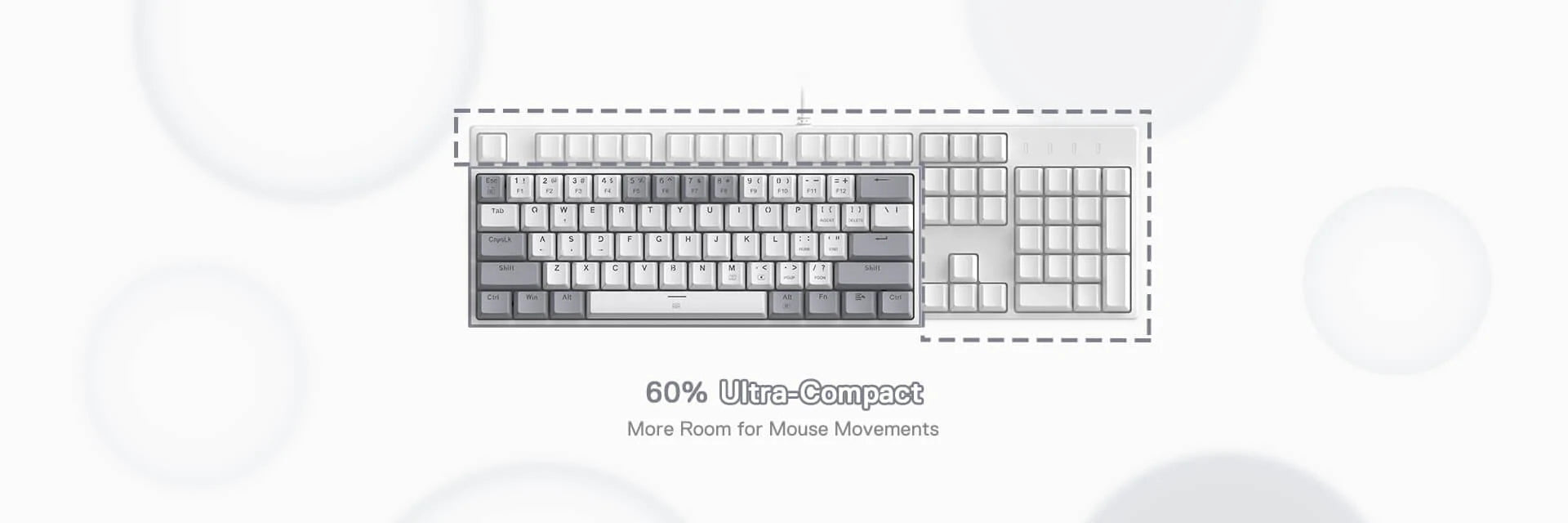
- 60% Wired & 2 Colors Keycaps: Redragon 60% keyboard in wired mode with fresh 2 colors mixed keycaps layout. Ultra-compact 61 keys with novel keycap color frees up precious desk space with vibrant elements.
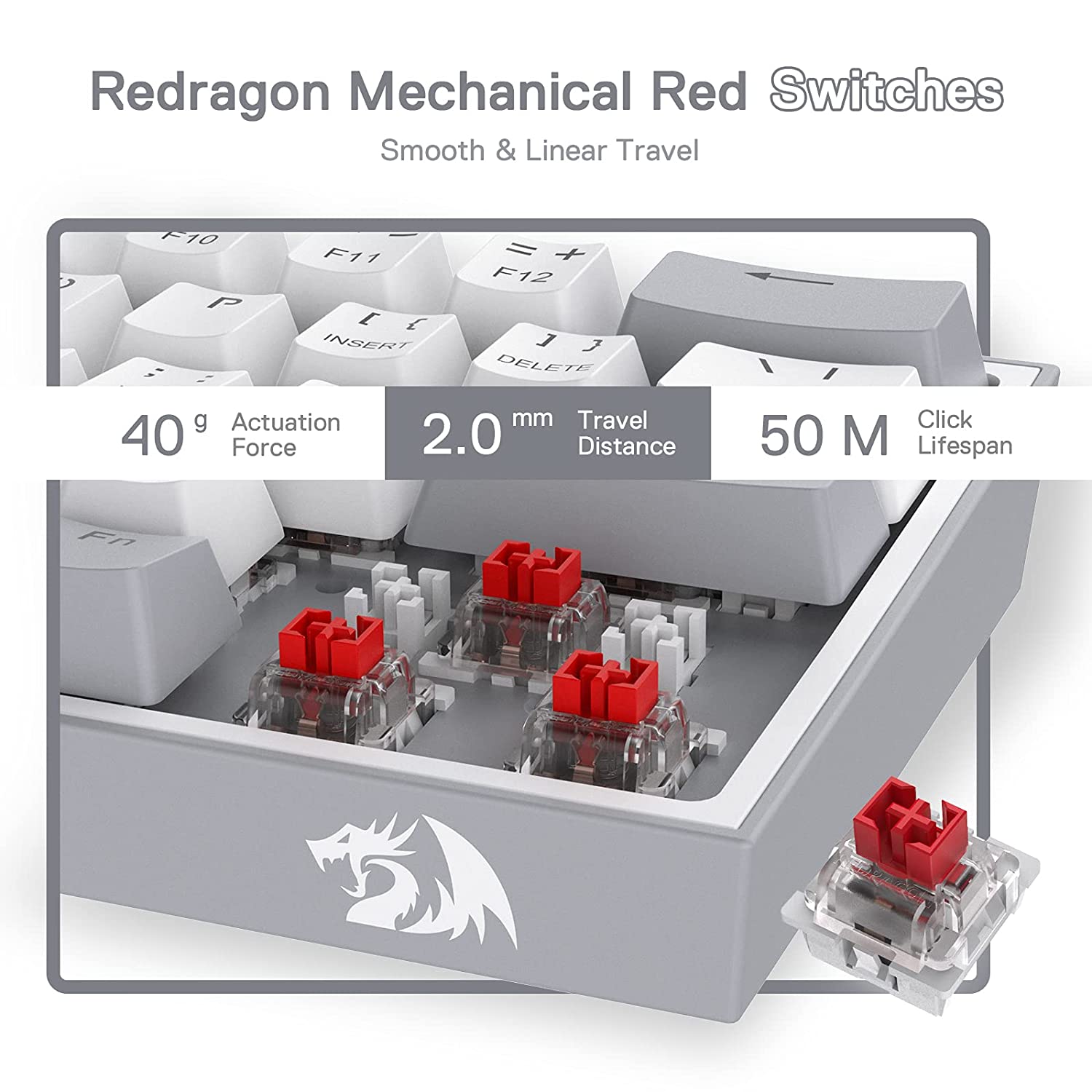
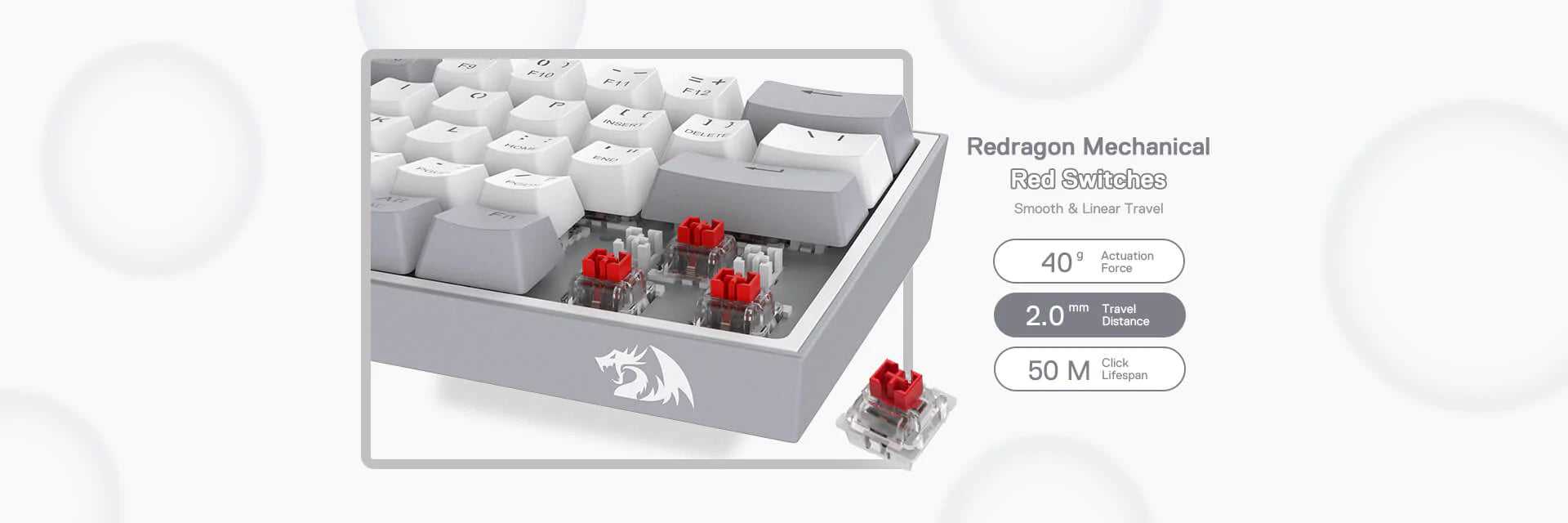
- Hot-Swappable Red Switches: Most quiet mechanical switch, linear and soft key travel makes every click easy to register. Hot-swappable with other Redragon switches. Made to last with switches rated for 50 million keypresses.
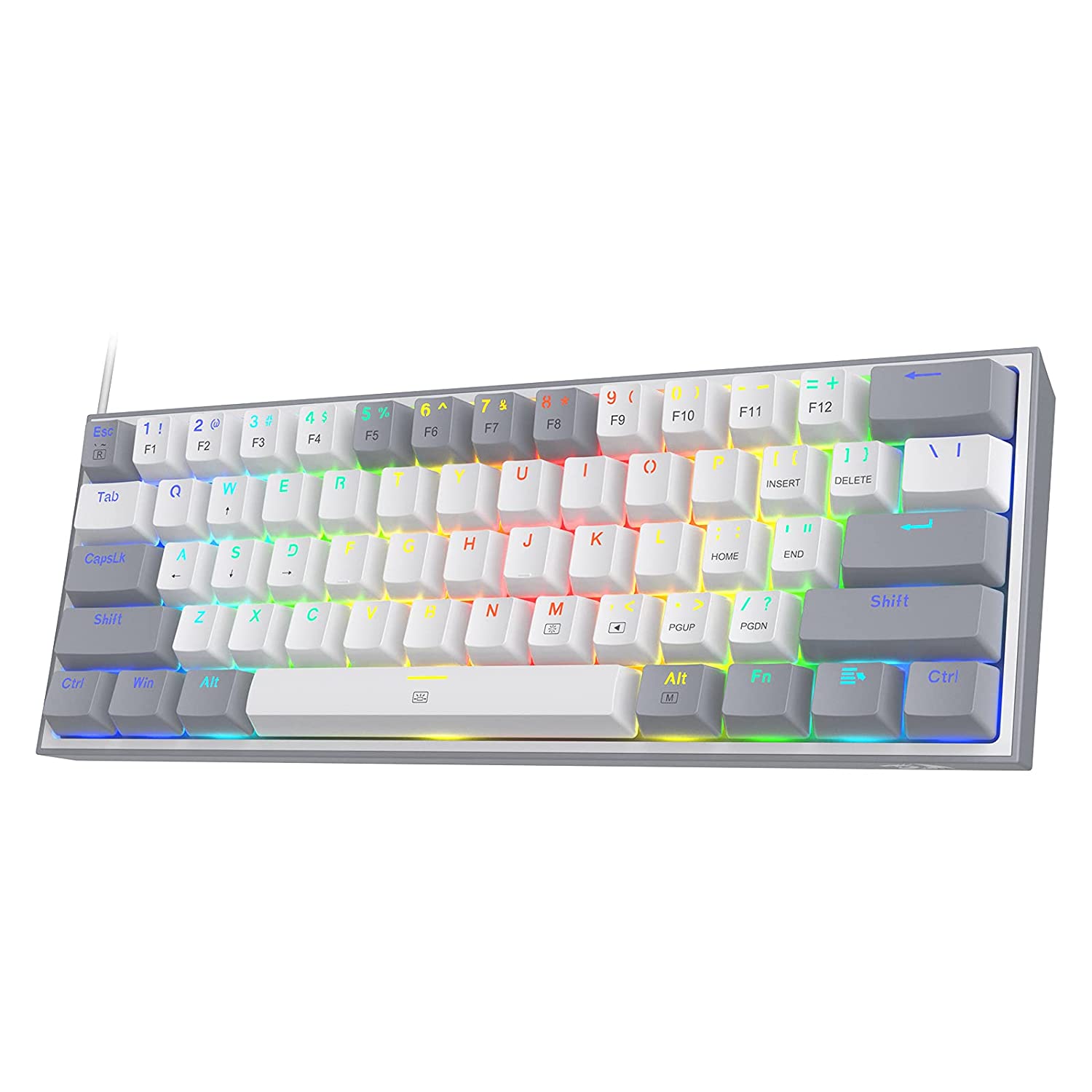
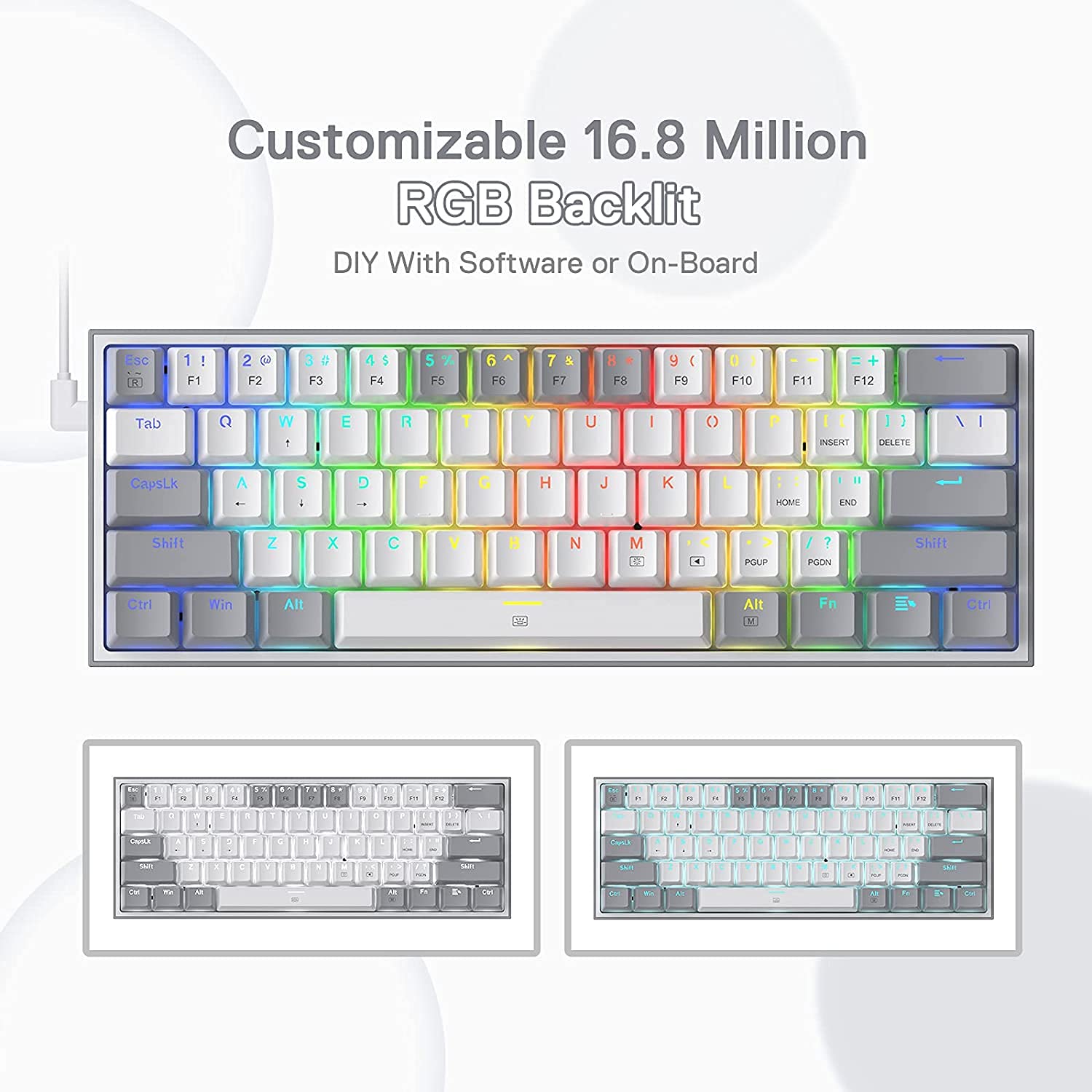
- Vibrant RGB: Up to 20 presets backlighting modes are free to choose by the keyboard itself. Brightness and flowing speed is also adjustable on board. Select your own preferred modes for any playing.
- Pro Software Customizable: Expand your options using the available software to design your own new modes and effects found on redragonshop. Macros with different keybindings or shortcuts for more efficient work and gaming.
- Dedicated for FPS Gamer: Place the keyboard proper straight on your desktop and no more crooked way for mouse space saving, your mouse will never hit the keyboard any more. Enjoy waving the mouse without any worries and go get that Team Kills.
Specifications
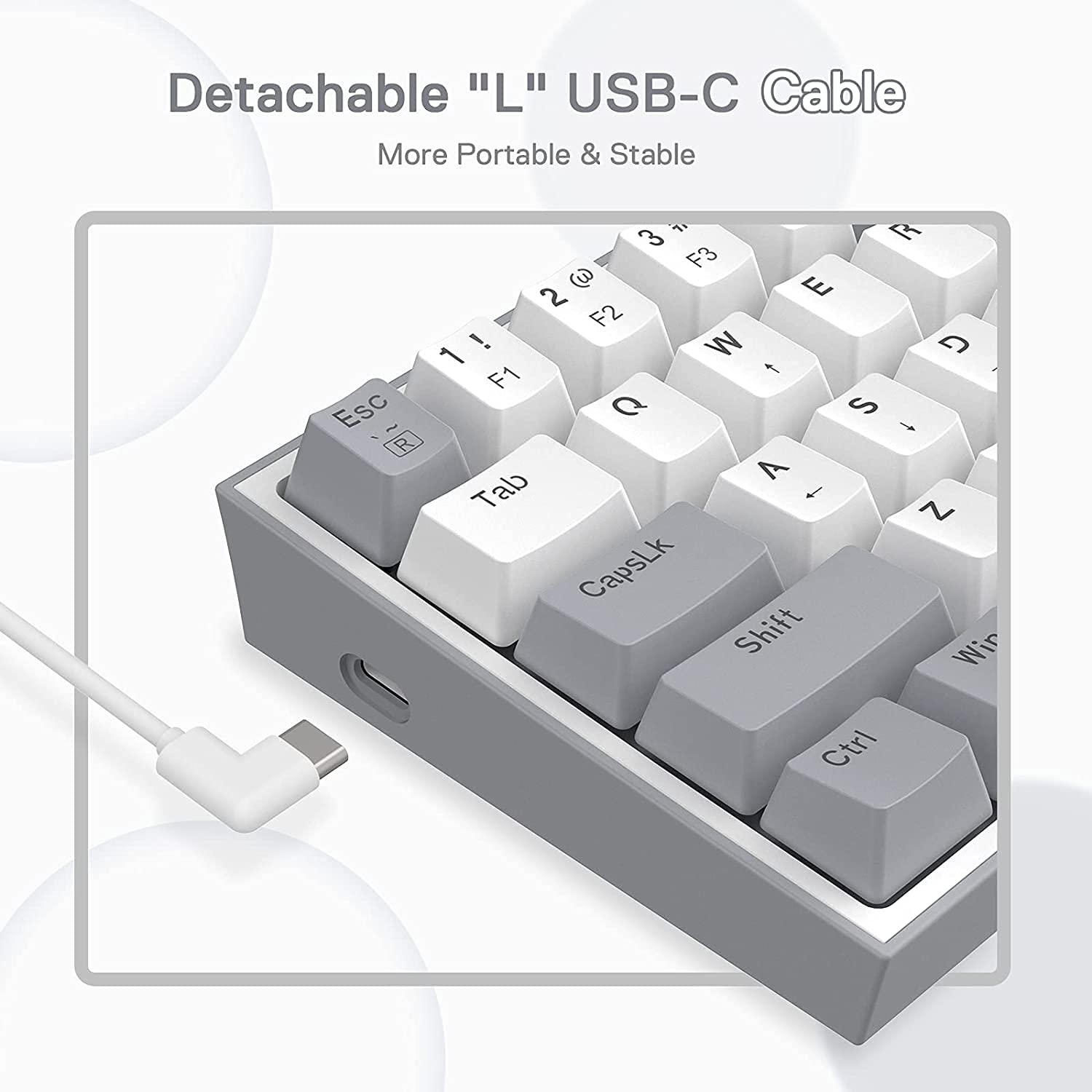
| USB Connector | Detachable Type-C Cable |
| Keyboard Size | 27 x 9 x 3.5 cm |
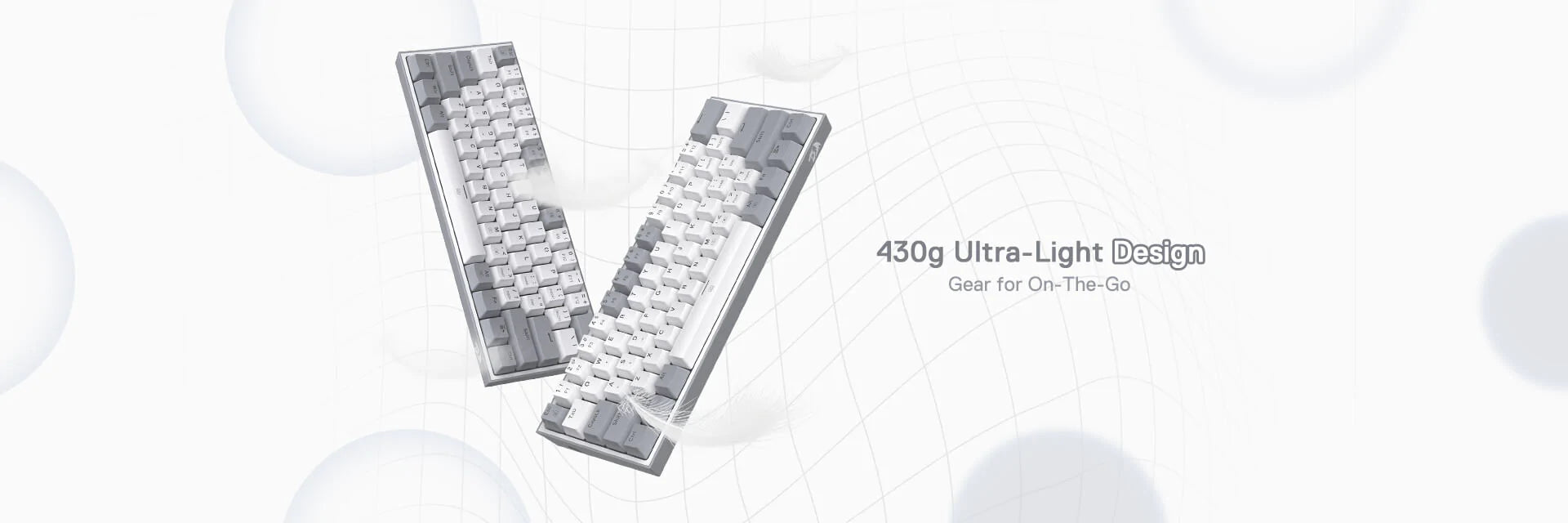
| Item Weight | 0.59 kg |
| Keyboard Connectivity | Wired |
| Matrix | 61 Keys (Full Rollover) |
| Height Adjustable | Yes |
| Switches | Red Switches |
What's in the box?
- 1 x Redragon K617 Fizz 60% RGB Keyboard
- 1 x Switch/Keycap Puller
- 1 x Switch Backup Box
- 1 x User Manual
Imported & Marketed By
Origin Marketing Private Limited.
223/224, Raj Ratna Industrial Estate, Liberty Garden, Malad (West), Mumbai 400064, Maharashtra, India.
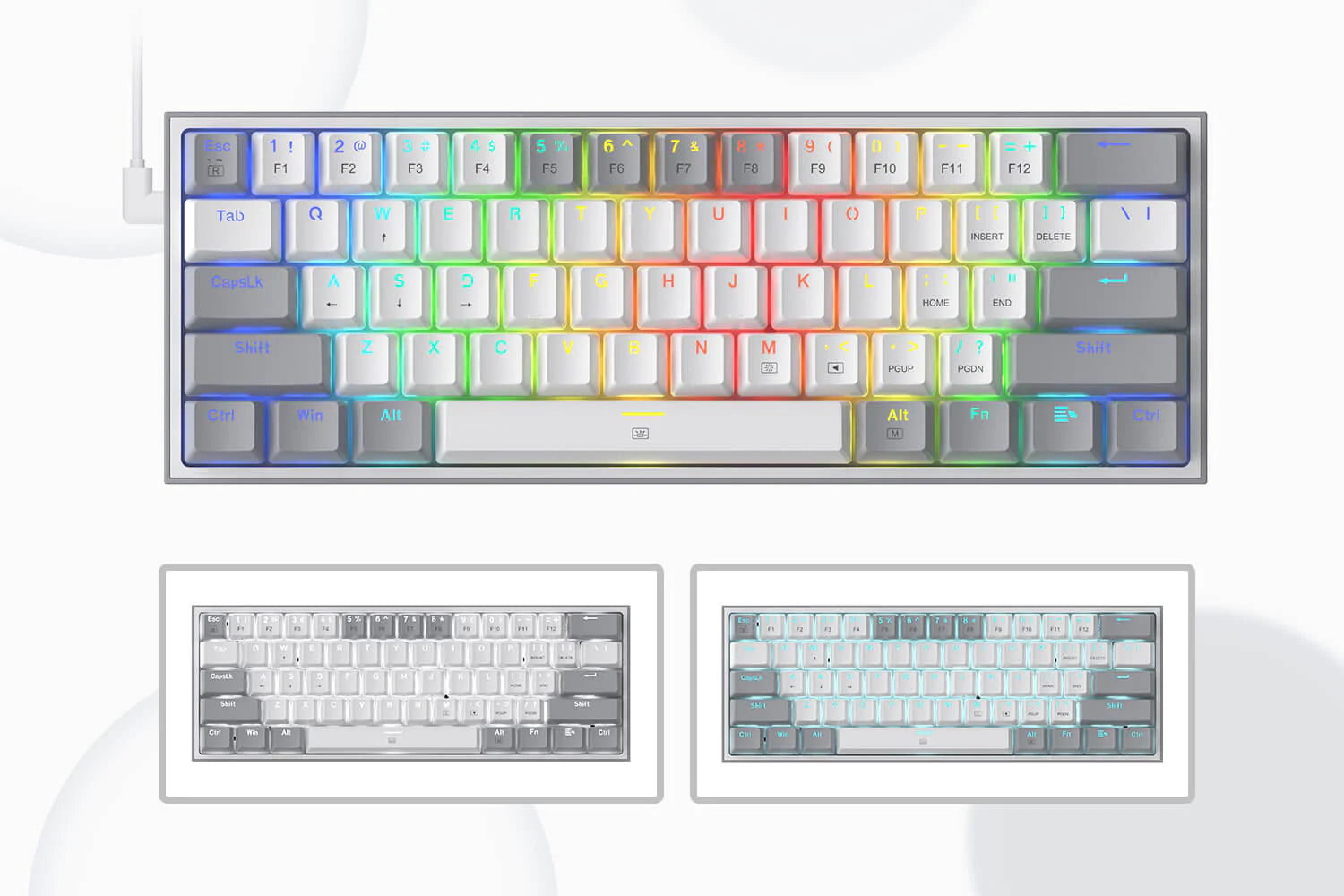
REDRAGON COMPACT RGB KEYBOARD
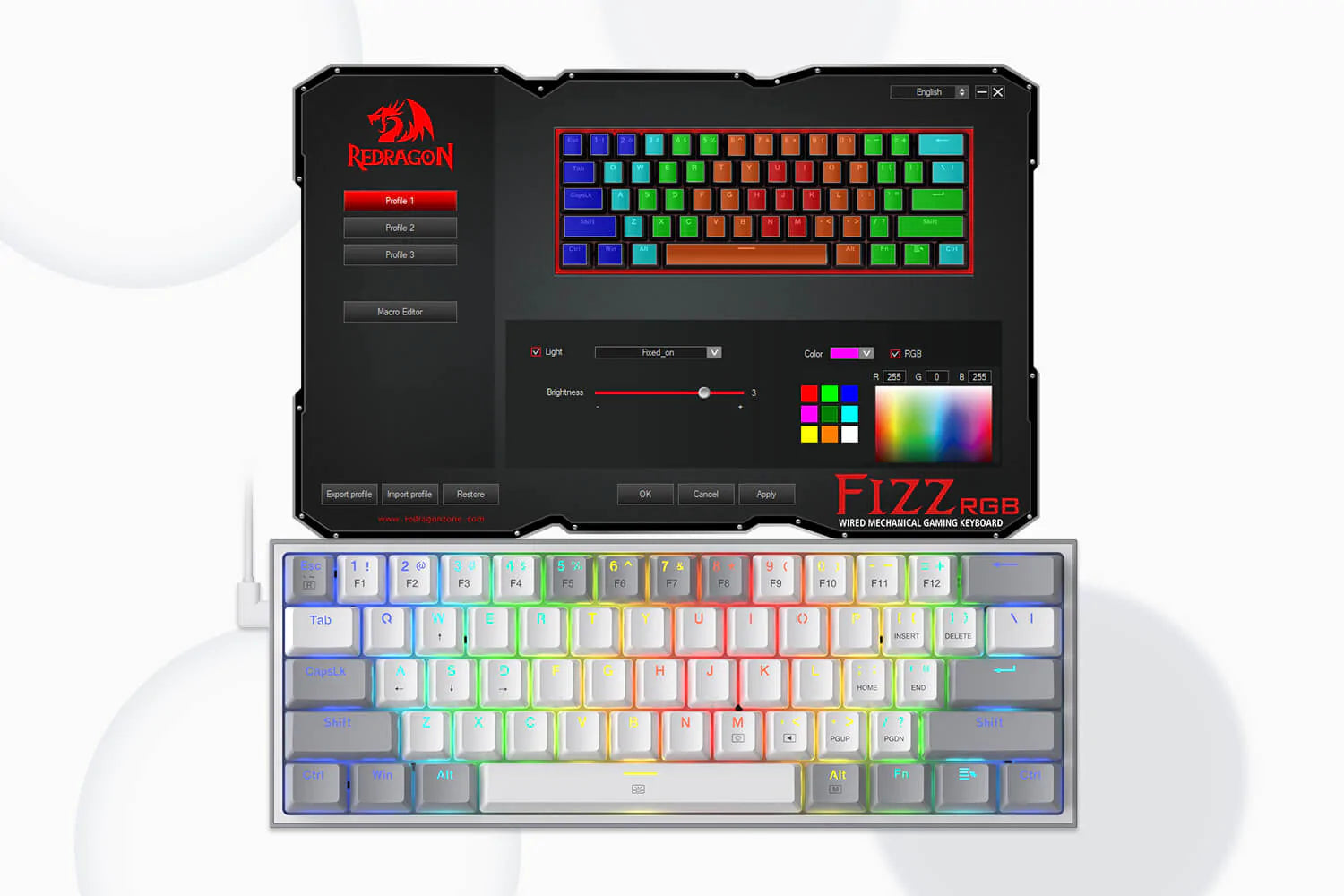
PRO SOFTWARE CUSTOMIZABLE
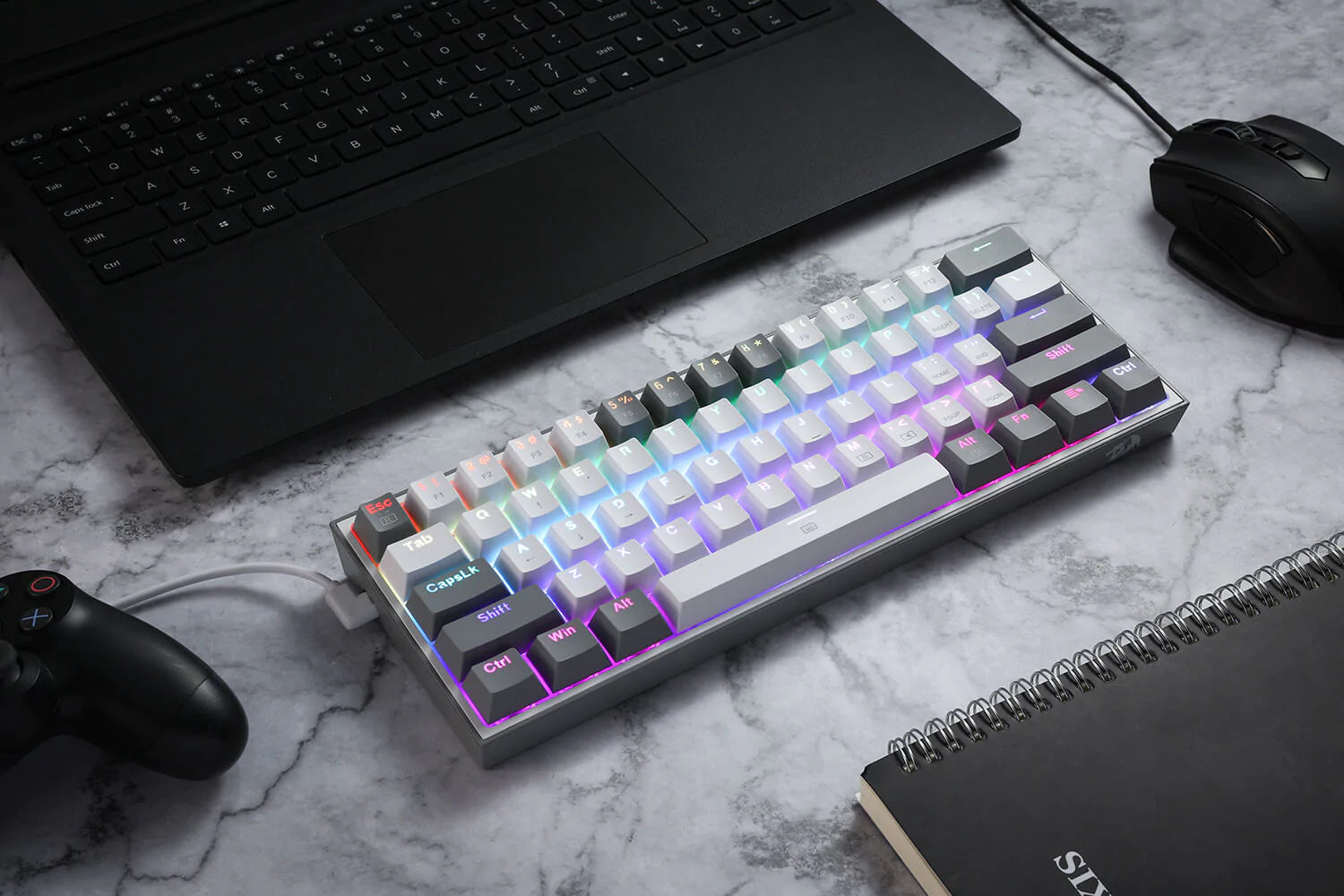
VIBRANT RGB
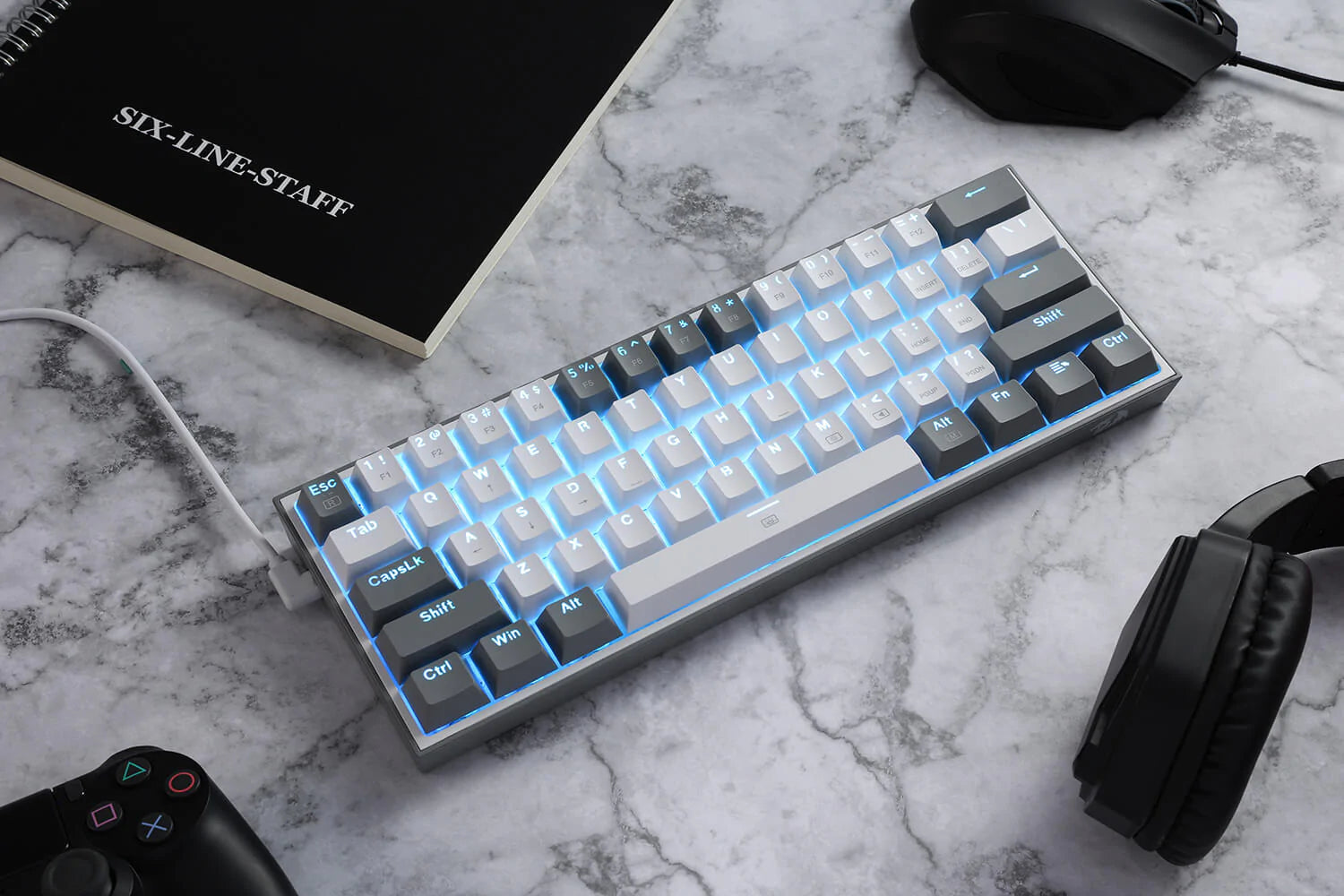
DEDICATED FOR FPS GAMER
Frequently Asked Questions (FAQs)
How FN key work with other keys?
How Backlight setting works?
If you spill liquid on the keyboard?
Supported OS ?
Customer Reviews
The keyboard itself works fine, but I was disappointed with the overall quality. The packaging box arrived in poor condition and didn't provide enough protection. The biggest issue is the keycaps, which feel cheap and have a low-quality finish. For the price, I expected much better packaging and better quality keycaps. I hope these issues are improved in future batches.