
Redragon Draconic Pro K530 Pro - 60% Bluetooth+2.4Ghz+Wired Mechanical Keyboard White (Red Switch)
- Regular price
-
Rs. 3,510.00 - Regular price
-
Rs. 5,990.00 - Sale price
-
Rs. 3,510.00
Inclusive of all taxes
Sign up for restock notifications
DELIVERY INFORMATION
Delivery Time : 3 - 7 Days (Depending on the location)


Decription
Specifications
| USB Connector | Detachable Type - C Cable |
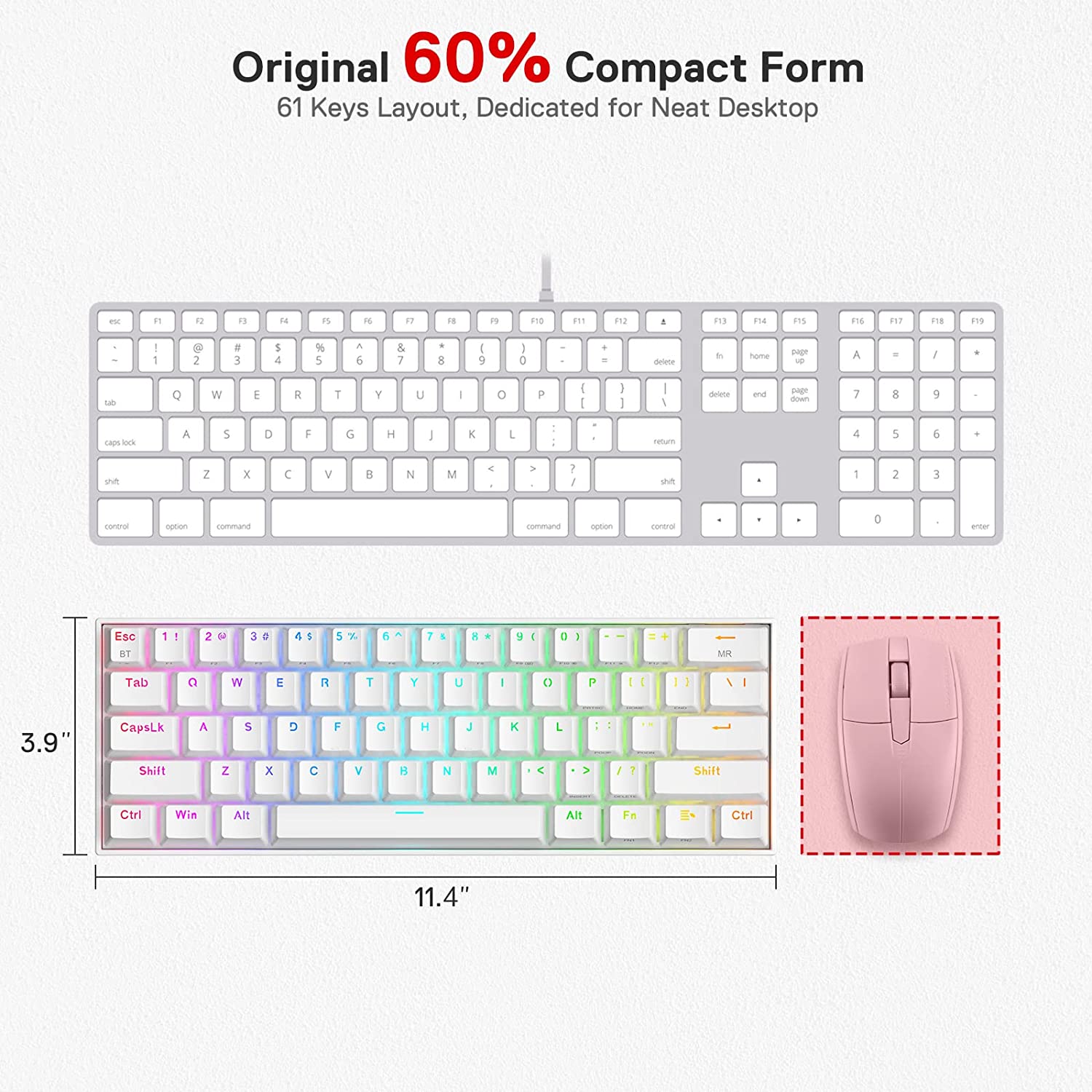
| Dimensions | 29 x 1 x 3.6 cm |
| Weight | 0.8 Kg |
| Keyboard Connectivity | Wired/Wireless/BT 5.0 |
| Matrix | 61 Keys (Full Rollover) |
| Height Adjustable | Yes |
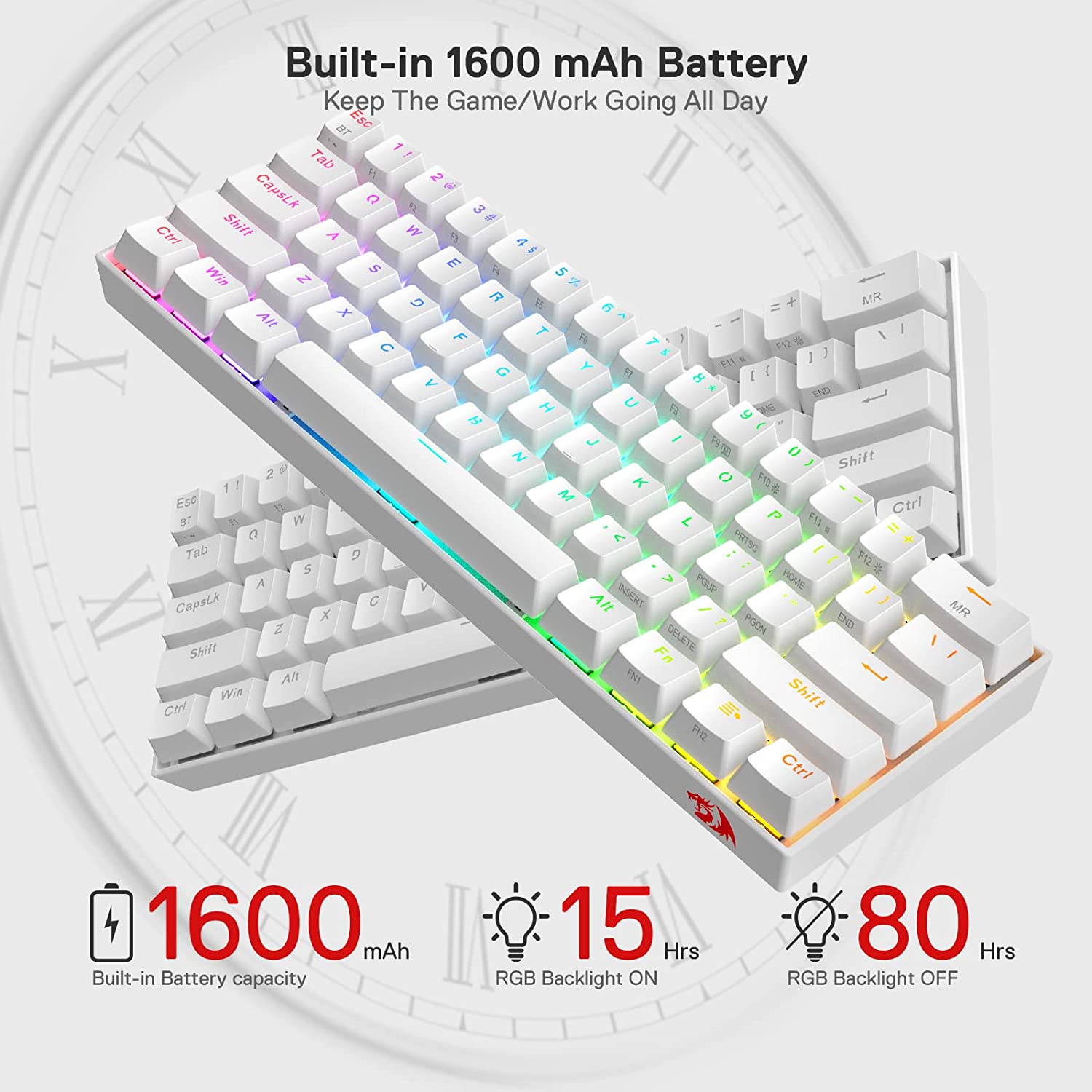
| Battery | 1600mAh |
| Key Switches | Red Switch |
| Anti-Ghosting | full N-Key Rollover |
| Media Keys | Available as layered function |
| Cable Length | 6 Ft |
| Backlighting | Yes |
What's In the Box?
Imported & Marketed By
Origin Marketing Private Limited.
223/224, Raj Ratna Industrial Estate, Liberty Garden, Malad (West), Mumbai 400064, Maharashtra, India.
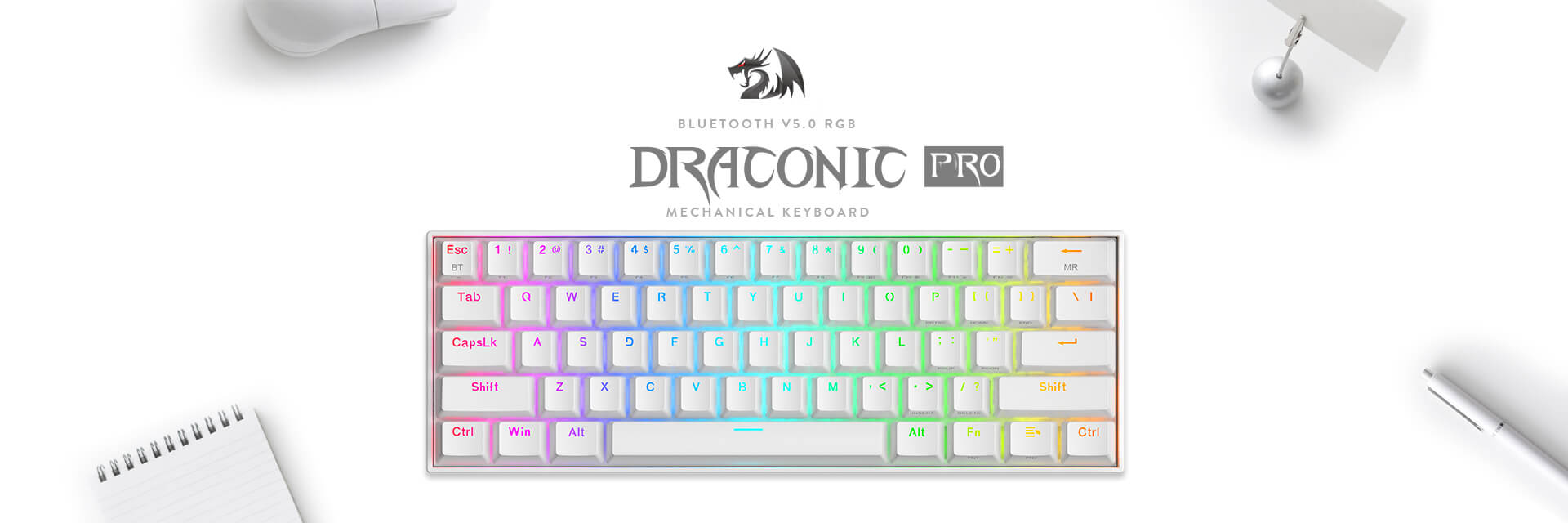
Upgraded Redragon K530 Pro
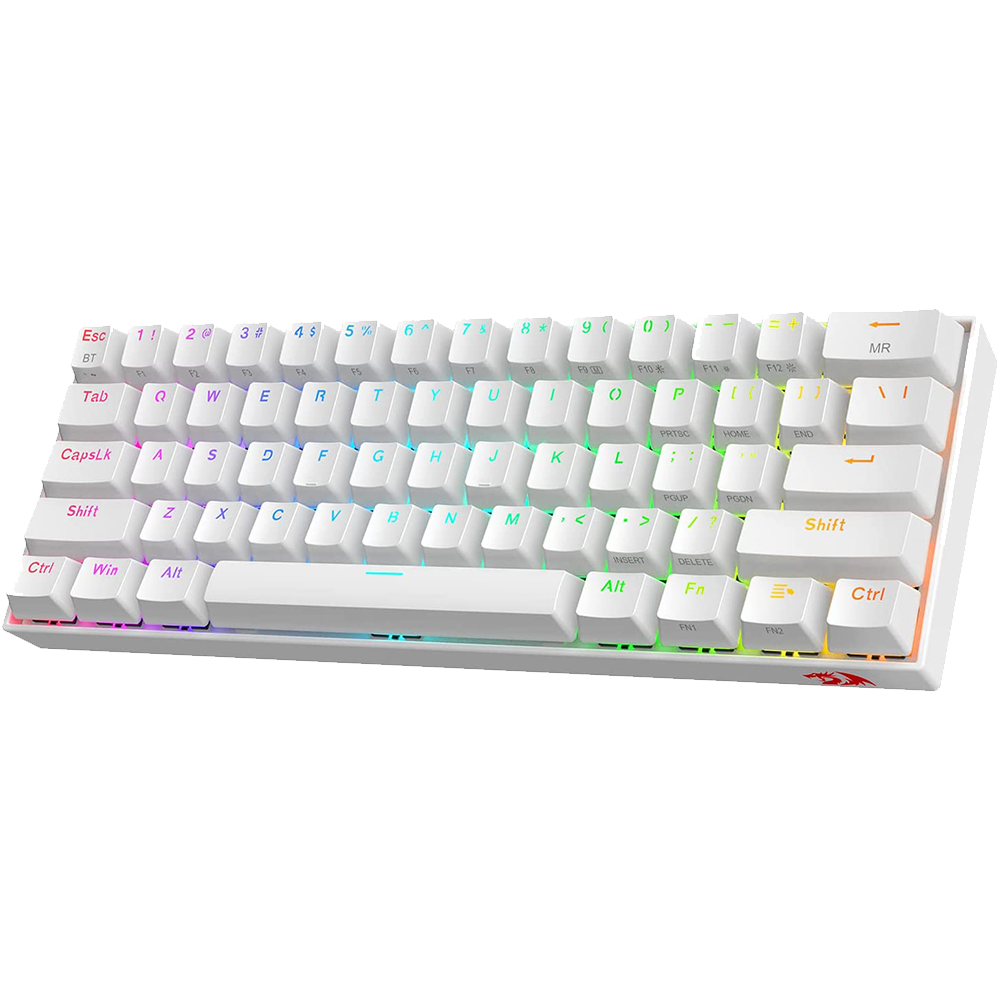
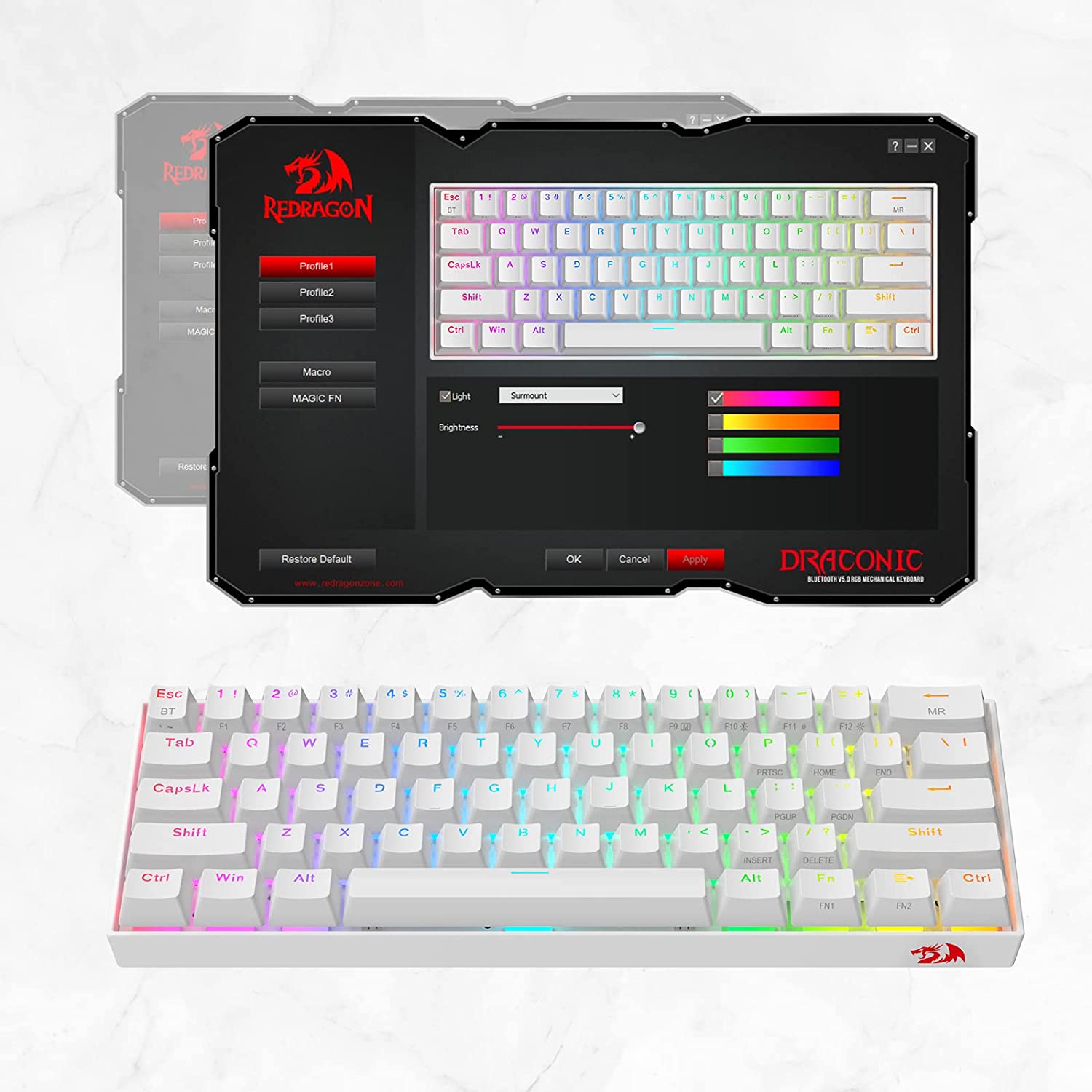
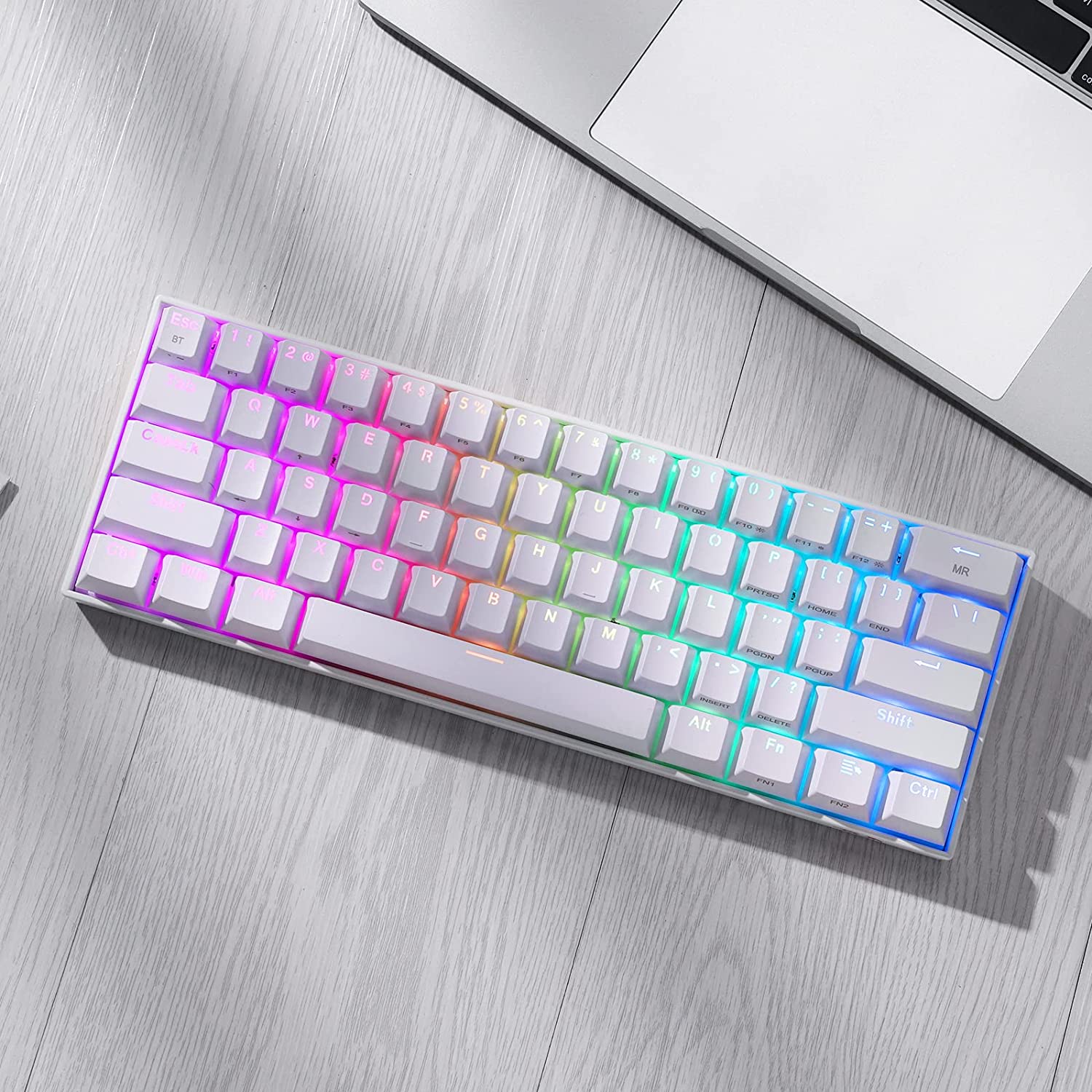
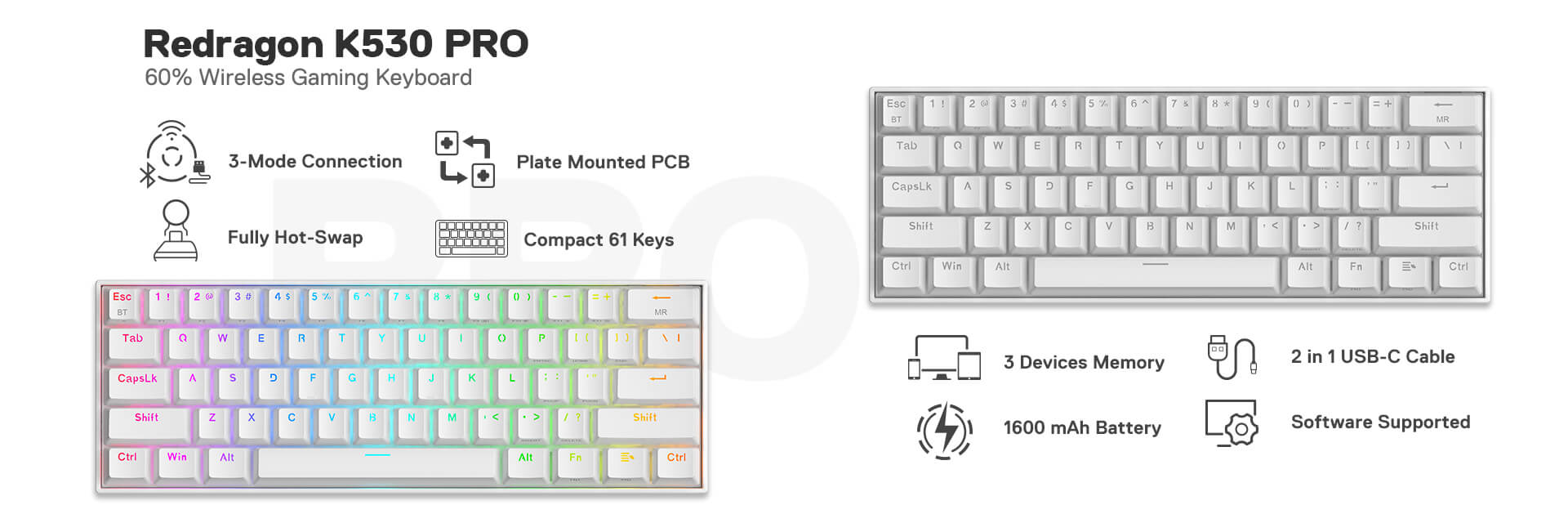
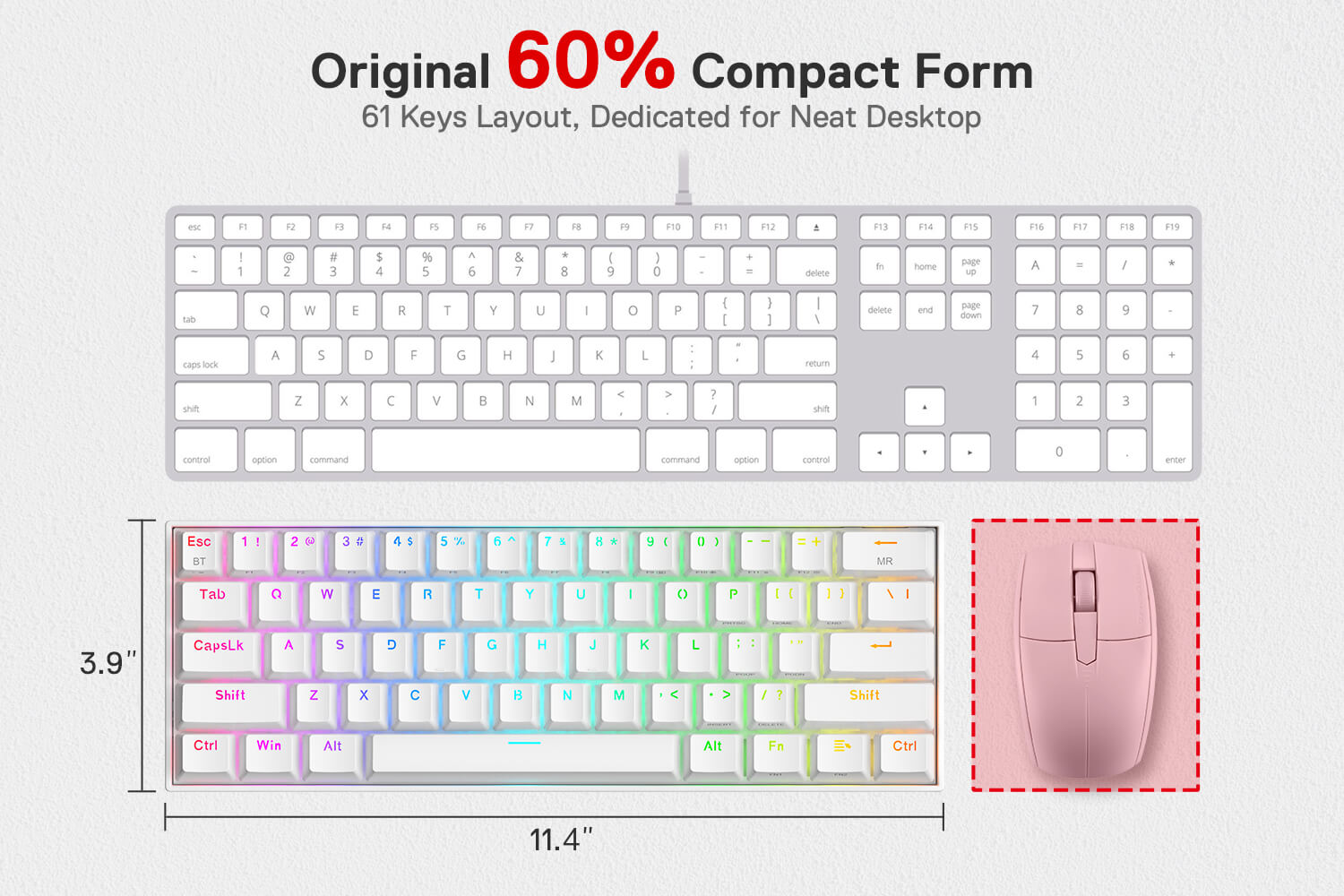
Function Upgraded YES✔, Price Increased NO✗, that is the ultimate brand-new K530 Draconic PRO. New 3 modes connection, 61 keys fully hot-swappable PCB plus original compact 60% layout. This time, you will not regret having one, the wait is over. Dynamic 13 presets illumination modes are free to choose by the keyboard itself. Millions of color options and reactive typing effects make you the designer of your ultimate gear with a pro driver.


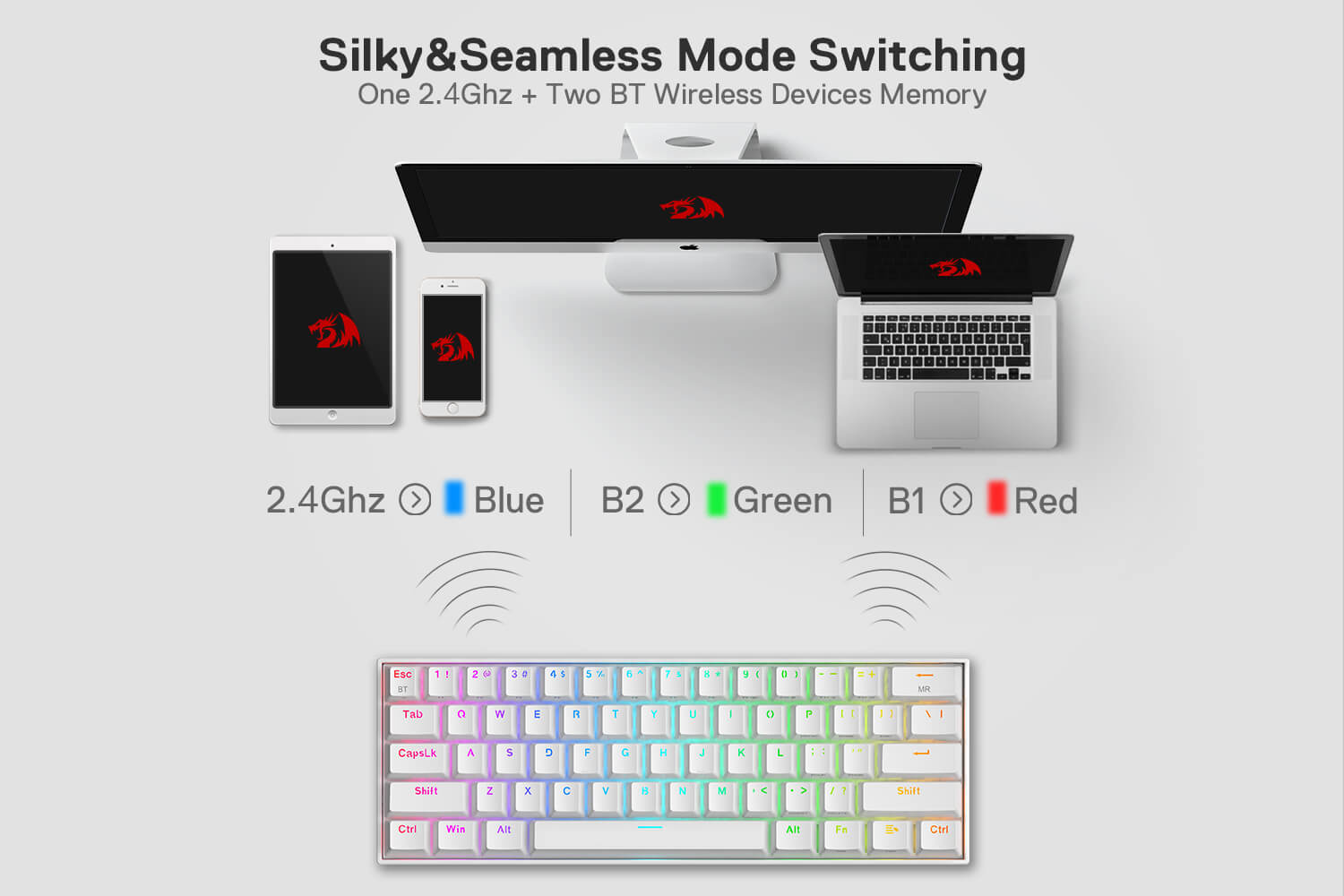
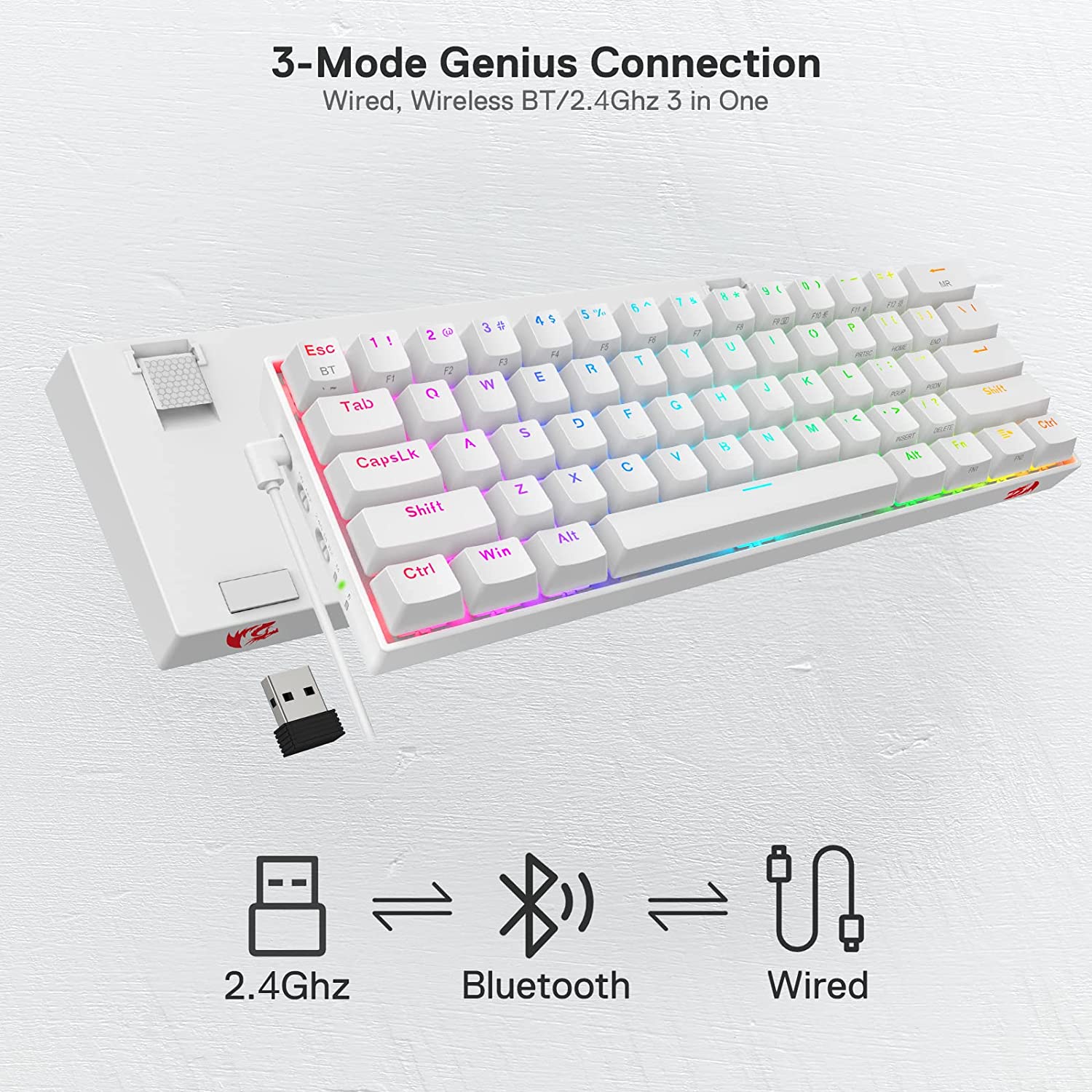
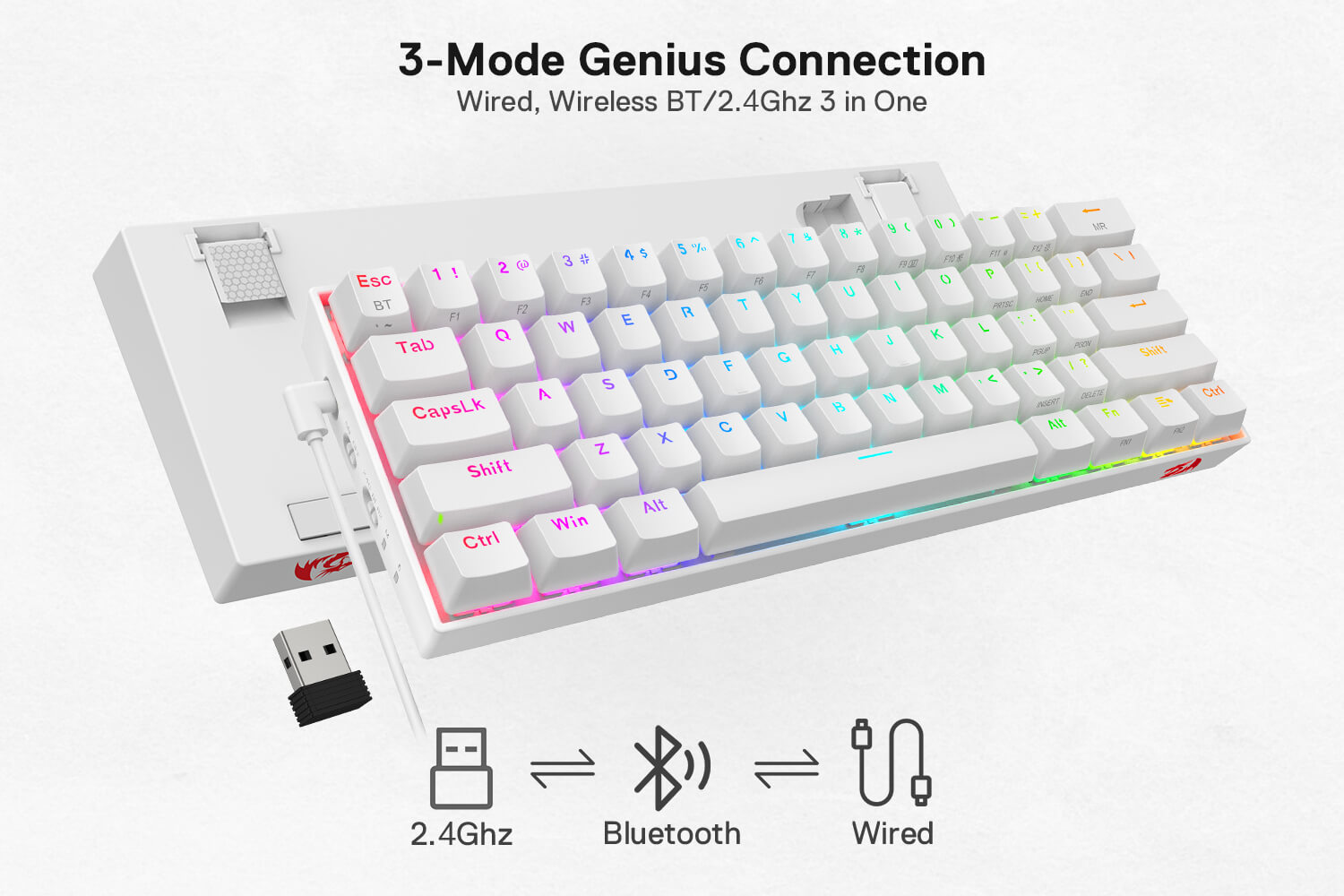
3 Mode Connectivity
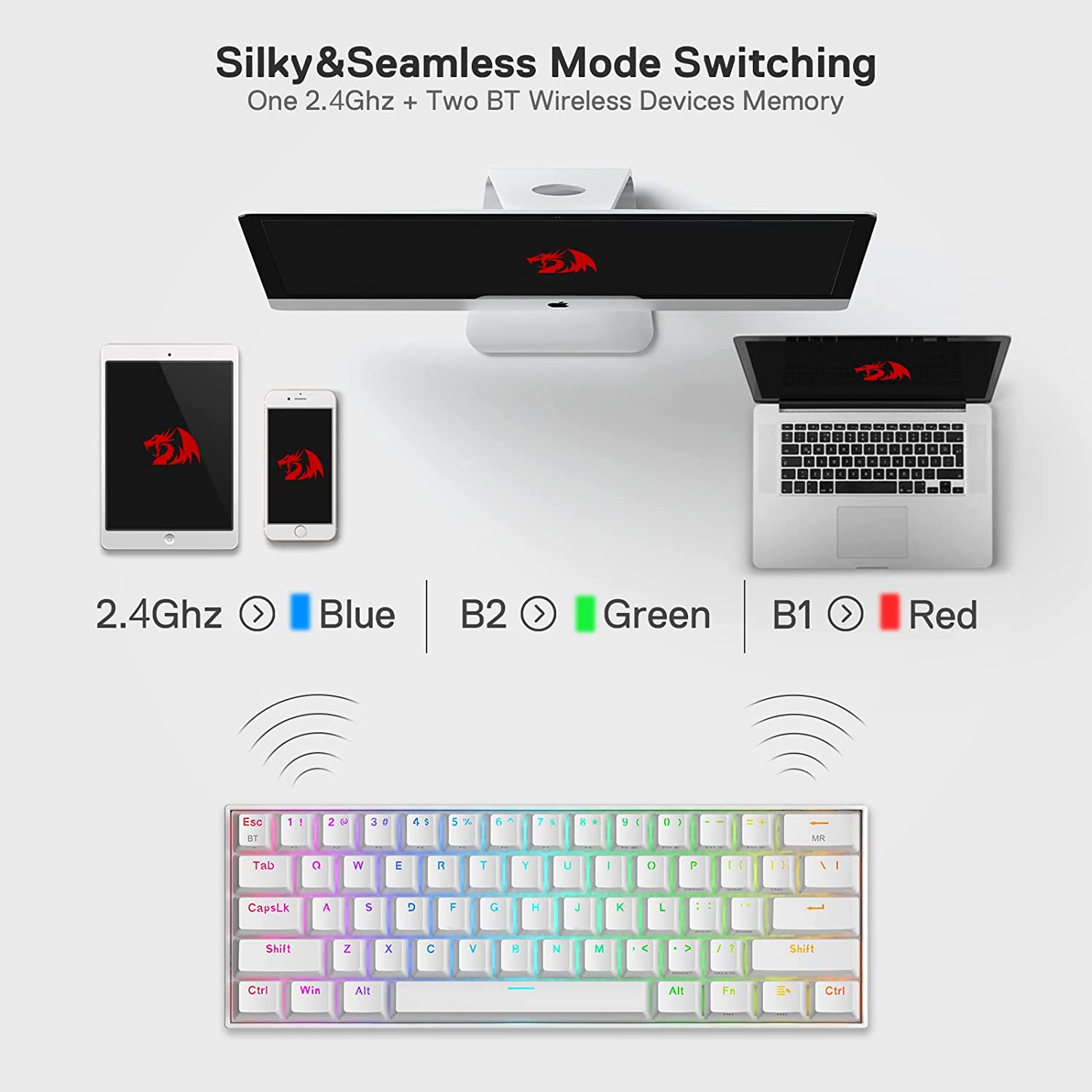
Geared with Redragon's innovative tri-mode connection technology, USB-C wired, BT 3.0/5.0 & 2.4Ghz wireless modes which make the user experience upgraded to another level in all fields.


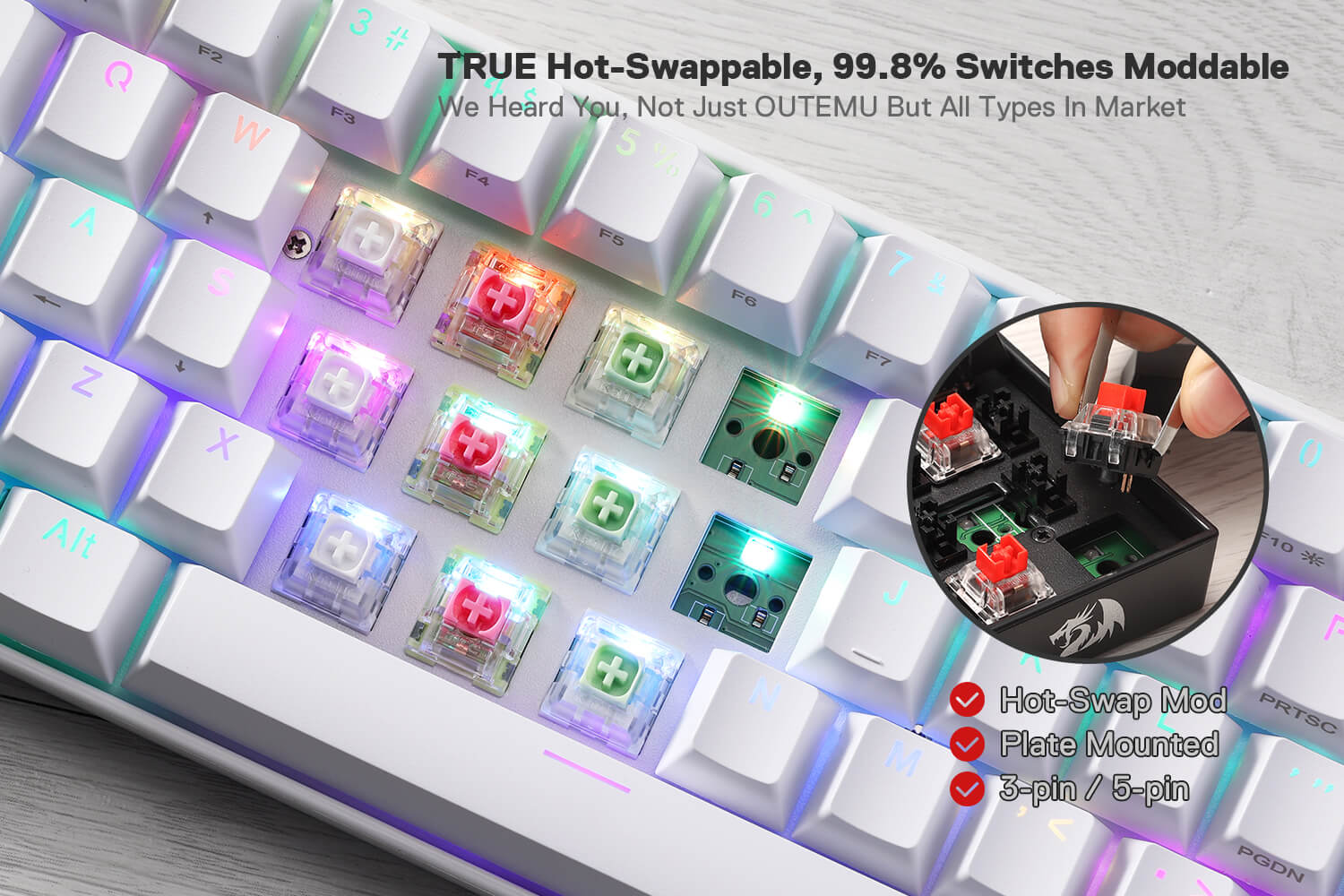
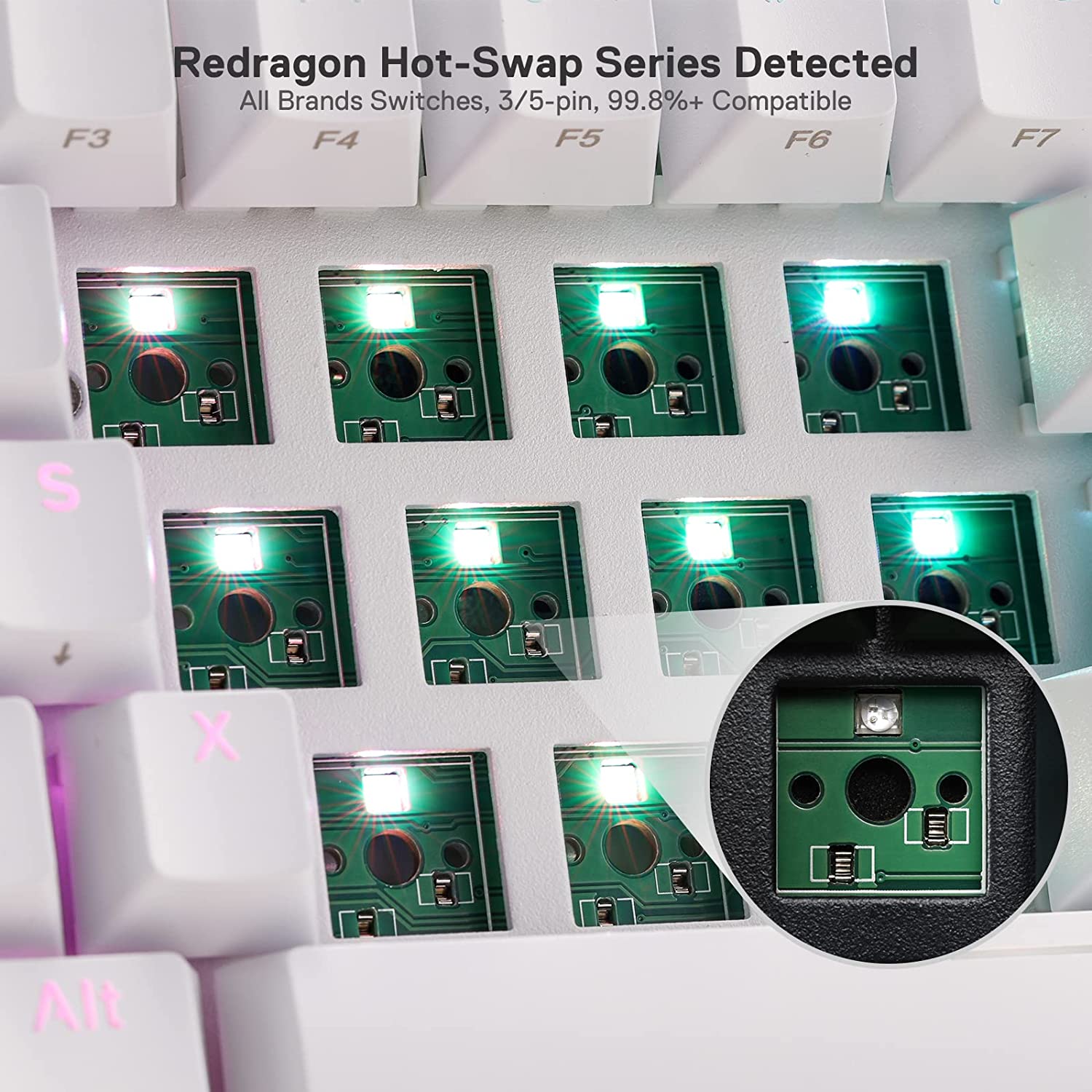
True Hot Swappable
The transformative innovation with 99.8%+ switches compatible free-mod hot swappable Redragon keyboard is available now. The unique exclusive structure design of the socket makes the switch mounting easier and less wobbling. It is compatible with almost all the MX style 3pin ("~" key supports 3pin only) and 5pin mechanical switches on the market (including Gateron, Kailh, etc.)


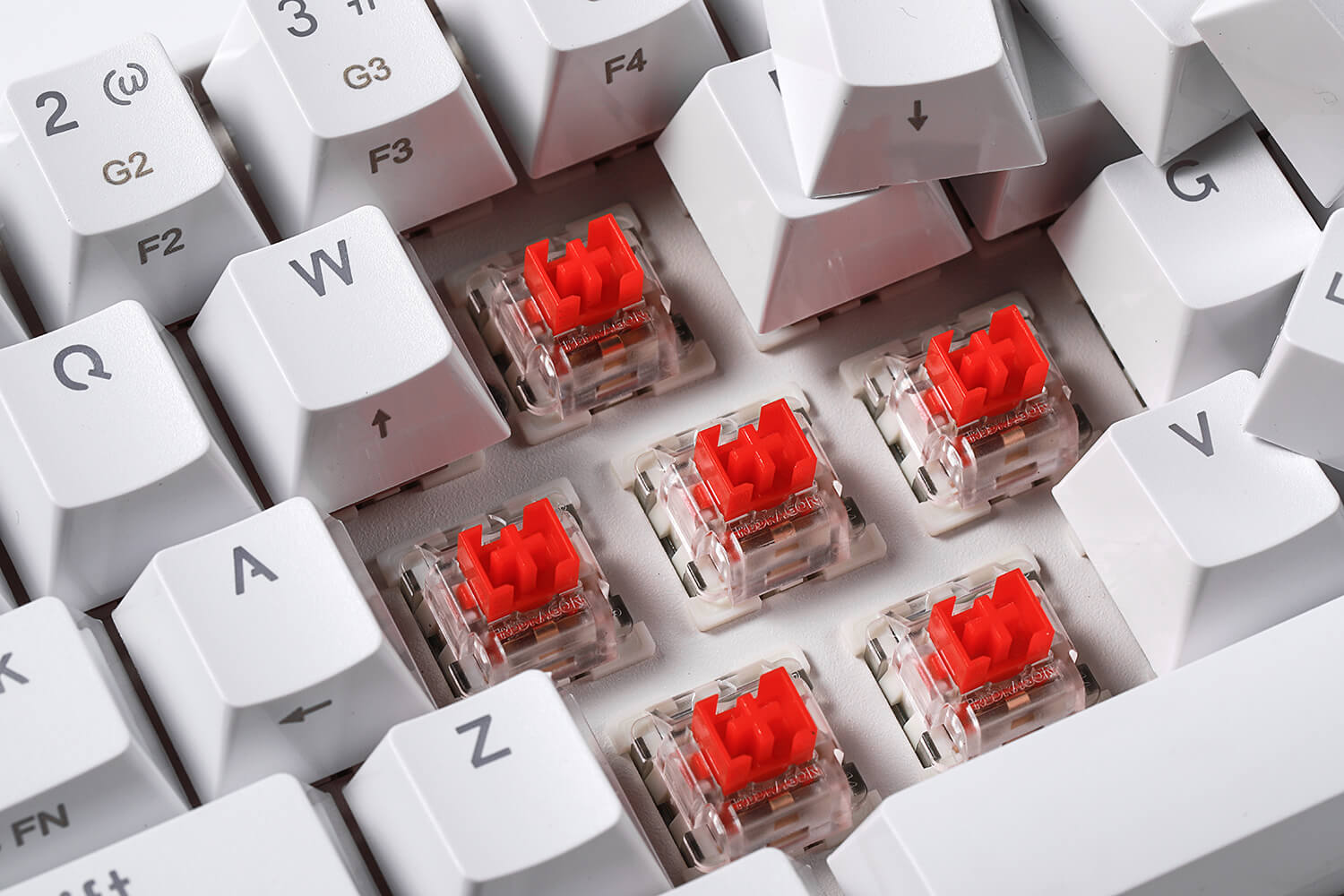
Red Switch
Redragon K530 PRO gaming keyboard is equipped with pluggable OUTEMU red switches, which are linear, top-to-bottom switches. These switches require less force to press down and the keys feel smoother and easier to use. No tactile "bump" but responsive. A great choice for work and play! Hot-swappable with almost all switch types in the market no matter 3-pin or 5-pin.


Wireless and Wired Mode
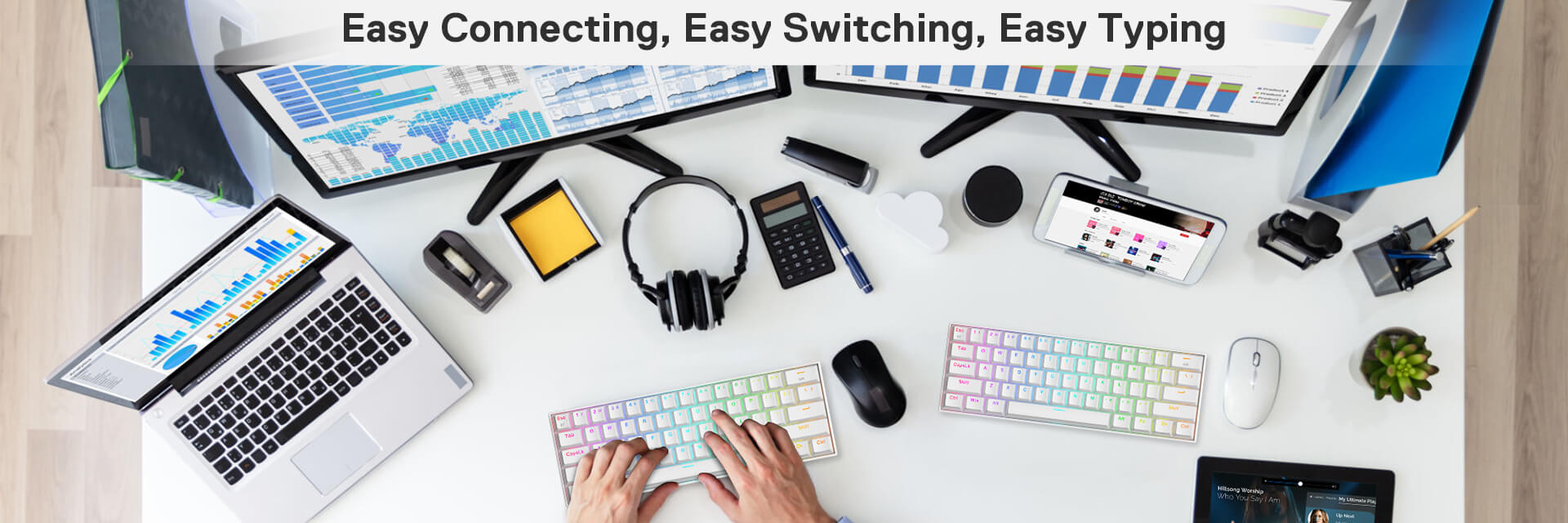
Connects with up to 2 devices via Bluetooth and switch among them easily. Built-in upgraded 3.0/5.0 Bluetooth and 2.4Ghz wireless chips, K530 Pro fits home, office and gaming use while connecting with your smartphone, laptop and iPad. Easy to toggle among 3 different wireless devices via side switch (2.4Ghz/BT1/BT2). It also has wired mode with USB Type-C connection.


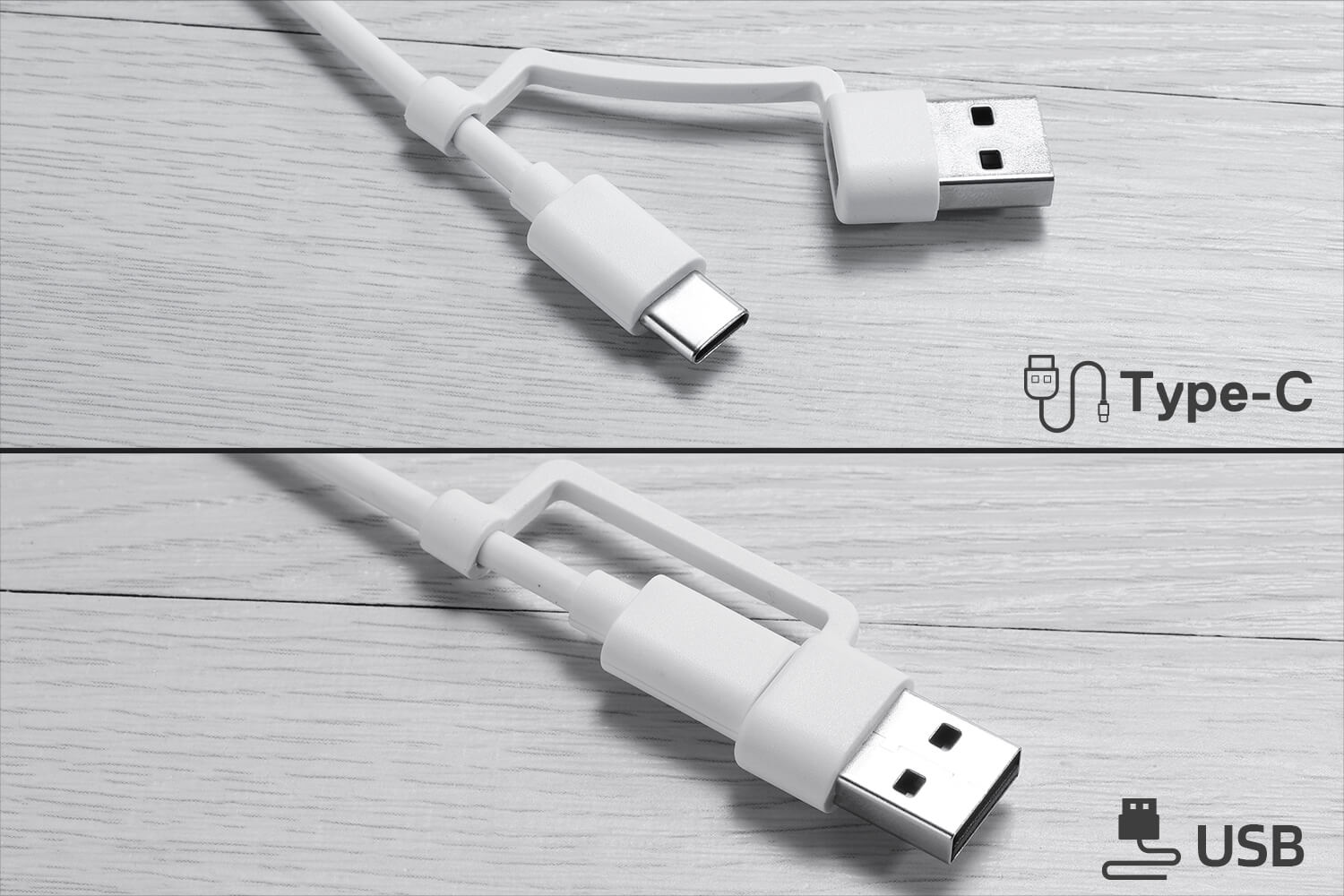
USB-C & USB-A In One
K530 PRO upgraded the keyboard itself and the included cable accessory too, making the standard USB-C to USB-C wired cable to a 2 in 1 wired cable (with both USB-C/A jacks). Make the wired connection more easier and convenient with your devices.


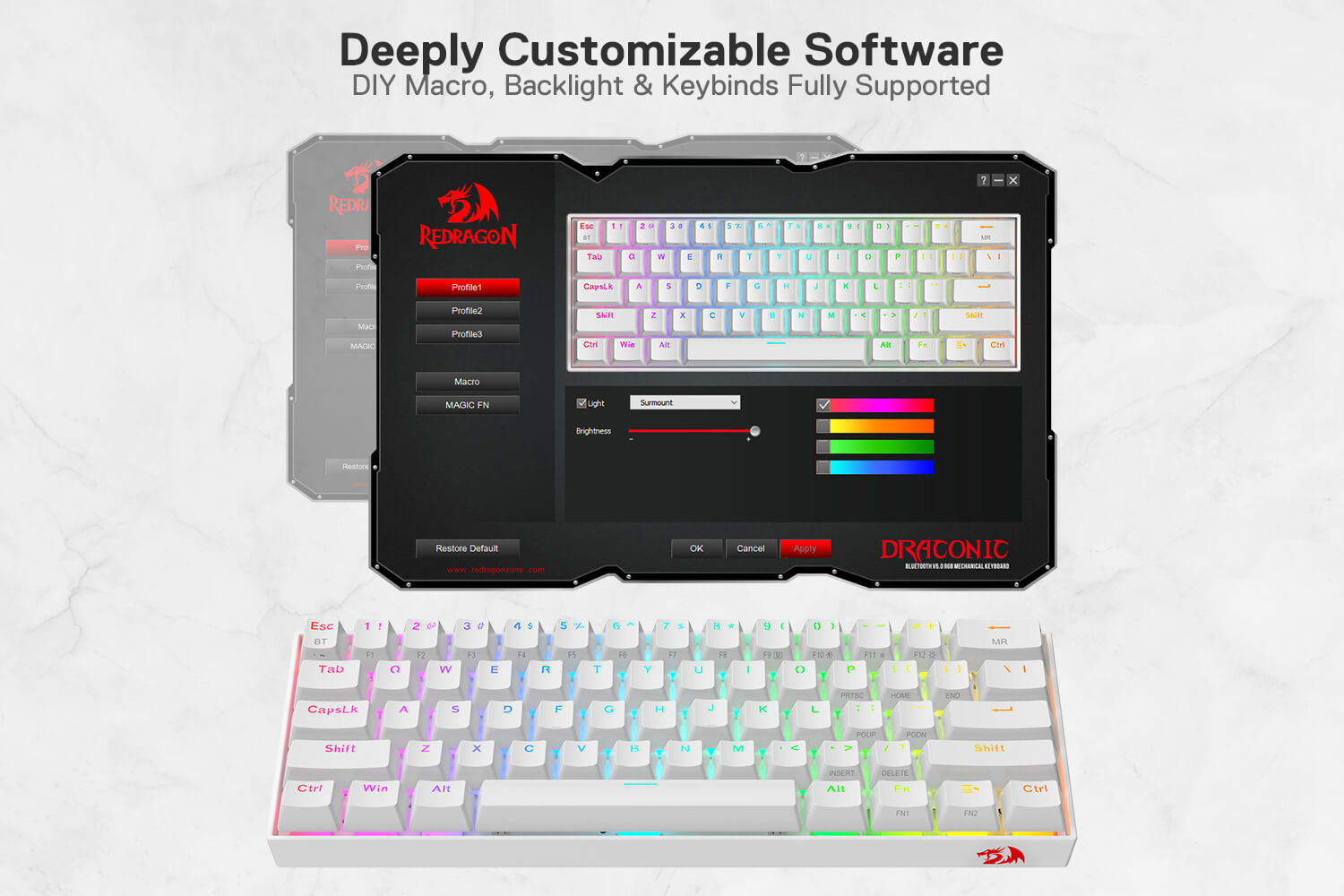
Pro Keyboard with Pro Driver
Download it and use it to have a different user experience, endless typing and backlighting are waiting for you -- the show-maker.
Frequently Asked Questions (FAQs)
How to connect the keyboard via wired connection?
1.Slide the ON/OFF switch on the left side of the keyboard to OFF.
2.Take out the USB A to USB Type C cable in the package and connect the keyboard to
your computer.
3.The computer will recognize and configure the keyboard automatically.
4.Once the keyboard Is powered up, charging begins, Led of the battery will turn to Green when the charge complete
How 2.4G Wireless Connection works?
1. Slide the ON/OFF switch on left side of keyboard to ON.
2. Slide the 2.4G/B1/B2 switch to 2.4G.
3. press [FN2]+[ESC] for about 3 seconds, the LED marked with M flashes quickly in Blue, plug the USB receiver into any available USB port on your computer within 20 seconds. The computer will recognize and configure the keyboard automatically.
How Bluetooth Connection works?
1. Slide the ON/OFF switch on left side of keyboard to ON.
2. Slide the 2.4G/B1/B2 switch to B1 or B2.
3. Press [FN2]+[ESC), the LED marked with M flashes in Red(B1) or Green(82)
Turn on Bluetooth and scan for available devices on your computer or smart phone.it will
find "BT3.OKeyboard or BT5.0 KB" device. Select one of them to get connected with it
automatically.
Press[FN2]+[backspace] agin to start recording, then jkeep press the desired key for a favor LED color,
Press [FN2]+backspace] again to save setting.
How to recharge the keyboard?
The LED indicator of the battery will turn red when the keyboard is out of battery.
Find the USB A to USB type C cable in the packaging, plug the keyboard, and connect it
to the computer for charging.
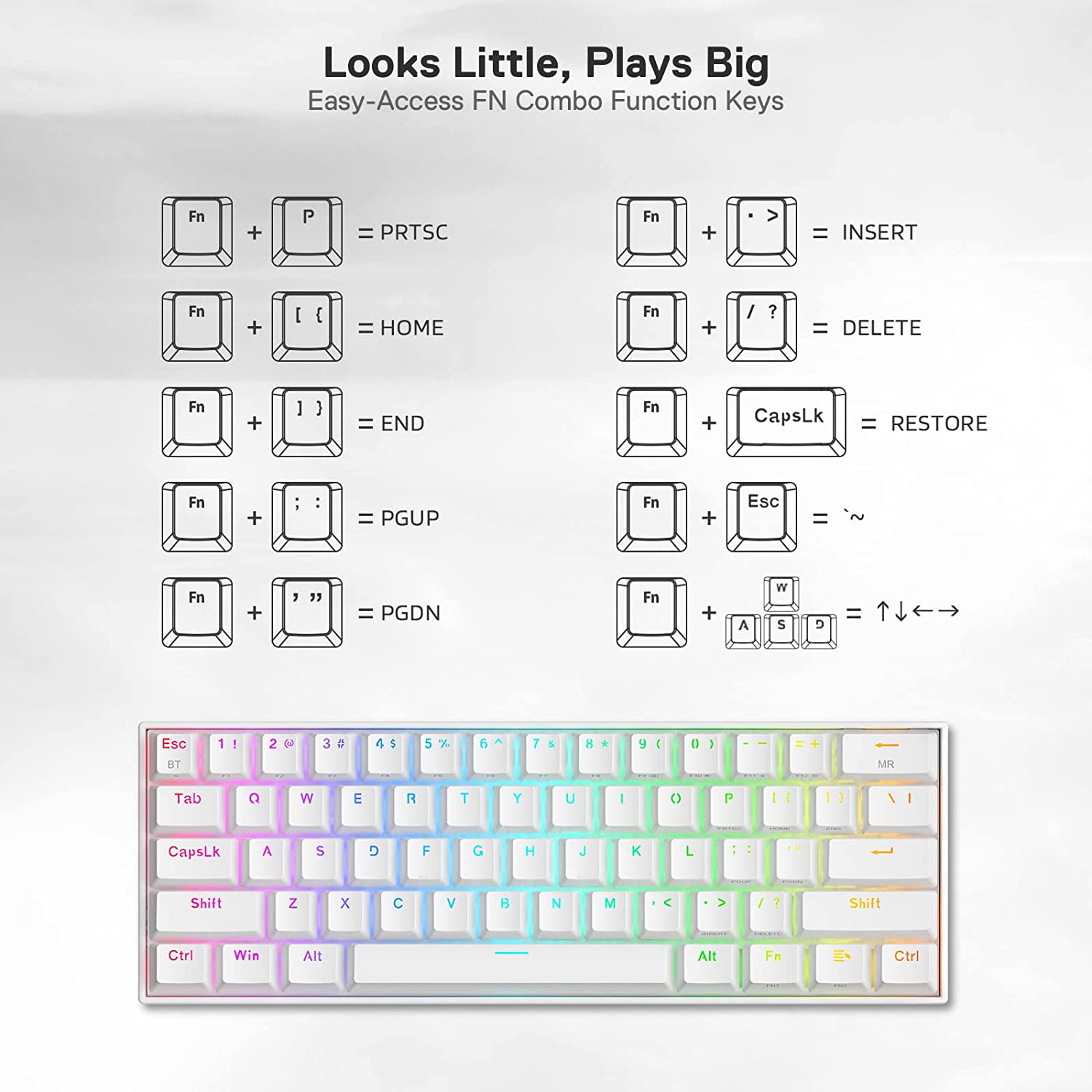
How FN1 key work with other keys?
[FN1] + [Win]: Disable or enable the [Win] key.
[FN1] + [CAPSLK]: Set the keyboard to default setting.
[FN1]+[ESC]='~
[FN1]+[1!~0)]=F1~F10
[FN1]+[-_]-F11
[FN1]+[+=]-F12
[FN1]+[A]= left arrow
[FN1]+[S]= down arrow
[N1]+[D]= right arrow
[FN1]+[W]= up arrow
[FN1]+[P]-PRTSC
[FN1]+[[{]-HOME
[FN11+[]}]-END
[FN11+[;:] - pgup
[FN1]+[.>] - INSERT
[FN11+/?] = Delete